


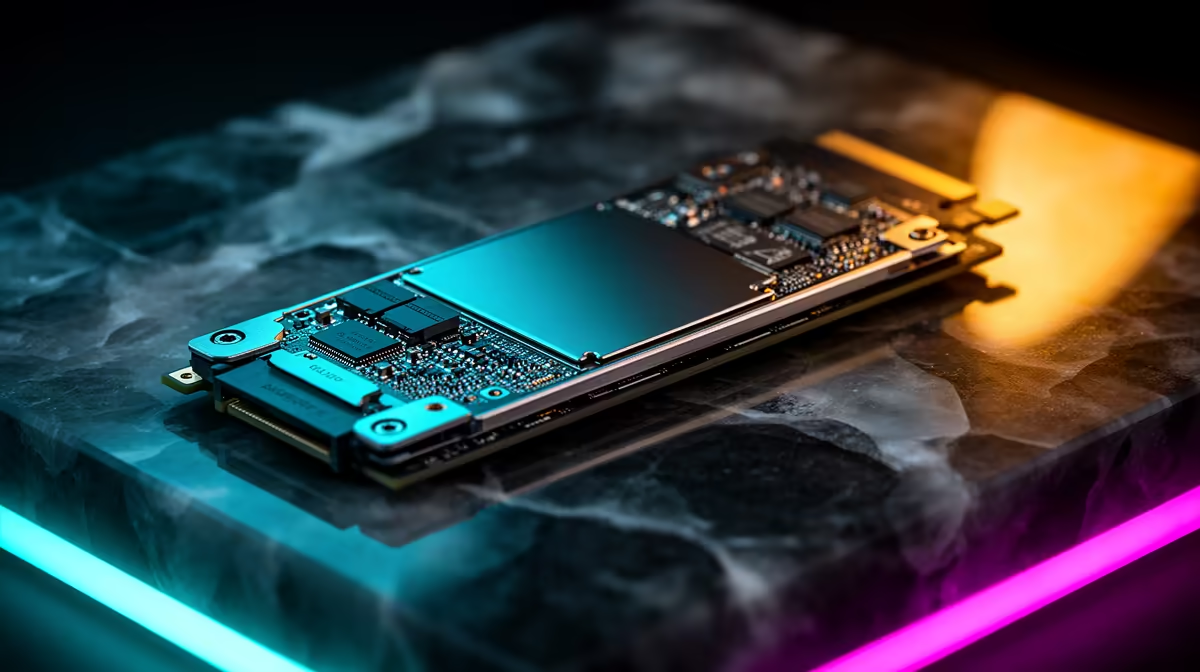
Staring at another loading screen while your mates are already in the match? We've all been there. The debate over PCIe 5.0 vs 4.0 SSD for gaming is heating up, with massive speed claims from the new tech. But for South African gamers, the real question is simple: do you need to shell out the extra cash for a Gen 5 drive, or is a Gen 4 SSD still the champion for your rig? Let's break it down.
Understanding the Speed: PCIe 5.0 vs 4.0 SSDs Explained
At its core, the difference between these two generations is raw, blistering speed. Think of PCIe 4.0 as a multi-lane highway, allowing top-tier drives to hit impressive speeds of around 7,000 MB/s. Now, imagine PCIe 5.0 as the N1 with no speed limits... it doubles the bandwidth, letting next-gen SSDs push past 12,000 MB/s and beyond. 🚀
This leap in performance is incredible on paper, but how it translates to your daily use depends entirely on what you're doing. For a comprehensive look at the options available, you can explore our full range of NVMe SSDs to see the spectrum of speeds and prices.
How PCIe 5.0 vs 4.0 SSDs Impact Real-World Gaming
Here's the crucial part for gamers. Right now, most games aren't built to take full advantage of Gen 5 speeds. When you compare a high-end Gen 4 drive to a new Gen 5 drive, the difference in loading a game like Cyberpunk 2077 or Baldur's Gate 3 might only be a second or two. For many, that tiny gain isn't worth the significant price jump.
The technology that will change this is Microsoft's DirectStorage API. It allows your graphics card to pull game assets directly from the SSD, bypassing the CPU and unlocking near-instantaneous loading. While some games are starting to implement it, we're still in the early days. This makes the battle-tested and more affordable proven Gen 4 NVMe SSDs the current sweet spot for pure gaming value.
Check Your Motherboard! 🔧
Before you even consider a Gen 5 SSD, make sure your motherboard has a PCIe 5.0 M.2 slot. Most current-gen Intel (Z690 Z790) and AMD (X670 B650) boards support it, but it's often limited to the primary slot. Plugging a Gen 5 drive into a Gen 4 slot will cap its speed, giving you no benefit for the extra cost.
More Than a Game: Who Really Needs PCIe 5.0 Speed?
While the PCIe 5.0 vs 4.0 SSD debate for gaming leans towards Gen 4 for now, the story is different for content creators and professionals. If your workflow involves editing 8K video, working with massive datasets, or compiling complex code, the raw throughput of a Gen 5 drive can slash your wait times significantly.
For these power users, every second saved is productivity gained, making the investment a no-brainer. If you're building an ultimate, future-proof rig for more than just gaming, equipping it with one of the latest Gen 5 NVMe SSDs is the only way to guarantee you have the absolute fastest storage on the market. ✨
The Verdict: Which SSD is Best for Your South African Rig?
So, should you go with Gen 4 or Gen 5? The choice comes down to your primary use and budget.
- For the Smart Gamer: A high-quality PCIe 4.0 SSD offers incredible performance that's more than enough for today's games. You get lightning-fast load times and snappy performance without breaking the bank. It's the undisputed king of value right now.
- For the Future-Proofer & Creator: A PCIe 5.0 SSD is for those who want the absolute best and are ready for the next wave of gaming technology like DirectStorage. It's also the clear winner for professionals who need maximum storage speed for demanding creative work.
Ultimately, both are fantastic technologies. The key is matching the drive to your needs to get the most bang for your buck from the best SSD deals available in South Africa.
Ready to Slash Your Load Times? Whether you're after the incredible value of Gen 4 or the future-proof power of Gen 5, the perfect drive is waiting. Explore our massive range of SSD deals and find the perfect storage upgrade to conquer your digital world.









