PCIe Gen5 SSDs are here, promising speeds that feel like science fiction. But just plugging one in isn't enough to unlock its full potential. To truly maximize PCIe Gen5 SSD performance in South Africa, you need the right setup and a few clever tricks. Let's get your rig running at ludicrous speed and leave those progress bars in the dust. 🚀
Understanding the Leap to PCIe Gen5 Speeds
So, what’s all the fuss about? In simple terms, PCIe Gen5 doubles the data transfer highway compared to its predecessor, Gen4. Think of it as going from a busy two-lane road to a massive four-lane superhighway for your data. This means sequential read/write speeds can blast past 10,000MB/s, a number that was pure fantasy just a few years ago.
For gamers and creators, this translates to near-instantaneous game loads, seamless 8K video editing, and applications that open the moment you click. It’s a foundational upgrade that makes your entire system feel more responsive. While the technology is cutting-edge, it's becoming more accessible across a range of the latest solid-state drives.
Your Checklist to Maximize PCIe Gen5 SSD Performance
Getting the most out of these lightning-fast drives isn't just a plug-and-play affair. Your entire system needs to be ready to handle the heat and the speed. Here’s your checklist for unlocking that top-tier performance.
### Motherboard and CPU Compatibility
This is non-negotiable. You can't just slot a Gen5 SSD into any old PC and expect magic. To get the full bandwidth, you need:
- A Compatible CPU: An Intel 12th Gen (or newer) or AMD Ryzen 7000 Series (or newer) processor.
- A Compatible Motherboard: Look for motherboards with chipsets like Intel Z790 or AMD X670E/B650E that explicitly feature a PCIe 5.0 M.2 slot. Without this, your drive will be bottlenecked and run at slower Gen4 speeds.
### The Cooling Conundrum: Don't Let it Throttle ✨
With great speed comes great heat. PCIe Gen5 SSDs can get incredibly hot under load, and if they overheat, they'll "throttle"—drastically reducing their speed to protect themselves. This completely defeats the purpose of your investment.
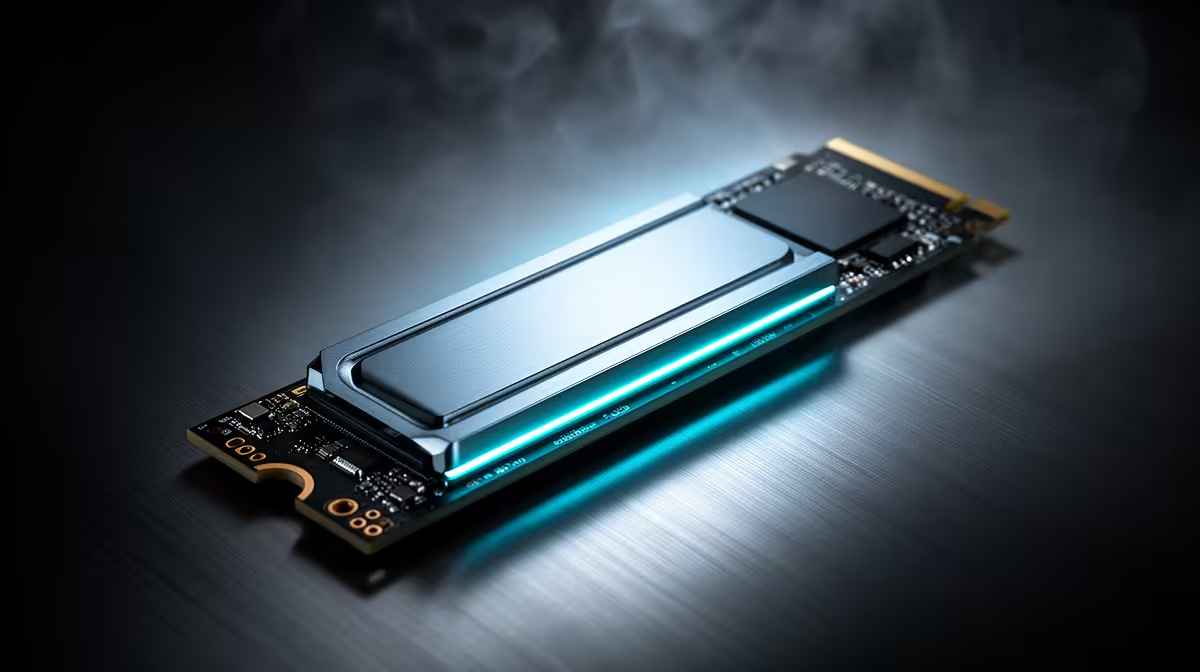
Ensure your drive has adequate cooling. Many high-end motherboards come with chunky, built-in M.2 heatsinks. Alternatively, many of the top-tier NVMe SSDs are now sold with their own sophisticated heatsinks, some even including tiny fans for active cooling. Don't skip this step!
System Health Check 🔧
Windows typically handles this automatically, but it's wise to double-check that TRIM is enabled for your SSD. TRIM allows the OS to tell your SSD which data blocks are no longer in use, preventing performance degradation over time. Open Command Prompt as an administrator and type fsutil behavior query DisableDeleteNotify. If the result is 0, you're good to go!
The Real-World Benefit for South African Gamers
Let's talk rands and sense. Is a Gen5 SSD worth the premium price tag right now? For most gamers, a high-end Gen4 drive still offers incredible performance for a much lower cost. The difference in game load times between top-tier Gen4 and Gen5 drives is often just a second or two.
However, the story changes if you're a content creator transferring massive files daily or a tech enthusiast building a future-proof rig. Technologies like Microsoft's DirectStorage are poised to leverage these speeds more directly in upcoming games. For now, balancing your budget might mean pairing a super-fast NVMe boot drive with more affordable, reliable 2.5-inch SSDs for game libraries. Always be sure to check out the latest SSD deals to find the sweet spot between blistering speed and excellent value.
Ready to Unleash Ludicrous Speed? Whether you're future-proofing with the latest tech or seeking the best value, optimising your storage is key. To maximize your PCIe Gen5 SSD performance, you need the right drive for your rig and budget. Explore our massive range of high-speed SSDs and find the perfect upgrade to obliterate loading screens today.