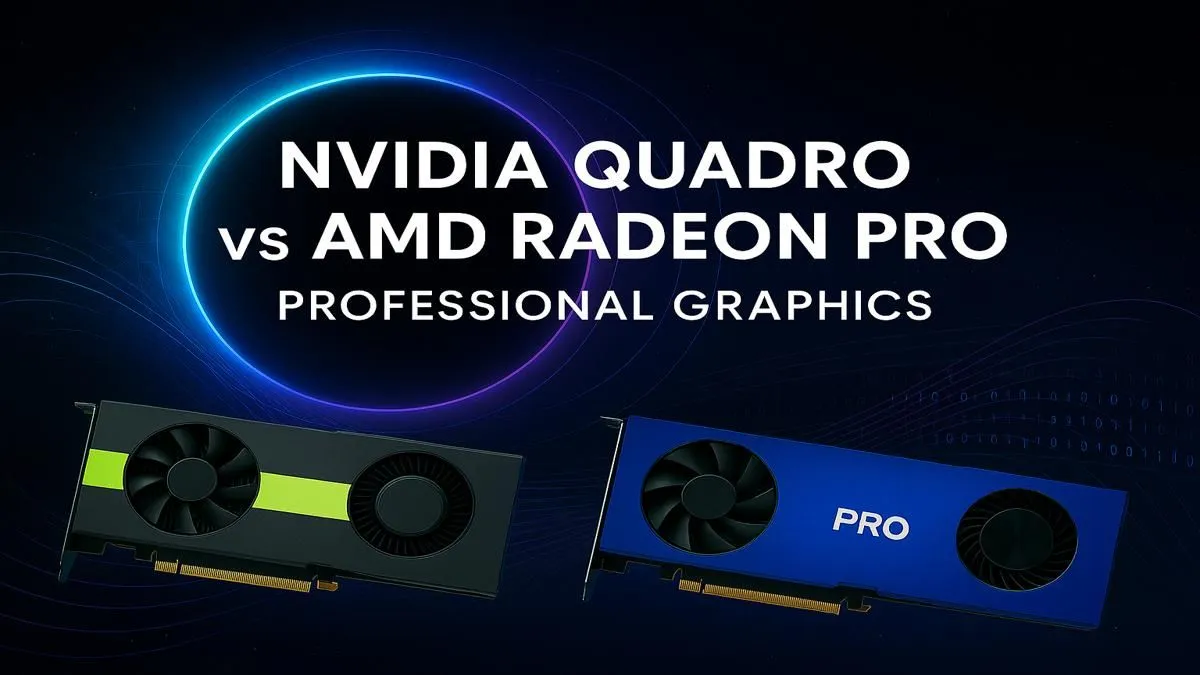
Choosing a professional GPU in South Africa isn't like picking a card for gaming. Forget frame rates in Warzone; we're talking about rendering deadlines, complex simulations, and buttery-smooth viewport performance. The classic Quadro vs Radeon Pro battle is about one thing: finding the right tool for your specific professional workflow. Making the wrong choice can cost you hours of productivity and, ultimately, money. Let's break down which powerhouse is right for you.
What Sets Professional GPUs Apart?
Before diving into the Quadro vs Radeon Pro showdown, it's crucial to understand why these cards are in a different league from their gaming cousins. It’s not just about raw power… it's about stability and precision. 🔧
Professional GPUs from both NVIDIA and AMD feature:
- Certified Drivers: These drivers are rigorously tested and optimised for specific professional applications like SOLIDWORKS, AutoCAD, Adobe Premiere Pro, and DaVinci Resolve. This ensures rock-solid stability, preventing crashes that could corrupt hours of work.
- ECC Memory (on select models): Error-Correcting Code memory automatically detects and fixes single-bit memory errors, which is critical for scientific and financial calculations where absolute precision is non-negotiable.
- Enhanced Build Quality: These cards are built for 24/7 operation under heavy load, often featuring more robust cooling and power delivery systems than consumer cards.
The Case for NVIDIA: Quadro and the RTX Ada Generation
For years, NVIDIA's Quadro line (now officially branded as NVIDIA RTX Ada Generation for workstations) has been the industry benchmark in many fields. Their biggest advantage? The CUDA parallel computing platform. Countless professional applications, especially in 3D rendering and machine learning, are built specifically to leverage CUDA cores for massive speed boosts.
If your workflow involves applications like Blender (Cycles renderer), V-Ray, or any AI-driven tools, the performance gains from NVIDIA's Tensor Cores and RT Cores for ray tracing are hard to ignore. While these professional cards are the ultimate tool, many freelancers and smaller studios start with high-end consumer cards. The architecture powering the latest NVIDIA GeForce graphics cards shares DNA with its professional counterparts, offering a powerful entry point.
Check Your Software's Certified List! ⚡
Before you spend a single Rand, visit the website for your most-used software (e.g., Autodesk, SOLIDWORKS, Adobe). They publish lists of certified and tested hardware. Choosing a GPU from this list is the safest way to guarantee compatibility and stability for your critical projects.
The Challenger: AMD's Radeon Pro Series
AMD has carved out a powerful niche in the professional space with its Radeon Pro series. Often presenting a compelling price-to-performance ratio, these cards are far from a "budget" option. They are true workhorses, particularly excelling in workflows that rely on open standards like OpenCL.
Radeon Pro GPUs are often praised by video editors using DaVinci Resolve and creative professionals who need to drive multiple high-resolution, colour-accurate displays. Just as in the gaming space, the competition is fierce. The technology behind Radeon Pro cards is constantly evolving, pushing boundaries in a similar way to their popular AMD Radeon gaming graphics cards, which are favoured by many for content creation on a budget. ✨
Quadro vs Radeon Pro: Key Decision Factors for South Africans
So, how do you decide between a Radeon Pro or a Quadro card? It boils down to your primary tasks and budget.
Software & Driver Optimisation
This is the most important factor. If your main application is heavily optimised for CUDA (like many Autodesk products or AI frameworks), an NVIDIA RTX card is almost always the smarter choice. If your workflow is more flexible or relies on OpenCL-accelerated programs (common in video editing and certain scientific fields), a Radeon Pro can offer incredible performance for your money.
Performance & Specialisation
- 3D Rendering & Ray Tracing: NVIDIA's RT Cores currently give them a significant lead in real-time ray tracing performance.
- Video Editing & Colour Grading: This is a tight race. Both camps offer fantastic performance, but AMD often shines in DaVinci Resolve and applications that leverage its display engine for multi-monitor setups.
- CAD & Engineering: Historically, this has been NVIDIA's stronghold due to specific driver optimisations for apps like SOLIDWORKS. Always check certifications first.
Price & Value in ZAR 🚀
Here in South Africa, every Rand counts. While top-tier NVIDIA cards often carry a premium price, AMD frequently provides a more aggressive price-to-performance curve with its Radeon Pro line. Ultimately, your budget will play a massive role. It's always worth checking the latest graphics card deals in South Africa to see how current pricing stacks up for both professional and high-end consumer cards.
The Verdict: Which Professional GPU Should You Buy?
There’s no single "best" card in the Quadro vs Radeon Pro debate… only the best card for your job.
- Choose NVIDIA RTX (Quadro): If your living depends on CUDA-accelerated software, AI/ML development, or you need the absolute best real-time ray tracing performance available. It's the safe, industry-standard bet for many engineering and architectural workflows.
- Choose AMD Radeon Pro: If you're a creative professional in video or design, work primarily with OpenCL-based applications, or are looking for the maximum performance-per-Rand without compromising on professional-grade stability and features.
The right professional GPU is an investment in your productivity. Choose wisely, and it will pay for itself many times over.
Ready to Build Your Ultimate Workstation?
The Quadro vs Radeon Pro debate is all about matching the tool to the job. Whether you're rendering complex 3D scenes or editing 8K video, the right GPU is crucial. Explore our range of powerful workstation PCs and find the perfect machine to conquer your professional world.