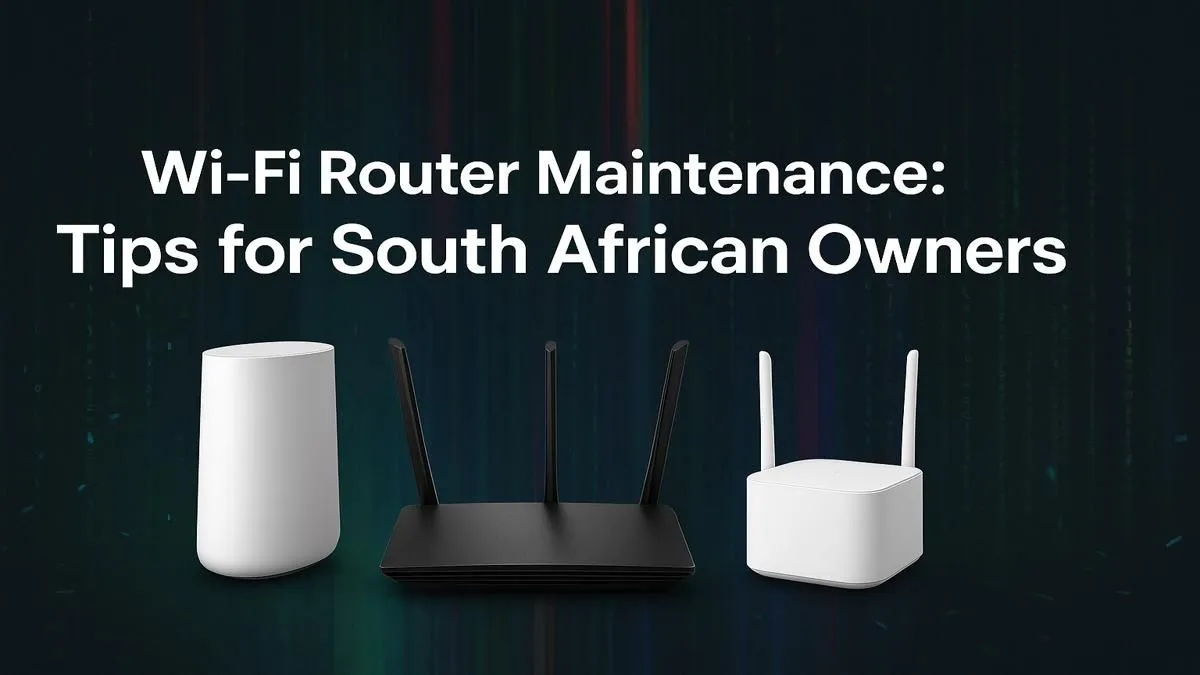
Lag strikes again. You had the drop on them, the perfect headshot lined up... and then your connection stutters. Is it your ISP? An unexpected outage messing with the network again? Maybe. But what if the culprit is that blinking box you haven't touched in months? Your Wi-Fi router is the unsung hero of your digital life, and a little Wi-Fi router maintenance is the secret to unlocking the stable, speedy connection you pay for.
Why Router Care is Crucial in South Africa
In SA, our internet hardware works hard. Between unpredictable power surges from power interruptions and the ever-increasing demand from streaming, gaming, and working from home, your router is under constant pressure. Proper Wi-Fi router maintenance isn't just about speed; it's about stability and security. A well-maintained router handles network traffic more efficiently, recovers better from outages, and keeps your data safe from digital threats. Think of it as a low-effort, high-reward tech task.
Your Essential Wi-Fi Router Maintenance Checklist 🔧
Forget complicated tech jargon. These are simple, effective habits that anyone can adopt to keep their home network running smoothly.
1. The Weekly Reboot Ritual
It’s the oldest trick in the IT book for a reason. Rebooting your router clears its temporary memory (RAM), stops background processes that might have crashed, and allows it to establish a fresh, clean connection to your ISP.
How to do it: Don't just press the power button. Unplug the router from the wall, wait a full 60 seconds, and then plug it back in. This ensures a complete power cycle.
2. Give it Room to Breathe
Heat is the enemy of all electronics. Routers tucked away in crowded cabinets or stacked with other devices can overheat, causing performance to throttle and components to fail prematurely.
Where to place it: Position your router in a central, open location, away from thick walls and other electronics like microwaves or cordless phones. Ensure its vents are clear of dust and obstructions for optimal airflow. A quick wipe with a dry cloth every few weeks helps too.
Firmware Check Pro Tip ⚡
Many modern routers have an auto-update feature for firmware. Log in to your router’s admin panel (usually by typing 192.168.0.1 or 192.168.1.1 into your browser) and check the settings. If it’s not enabled, turn it on! This is one of the most important router maintenance tips for security.
3. Keep Your Firmware Updated
Firmware is the router's internal software. Manufacturers regularly release updates that patch security vulnerabilities, fix bugs, and sometimes even improve performance and add new features. Running outdated firmware is like leaving your digital front door unlocked. An essential part of your maintenance routine should be checking for these updates every month or two.
When Maintenance Isn't Enough 🚀
Sometimes, no amount of TLC can help an old, underpowered router. If you're paying for a 100Mbps fibre line but only getting 30Mbps over Wi-Fi, or if your connection drops constantly despite a solid signal, it might be time for an upgrade. Technology has moved on, and a router from five years ago simply can't handle the demands of today's multi-device households.
If your coverage is spotty in certain rooms, a simple wireless range extender can be the perfect solution. For older desktop PCs without built-in Wi-Fi, a modern wireless adapter can provide a massive speed boost.
But if the core problem is the router itself, investing in new hardware is the best fix. For those with high-speed fibre, pairing it with one of the latest Fibre routers ensures you're not bottlenecking your connection. For everyone else, browsing the latest generation of wireless routers will reveal incredible gains in speed, range, and stability. A new router is often the single biggest upgrade you can make to your entire home's online experience, and you can explore all the options in our main wireless networking category.
Ready to Banish Buffering for Good?
Solid Wi-Fi isn't a luxury... it's a necessity. If your old router is holding you back, it's time for a change. Explore our massive range of wireless routers and find the perfect hardware to conquer lag and unlock your internet's true potential.