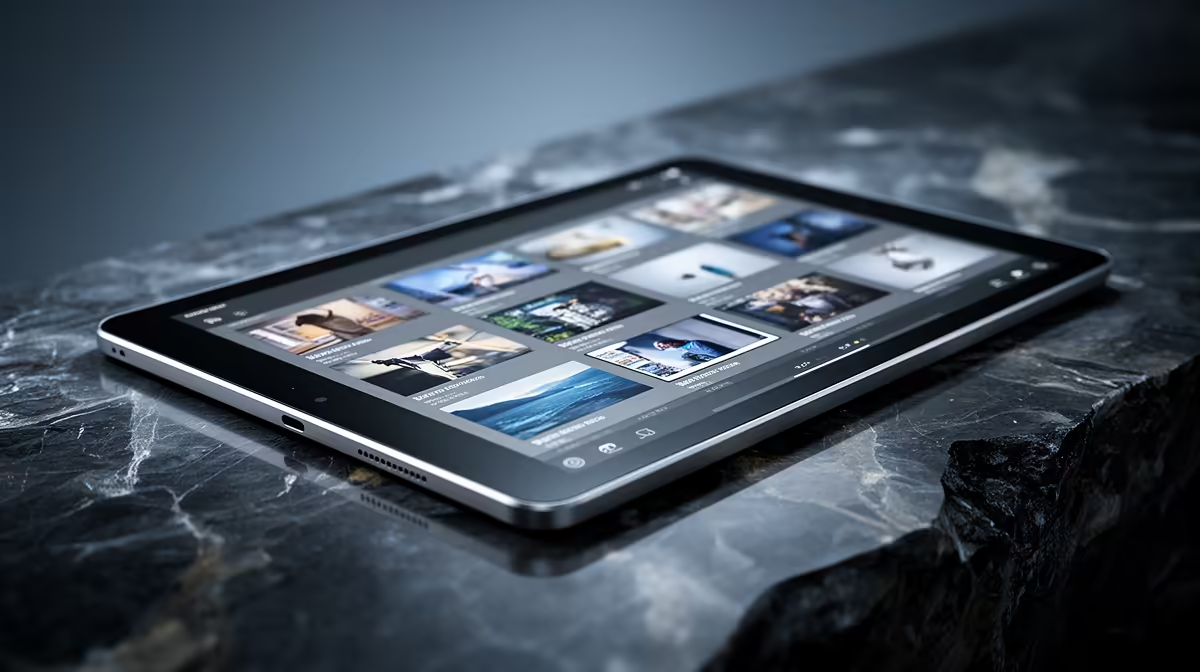
An Android tablet is worth using for Lightroom culling when the photographer wants a portable screen for rating, rejecting and making light adjustments away from the main computer. It should not be assumed to replace a calibrated editing workstation. App support, RAW compatibility, colour behaviour, storage and synchronisation must all match the camera and catalogue workflow.
Test a complete shoot from import to sync
No Android tablet has verified pricing in the supplied factpacks. Compare current Evetech options by processor, memory, storage expansion, screen size, colour coverage, USB-C transfer support, battery runtime, update policy and warranty. Confirm the current Lightroom app features, camera RAW files and any card reader or hub on the exact device.
Import a representative shoot containing bursts, large RAW files and a few videos. Rate images, zoom to check focus and synchronise the changes back to the main catalogue. Watch for duplicate files, missing metadata, slow previews and unexpected mobile-data use. Keep one untouched copy of the card before changing or deleting images.
Choose the tablet when portable culling saves time and catalogue changes move reliably between devices. A laptop is safer when full desktop tools, external drives and calibrated colour are required. Buy the screen for a proven mobile stage, not for the expectation that every desktop edit will transfer unchanged.
Planning mobile photo review? > Ask Evetech to compare current tablets and storage accessories for the camera files.