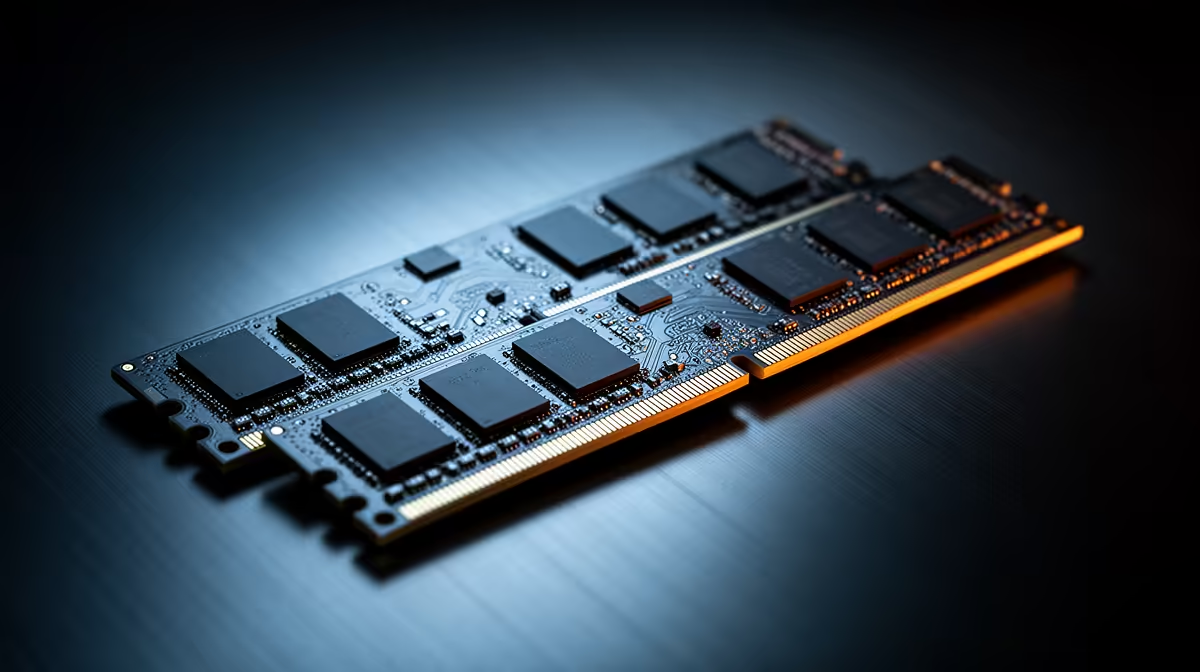
RAM can change gaming performance in two different ways. Too little capacity causes paging and stutter. Slow or poorly configured memory can hold back a CPU-limited game. Once capacity and a sensible speed are in place, faster kits tend to deliver smaller gains.
Quick Answer
Choose 16GB only for a lean gaming setup whose real memory use fits. Choose 32GB for a new all-round gaming PC, large modern titles, mods or heavy background tools. Use a matched two-module kit at a stable speed supported by the platform. Measure frame-time behaviour before paying for a premium memory bin.
Capacity problems feel rough
When the game, Windows and background apps exceed physical RAM, the system moves data to storage. An SSD is fast storage and slow memory. The result can be traversal hitches, long task switching or a game closing under pressure.
Open the game with voice chat, browser and capture tools you use in a normal session. Watch committed memory and page-file activity. If 16GB sits at the limit, moving to 32GB can improve consistency even when average fps barely changes.
Browse the DDR5 memory selection and RAM products buyers favour, matching the exact generation to your motherboard.
Speed matters most under a CPU limit
High-refresh 1080p games can respond to memory bandwidth and latency because the CPU prepares many frames. At 4K with the graphics card full, changing RAM speed may do little.
Compare current tests using the same CPU, timings, capacity and game. A faster data rate paired with loose timings does not tell the full latency story. One-percent lows deserve attention beside the average.
Configuration can waste a good kit
Install modules in the board's recommended slots and confirm both channels are active. Boot at default settings before enabling XMP or EXPO. Profiles are memory overclocks, so test stability after applying them.
Do not mix random modules to reach a headline capacity. Similar labels can hide different chips and training behaviour. A matched kit gives the memory controller one intended combination.
Keep the upgrade tied to a result
Save a frame-time capture before changing the kit, then repeat it with the same game scene and background apps. A capacity upgrade should reduce paging or stutter where the old setup was full. A speed upgrade should show its value in CPU-limited lows.
If neither result moves, the graphics card, processor or game may be the stronger limit. Keep the new memory only when its capacity, stability or upgrade path still earns the cost.
Frequently Asked Questions
Does 32GB increase fps over 16GB?
It helps when 16GB is full. With headroom, the average difference can be small.
Is faster RAM always better?
No. Timings, platform support and stability matter, while GPU-limited games may barely respond.
Should I use two RAM modules?
Yes on normal dual-channel desktop platforms, using the recommended matched slots and kit.
Compare gaming memory by measured capacity pressure, stable platform speed and a matched two-module layout before chasing the highest number.