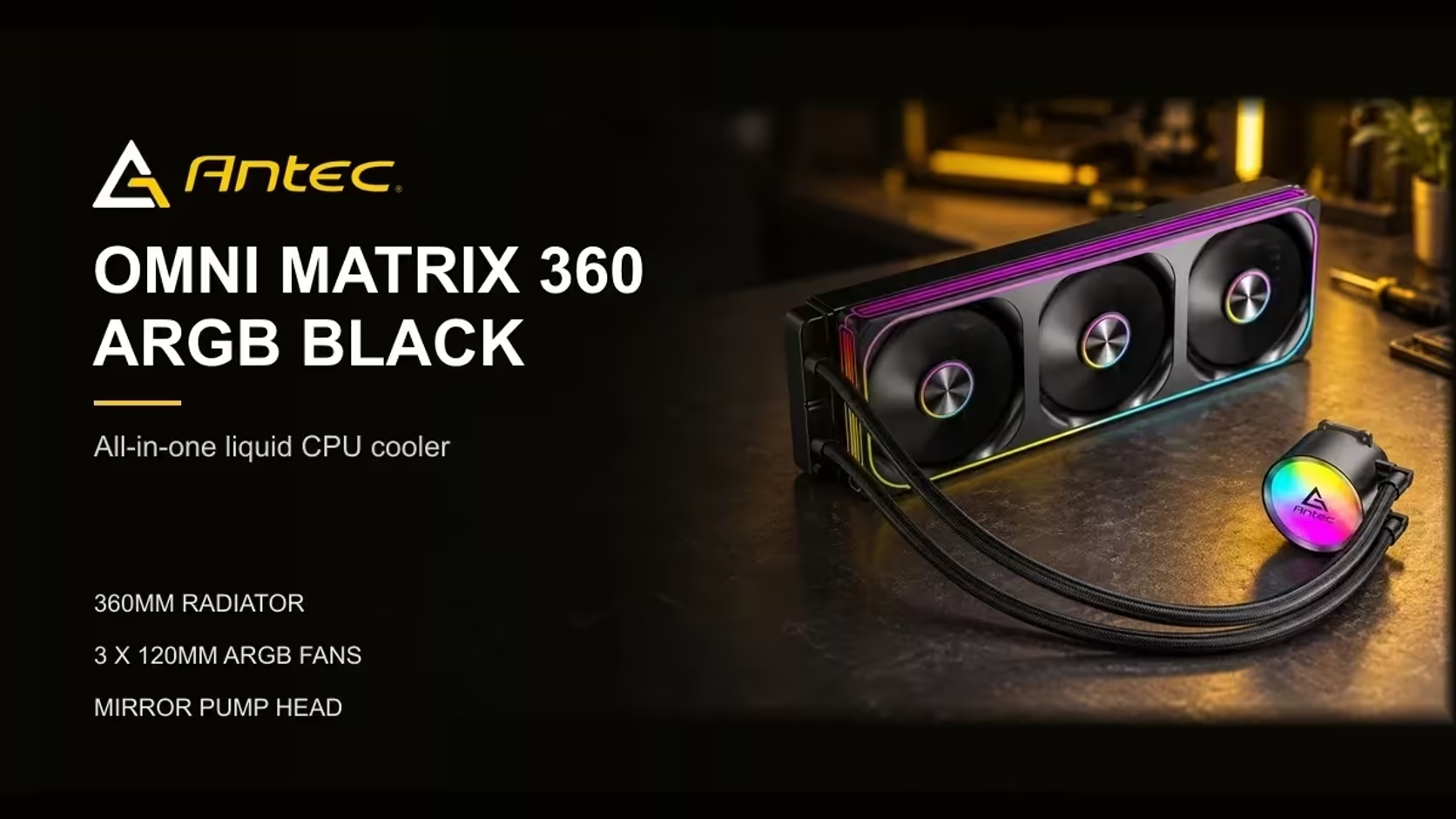
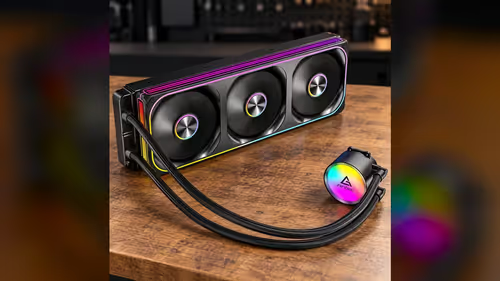
Yes, the Antec Omni Matrix 360 has an ARGB mirror-finish pump head and three 120mm PWM fans. The two parts use different connections, so plan the pump lead, the fan cable and any lighting lead before you mount anything. For a shared desk in a South African home office, that planning is what makes the build tidy. Here is what each part needs and where each one plugs in.
Quick Answer
Yes, the Antec Omni Matrix 360 has an ARGB mirror-finish pump head and three 120mm PWM fans. Each part uses a different connection, so plan the pump and fan leads before mounting. For a shared desk in a South African home office, it is one R999 purchase that covers the cooling and the lit pump head together.
🔧 The pump head
The pump head carries the mirror-finish ARGB cap, and the pump itself runs at 2700RPM. The pump needs its own header on the board, usually labelled separately from the case fans. Plug it into the pump header before you route the other cables, so you can check the pump reading straight away. The pump header is usually separate from the fan header, and the lighting uses a 3-pin ARGB connector on a 5V header.
Keep the pump lead clear of the radiator and the tubing. A lead that pulls against the tubing can strain the connector over time, so tie it back and check it once the cooler is in place.
🌀 The three PWM fans
The three 120mm fans come pre-connected, so they use a single cable. That cable runs into one PWM fan header on the board, and the board drives all three fans together. Each fan runs between 800RPM and 1800RPM, and the board sets that range through the fan curve.
Check the fan header before you close the case. A PWM header reads back as a fan speed in BIOS, and that reading confirms the fans are connected. If the reading stays at zero, move the cable to a neighbouring PWM header and check again.
💡 The lighting
The pump head's ARGB lighting and the fans' lit rings use the addressable lighting system. Check the board manual for an ARGB header, and connect the lighting lead to it if your setup requires one. A missing header does not stop the cooling, but it leaves the lights dark. Test the lights on the bench with a 5V addressable header before the radiator goes on.
Test the lights on the bench before you fit the radiator. A quick colour change in the software tells you whether the lighting is connected, and it is far easier to fix a lead on an open board than inside a closed case.
🏠 Planning the desk setup
For a shared desk, the cable layout matters as much as the parts. Route the pump lead and the fan cable behind the motherboard tray, and keep the lighting lead out of sight. A tidy build also makes it easier to clean the radiator when Highveld dust settles on the fins.
Plan the headers before you buy. Count the pump header, the PWM fan header and the ARGB header on your board, and check that each one is free. A board with all three will run the cooler without an extra controller.
Evetech has a liquid CPU coolers range for the 360mm options, with the wider CPU coolers category behind it for air and other sizes. For case fans to match the lit look, the case fans range is the place to check.
Frequently Asked Questions
Does the pump head have ARGB lighting?
Yes. It is an ARGB mirror-finish pump head, so it needs an addressable ARGB header if you want the lights to run.
How many fan connections do the three fans need?
One. The three 120mm PWM fans come pre-connected on a single cable, which runs into one PWM fan header.
Can the pump share a header with the fans?
No. The pump usually has its own header, labelled separately from the case fans. Check the board manual before you connect it.
Do I need the lighting connected to run the cooler?
No. The cooling works without the lighting lead, but the lights stay dark until the ARGB header is connected.
Planning a lit cooler build?
Browse our liquid CPU coolers and check the headers on your board before you add one to your basket.