When the board says it cannot find the pump or a fan, the fault is almost always in the connector, not the cooler. A lead that is one click short, a plug in the wrong header or a fan control setting that hides the reading can all look like a dead component. Start with the cheapest checks, and move to the board settings only once the cables are confirmed. Here is the order to work in, and what to do when the pump or fan still does not appear.
Quick Answer
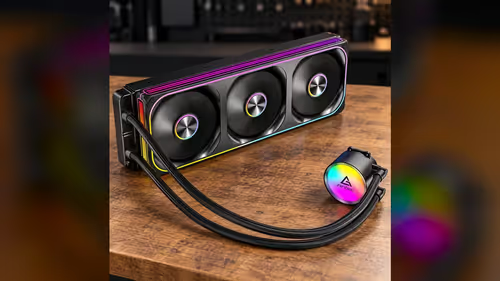
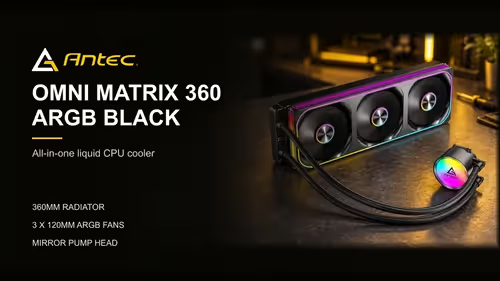
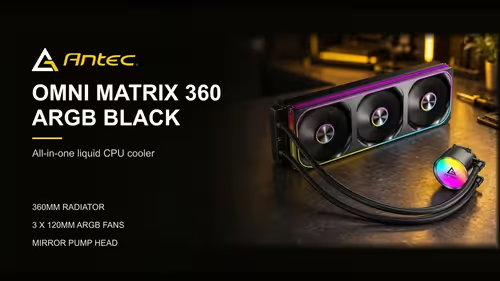
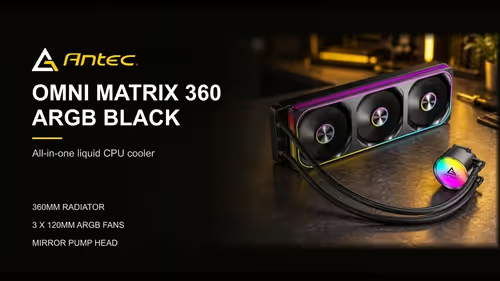
Start with the pump and fan leads, since a loose connector explains most missing readings. Check that each lead sits in the header your board labels for it, and confirm the plug is fully seated. The Antec Omni Matrix 360 at R999 has a pump lead and a fan lead to check in that order, before you touch any setting in the BIOS.
🔌 Check the leads first
Unplug each lead and reseat it until it clicks. A pump connector that sits one pin out of place will not register, and a fan plug pushed in at an angle can make a fan show as missing. Look at the header as well, because a bent pin or a bit of dust in the socket can stop the connection even when the plug looks seated. Power the PC down for 30 seconds before you unplug anything.
Follow the cable from the cooler to the board, and check that it is not stretched or pinched. A cable pulled tight against the radiator or the case frame can loosen the connector over time. Route it so it sits clear of moving parts, and tie it back where it will not move when the case is closed.
🧭 Match the header to the lead
Each lead belongs in a specific header, and the board manual shows which. A pump lead on a fan header may be detected as a fan, or not at all. A fan on the pump header can give a misleading reading that looks like a fault. Check the label on the board beside each header, and compare it with the connector.
Count the pins as well. A 4-pin PWM connector and a 3-pin connector look similar, and a three-pin lead pushed into a four-pin header may connect partly and fail to report. Match the pin count, and do not force a plug that will not seat.
⚙️ Check the board setting
If the leads and headers are correct and the reading is still missing, check the BIOS. Some boards hide fan readings unless a monitoring option is turned on, and others set a header to a fixed speed that disables the reading. Look for the hardware monitor page, and make sure the pump or fan header is enabled and set to a PWM mode.
Restart after each change, then check the reading again. A change that needs a restart will not show until the board has rebooted, so test the reading after each restart before changing the next setting.
🔧 If it still does not show
Try the lead in a neighbouring header of the same type. A header that fails with one lead and works with another points to the header, and the board may need a closer look from the board maker. Do not keep swapping leads, though, because repeated plugging can wear the connector.
If the pump is the missing component, nothing moves the coolant round the loop, so no heat leaves the CPU through the radiator. Power the PC down before you work on the leads, and do not run it with the pump disconnected. A reading of zero is the figure to act on, and it means the cooler needs attention before the PC runs under load.
Our liquid CPU coolers range shows the pump and fan layouts across the 360mm and 240mm models, and the CPU coolers category covers the rest of the cooling options.
Frequently Asked Questions
Why does my board show no pump reading?
The most common cause is a lead that is not fully seated, or a pump plugged into a fan header. Check both before you change any BIOS setting.
Can a three-pin lead go into a four-pin header?
It can connect partly, and that may fail to report. Match the pin count to the header, and do not force a plug that will not seat.
What should I do if a fan header is dead?
Move the lead to a neighbouring header of the same type. If the fault follows the lead, the cable or the fan is at fault. If it stays with the header, speak to the board maker about that header.
Is it safe to run the PC with the pump disconnected?
No. With the pump disconnected the coolant stands still, and the CPU will heat quickly under load. Power down and reconnect the pump before you use the PC.
Checking a cooler after a build?
Browse our CPU coolers and check the pump and fan leads against your board's headers before you power on.