ARGB lighting that fails on an AIO usually shows one of three symptoms: no light at all, only some of the lights working, or colours that look wrong. Each symptom points to a different cause, so the fix depends on what you see rather than on the cooler as a whole. Match the symptom to the list below, and try the cheapest check first. Here is how to narrow the problem down before you reach for the lighting software.
Quick Answer
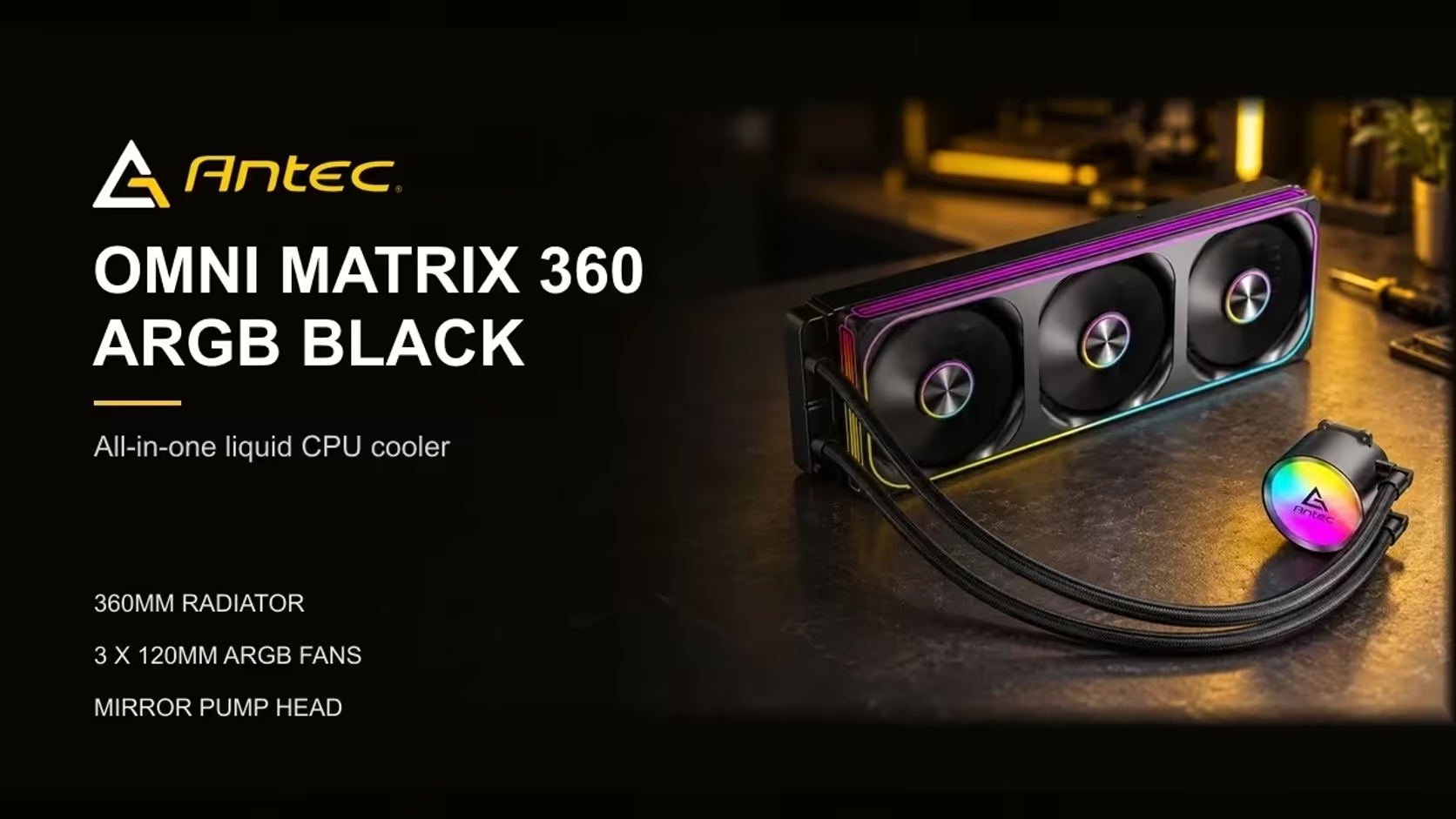
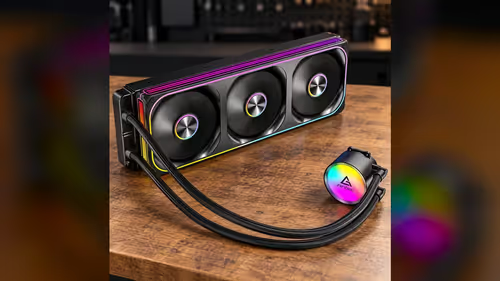
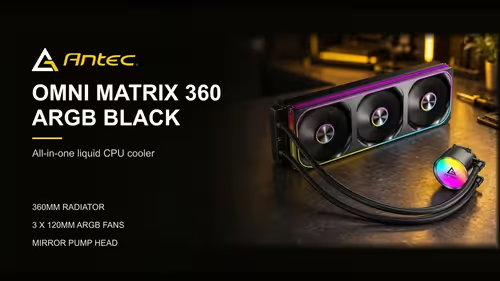
Lighting problems usually come from the ARGB connector, the header setting or the lighting software, not the fans. Reseat the lighting lead first, then check that the header is set to addressable mode. The Omni Matrix 360 at R999 has ARGB rings on each fan and an ARGB pump head, so a problem on one part often shows up on the others too.
💡 When nothing lights up
A dark cooler is the easiest symptom to misread, because the fans may still spin and look like the whole loop is working. Start by reseating the ARGB lead, since a plug that is one pin out will leave every light dark. Push it in until it clicks, and check the header on the board for bent pins.
Next, check which header the lead is in. An addressable ARGB lead runs off 5V, and a 12V RGB header will not drive it. Compare the pin count and the label on the board with the lead before you decide the lighting is broken. A mismatched header can leave the LEDs dark even when the fans run.
If the header is correct and the lights are still dark, check the lighting software or the BIOS option. Some boards turn off the ARGB output until a lighting effect is selected, so set an effect and watch whether the lights respond.
🔦 When only some lights work
Partial lighting is the most common symptom, and it is usually a daisy-chain problem. The lights on a fan pass the signal along to the next fan, so a break in the chain stops everything after it. Check whether the lights fail at the same point each time, such as after the first fan. That point is where the chain breaks. Check that the 5V signal reaches each link, because a weak connection stops the chain at the first break.
Look at the connection between the fans. A cable that is only partly seated, or a link that has been pinched, will cut the signal. Reseat each link in the chain, and check that the direction of the arrows matches the way the signal runs.
Partial lighting can also come from too many LEDs on one header. A header can drive a set number of lights, and a chain that is too long will show the first few and leave the rest dark. Check the number of lights on the header against the board manual before you add more.
🎨 When the colours look wrong
Wrong colours are a software problem most of the time. A colour that looks off may be the effect rather than the hardware, since some effects blend colours across a ring. Check the effect name in the lighting software, and set a single steady colour to see what the hardware is really doing. Set the brightness to 50% and check the colour again before changing the header.
If a steady colour still looks wrong, check the colour order setting. Some ARGB controllers swap the red and green channels, and that makes a red show as green. The setting is in the lighting software or the BIOS, and changing it fixes the colour without touching the hardware.
Keep the software up to date too. A lighting utility that is out of date may not support a newer header or effect, so check the vendor's page for a current version before you change any hardware.
Our liquid CPU coolers range shows the lit models side by side, and the CPU coolers category covers the full set of options if a cooler needs replacing.
Frequently Asked Questions
Why do the fans spin but the lights stay off?
The lighting uses a separate lead and header. Check that the ARGB lead is seated in an addressable header, then confirm the lighting setting is turned on.
Why does only the first fan light up?
The lighting passes from one fan to the next, so a break in the chain stops the rest. Reseat each link and check the direction of the connections.
Why do my colours look wrong?
Some effects blend colours, and some controllers swap two channels. Set a single steady colour to test the hardware, then check the colour order setting if the colour is still wrong.
Can I run too many lights on one header?
Yes. A header can drive only a set number of LEDs, so a long chain will show the first few and leave the rest dark. Check the limit in your board manual.
Lighting not behaving?
Browse our CPU coolers with ARGB pump heads and fans, and check the header type on your board before you order.