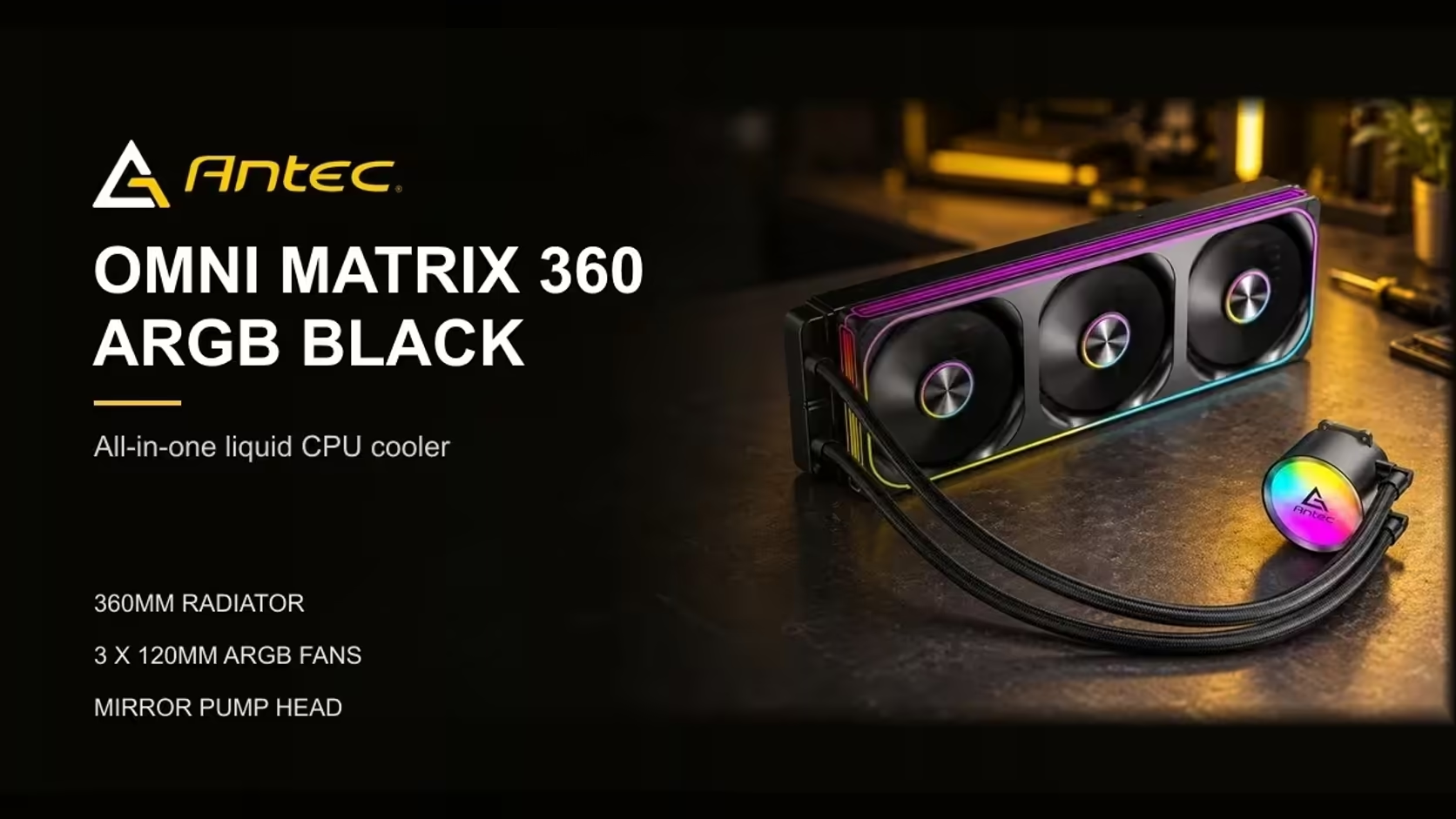
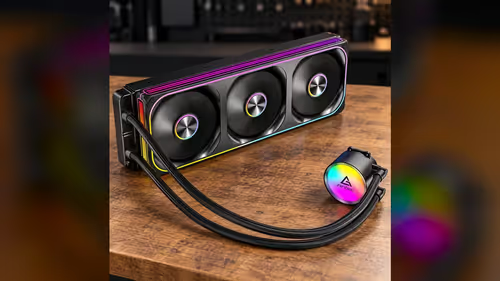
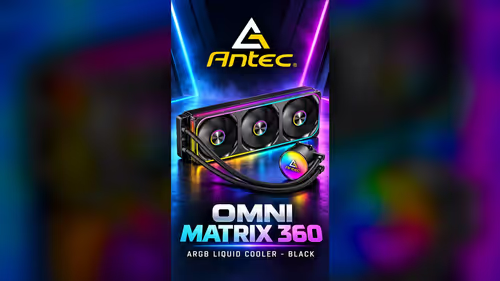
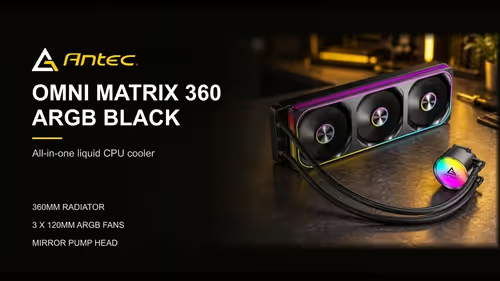
Yes, the Antec Omni Matrix 360 supports both Intel LGA 1851 and AMD AM5, so either platform can take it. The fit still depends on the bracket you use and the board you have, though, and a quick check before you mount it saves a second attempt. Here is what the cooler supports, what to check on the board and how to confirm the bracket matches your socket before you fit anything.
Quick Answer
Yes. Intel LGA 1851 is on the supported list for the Antec Omni Matrix 360, alongside LGA 1700, AMD AM5 and AM4. Check your board's socket and the bracket for that socket before fitting. The cooler costs R999 and mounts on the socket type your board uses, so the bracket is the step that decides the fit.
🔎 What the cooler supports
The Antec Omni Matrix 360 supports four sockets across two makers. Intel's LGA 1851 and LGA 1700 are on the Intel side, and AMD's AM5 and AM4 are on the AMD side. A builder on either platform can use the cooler, provided the socket on the board matches one of those four.
The socket is the first match to make. The name is printed on the board's box and in its manual, and the processor's system information tool will show it too. Write the name down, then check it against the four sockets above before you buy.
🔩 Checking the bracket
The bracket is the second match, and it is the step that catches most mistakes. Each supported socket needs its own bracket, and the bracket is usually labelled with the socket it fits. An LGA 1851 board needs the bracket for that socket, and an AM5 board needs the AM5 bracket, which is not the same part as the AM4 one.
Read the label on each bracket before you start. A bracket with the wrong label may look similar, and fitting it can leave the block sitting off the processor. Lay the brackets out on the bench and match them to the board before you touch the thermal paste.
🧰 Fitting the cooler on an AM5 or LGA 1851 board
Once the bracket matches, follow the order in your board manual, because some boards take the bracket before the processor and others after. Apply the thermal paste to the processor's heat spreader, then lower the block and tighten the screws in a cross pattern. Keep the tightening even, because an uneven mount leaves part of the processor uncovered.
After fitting, check the pump lead and the fan lead. The pump needs its own header, and the three pre-connected 120mm fans need one PWM header for the set. Route the leads before you close the case, so they do not press against the radiator or the board.
Finally, check the board's processor support in its manual. A supported socket does not guarantee every processor will work with the board, so confirm the processor list before you buy the parts.
To compare 360mm models, open the liquid CPU coolers range; the CPU coolers category holds every other option for each socket. If you are building on Intel's newer platform, the Intel Z890 motherboards range shows boards that take the LGA 1851 socket.
Frequently Asked Questions
Does the cooler work with LGA 1851 without a different bracket?
It uses the bracket for LGA 1851, which is one of the brackets supplied for the supported sockets. Check the label on each bracket against your board before you mount it.
Will the cooler fit an AM5 board?
Yes, as long as you use the AM5 bracket. AM5 and AM4 use different mounting methods, so the AM4 bracket is not a substitute.
What is the fastest way to confirm my socket?
Check the box or the board manual. If neither is to hand, the processor's system information tool shows the socket name.
Do I need to remove the processor to fit the cooler?
Usually not, but the order for your socket is in the board manual, and it decides whether the bracket goes on before or after the processor.
Building on AM5 or LGA 1851?
Browse our CPU liquid coolers and check the bracket for your socket before you add a cooler to your basket.