Let's face it... a gaming setup without proper lighting feels a bit lifeless. Whether you are building a monster rig or just adding some flair to your desk, knowing how to choose the right RGB LED strips is essential. The South African market is flooded with cheap knockoffs that lose their vibrant colour after a single month of use. You need high-quality lighting that makes your hard-earned ZAR stretch much further.
Understanding RGB vs ARGB Lighting 💡
Before you start sticking lights everywhere, you need to know the core difference between standard RGB and Addressable RGB. Standard RGB strips display one colour across the entire strip at a time. ARGB lets you control individual LEDs... creating those smooth rainbow waves we all love.
If you are hunting for the best gaming PC deals, you will notice that modern motherboards usually support both. Just check your headers before buying. A 12V header is for standard RGB, while a 5V header is for ARGB. Mixing them up will fry your new lights.
Matching Lights to Your Setup
When you choose the right RGB LED strips, think about where they are going. Are you illuminating the inside of your chassis? Magnetic strips are perfect for metal cases because they are easy to move around. Did you recently buy a stunning pre-built PC? Magnetic ARGB strips are the best way to highlight those internals.
For desk lighting, adhesive strips work best. You can even run them behind your monitor to reduce eye strain during late-night sessions. Even if you prefer gaming on powerful laptops, adding ambient backlighting to your desk creates an immersive atmosphere. It pulls you right into the action.
Cable Management Tip ⚡
Always map out your lighting route before removing the adhesive backing. Start from the motherboard header and work your way outwards. This ensures your cables stay hidden behind the motherboard tray for a clean aesthetic.
Brightness and LED Density ✨
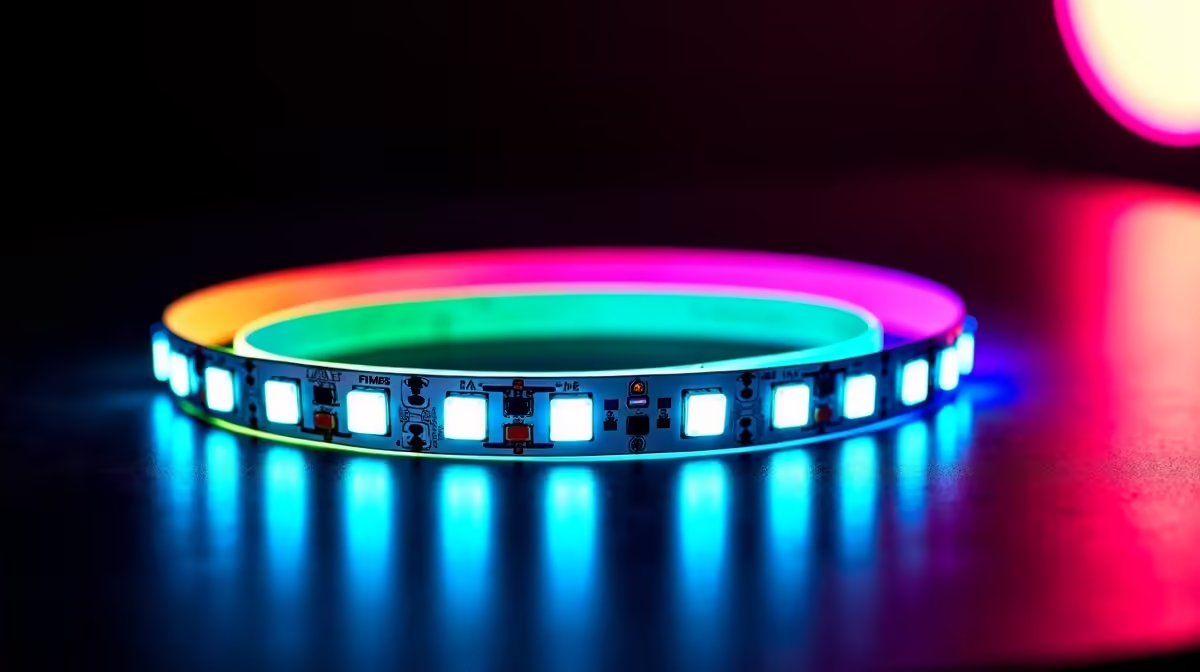
Another crucial factor is the LED density. When you choose the right RGB LED strips, look at how many diodes are packed into every metre. A standard strip with 30 LEDs per metre might look quite spotty... especially if it is visible directly.
Upgrading to 60 LEDs per metre provides a smooth, continuous glow that looks incredibly premium. You want your rig to look like a high-end showcase, not a cheap disco. Proper diffusion is also key. If you are mounting strips where you can see them, consider buying silicone diffusers. They soften the harsh light and blend the colours beautifully.
Software Compatibility and Syncing 🚀
The real magic happens when all your components talk to each other. Make absolutely sure your strips are compatible with your motherboard software. Brands like ASUS Aura Sync and MSI Mystic Light let you synchronise your strips. You can match them with your cooling fans and graphics cards easily.
There is nothing worse than having your RAM glowing red while your case fans flash green. A unified ecosystem looks professional and clean. Keep an eye on our weekly tech specials. You will find compatible controllers and lighting kits that will not break your budget.
Ready to Build Your Dream Setup?
Choosing the right lighting is just the beginning. For maximum power, aesthetic choice, and undeniable value in South Africa, Evetech has everything you need. Explore our massive range of PC components and find the perfect gear to conquer your world.