Think you know your NVMe from your SATA? Your Gen 4 from your Gen 5? In the world of PC gaming and content creation in South Africa, storage speed is everything… it's the difference between frustrating loading screens and instant action. But how sharp is your SSD knowledge, really? It’s time to put it to the test. This quick PCIe SSD quiz will separate the PC boffins from the beginners. Let's see how you stack up! 🚀
The Ultimate PCIe SSD Knowledge Quiz
Ready? No Googling allowed! Grab a piece of paper or just keep a mental note of your answers. We'll dive into the explanations right after.
Question 1: What does the acronym "NVMe" actually stand for?
A) New Virtual Memory Engine
B) Non-Volatile Memory Express
C) Native Virtual Machine Environment
Question 2: Roughly how much faster is a typical PCIe 4.0 NVMe SSD compared to a high-end SATA III SSD?
A) 2x Faster
B) 5x Faster
C) 10x or more Faster
Question 3: Which of these is a key benefit of the NVMe protocol over the older AHCI (used by SATA)?
A) Lower Power Consumption
B) Lower Latency
C) Better RGB Colour Support
Answers & Expert Insights
How did you do? Let's break down the answers and add a bit of expert context to boost your storage speed knowledge.
Answer 1: B) Non-Volatile Memory Express
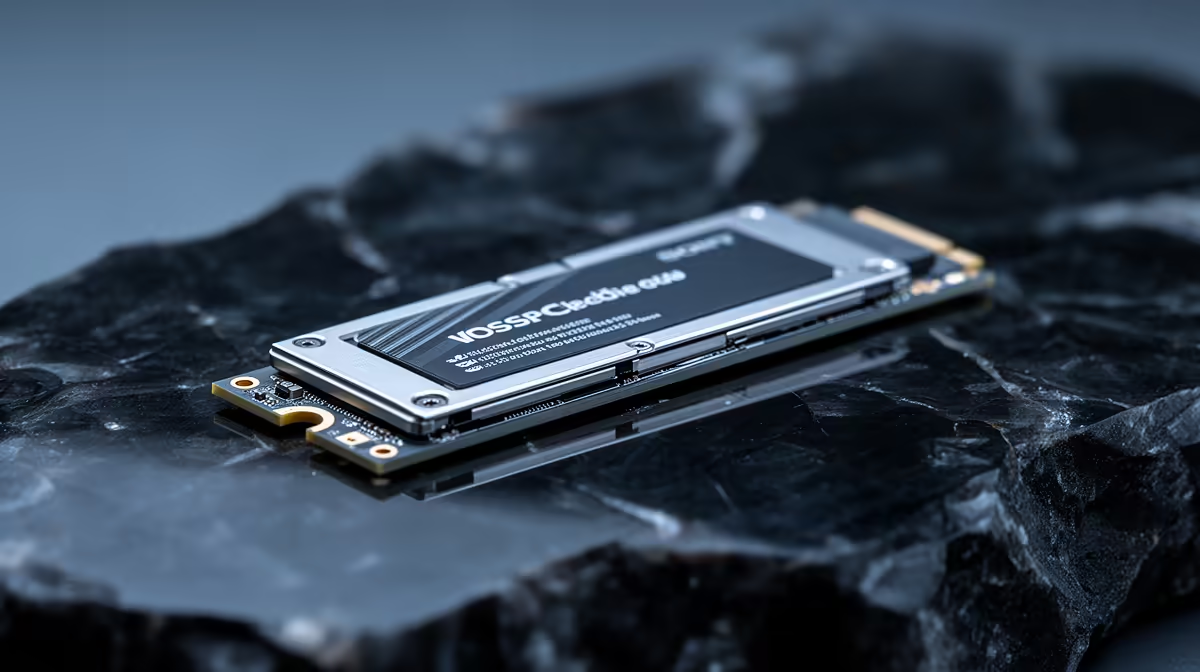
If you got this, give yourself a pat on the back. NVMe (Non-Volatile Memory Express) is a super-efficient communication protocol designed from the ground up for modern solid-state storage. Unlike older standards built for spinning hard drives, NVMe allows an SSD to talk directly to your CPU via the PCIe bus, slashing bottlenecks and unlocking incredible speeds. It's the standard for virtually all modern NVMe SSDs for a reason.
Answer 2: C) 10x or more Faster
This one really highlights the performance leap. A SATA III SSD tops out at around 600 MB/s. That felt fast a few years ago! But today, many of the popular Gen 4 NVMe SSDs easily push past 7,000 MB/s. That’s a massive jump, making everything from booting Windows to loading levels in Baldur's Gate 3 feel instantaneous.
Check Your Drive's Health 🔧
Curious about your current drive's performance? Download a free tool like CrystalDiskInfo. It gives you a simple overview of your SSD's health status, temperature, and read write cycles. It’s a great way to spot potential issues before they cause a blue screen of death during a crucial match.
Answer 3: B) Lower Latency
While power efficiency is a factor, the killer feature of NVMe is its drastically reduced latency. Because it communicates more directly with the CPU and has a much more streamlined command set, it can fetch data with minimal delay. This is what makes your system feel so incredibly "snappy" and responsive. For enthusiasts chasing every millisecond, cutting-edge Gen 5 NVMe SSDs are pushing these boundaries even further, with speeds exceeding 12,000 MB/s. ✨
Scoring high on this SSD quiz is one thing, but finding the right drive for your budget and needs is the real prize. The good news is that with today's prices, getting a massive speed boost is more affordable than ever. It's truly one of the best bang-for-your-buck upgrades you can make. When you're ready to upgrade, you can check out the latest SSD deals to find the perfect match for your rig.
Ready to Unleash True Speed?
Passing our PCIe SSD quiz is a great start. Now, let's turn that knowledge into a real-world performance boost. A faster SSD means quicker boot times, instant game loading, and a snappier PC experience. Don't let slow storage hold you back. Explore our incredible range of SSD deals and find the perfect drive to conquer your world.