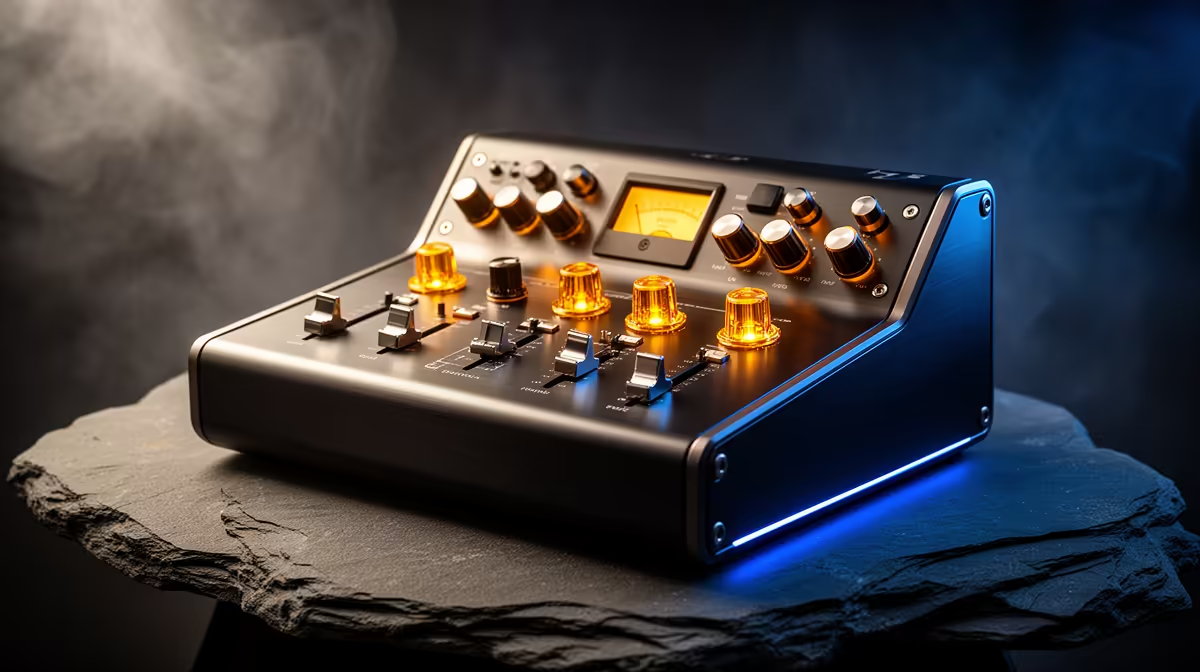
A podcast mixer is worthwhile for older-console emulation only when the player also records commentary, interviews or a show that needs several microphones, remote guests or hardware sound controls. It cannot improve emulation accuracy, frame pacing, controller support or display scaling.
Separate game reproduction from programme audio
Test lawful emulator software with personally obtained games and required firmware, noting video, input and sound stability. Then record a complete discussion with the intended hosts, game audio and monitoring. Listen for echo, clipping, routing errors and delay, and count only the mixer channels actually used.
No podcast mixer has verified pricing in the supplied facts. The NearStream USB/XLR microphone is verified at R676 and can support a simpler solo starting point. The Logitech Z150 speakers at R421 are a separate output reference. Compare mixer inputs, phantom power, mix-minus, USB channels, recording, drivers, controls and warranty.
Use games and firmware only where lawful, avoid untrusted download sites and keep emulator saves plus podcast recordings in versioned backups. Use headphones to prevent game sound feeding the microphone, obtain guest consent and protect distribution accounts with strong authentication.
Buy the mixer when the complete episode test exposes routing that software and one microphone cannot manage. Fix emulator or controller problems independently.
For retro play, mixer controls matter only when several microphones, consoles or monitoring feeds must be balanced during a recording session.
Producing a retro-gaming show? > Compare Evetech microphones and speakers after mapping the signal.