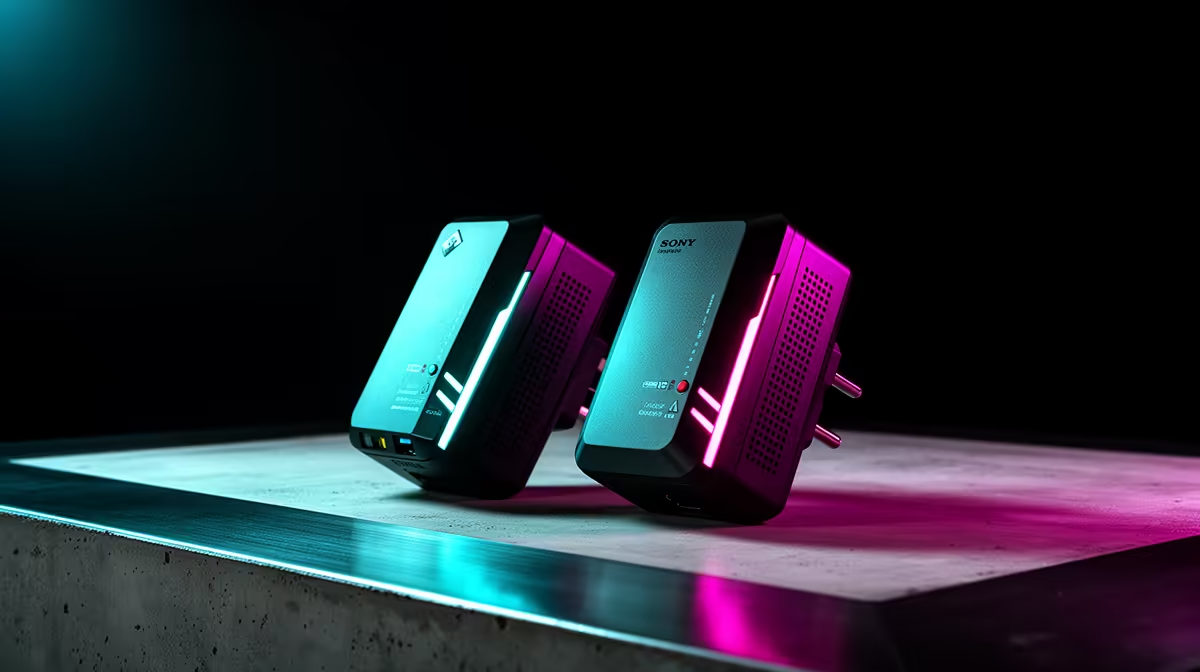
Powerline networking can turn a wall socket into a route to the game room, but the house wiring joins the test. Powerline adapters for gaming should earn their place through measured latency and loss on the exact sockets you will use.
Quick Answer
Powerline networking can give a console or PC a steadier link than weak Wi-Fi, but the result depends on the electrical path in your home. Box speeds describe the signalling standard, not the throughput you will receive between two sockets. Different circuits, surge protectors, old joints, dimmers and noisy appliances can cut speed or add jitter. Test one matched pair in the exact two wall sockets, during the hours you play, before planning the rest of the network around it.
The wiring becomes the network cable
One adapter sends data over the electrical conductors and the other turns it back into Ethernet. The signal must cross every connection between the sockets. A long route through the distribution board can perform worse than two rooms that look far apart.
Homes differ too much for a universal South African result. Wiring age alone does not decide it. Circuit layout, earthing, connection quality and electrical noise all matter.
Give the pair a fair test
Plug both units into wall sockets rather than multi-plugs or surge protectors, unless the manufacturer says otherwise. Connect the first to the router and the second to the gaming device by known-good Ethernet leads.
Measure local transfer speed, first-hop ping and internet latency. Repeat while a dimmer, charger or motor appliance near the route is active. Do not create an unsafe electrical test or open a socket.
Move the second adapter to each candidate outlet. Keep the socket that gives steady latency and enough throughput, even when another shows a higher one-off speed.
Keep the electrical setup safe
Do not open wall sockets, alter the distribution board or defeat earth protection to improve a network reading. Ask a registered electrician about damaged outlets or wiring concerns. Networking performance is never a reason to improvise on mains power.
Keep adapters ventilated and follow their load-through rating when a model includes a pass-through socket. Avoid stacking adaptors. If a unit runs hot, smells unusual or disconnects when touched, unplug it through the normal safe process and follow the manufacturer support route.
Pair and encrypt the units using the current instructions so another compatible device cannot join by accident.
Compare it with Wi-Fi
Test the same gaming room on 5GHz Wi-Fi and powerline. Use the same device and server. Powerline wins when it removes wireless loss without adding electrical noise. Good Wi-Fi can win in a modern mesh or nearby-room setup.
Browse networking equipment for the router and wired endpoints around the link. Choose tested port-matched leads from the accessories range.
FAQ
Do powerline adapters reach the box speed?
Expect usable throughput below the signalling figure. The exact gap follows the adapters, wiring path and electrical noise.
Must both adapters be on one circuit?
The same circuit can help, but compatible adapters may cross parts of a distribution board with reduced performance. Test the real sockets.
Does powerline avoid router congestion?
It removes the Wi-Fi hop. Traffic still passes through the router and internet line, so household queues can remain.
Test one matched powerline pair in the final wall sockets under gaming and appliance load before buying extra units.