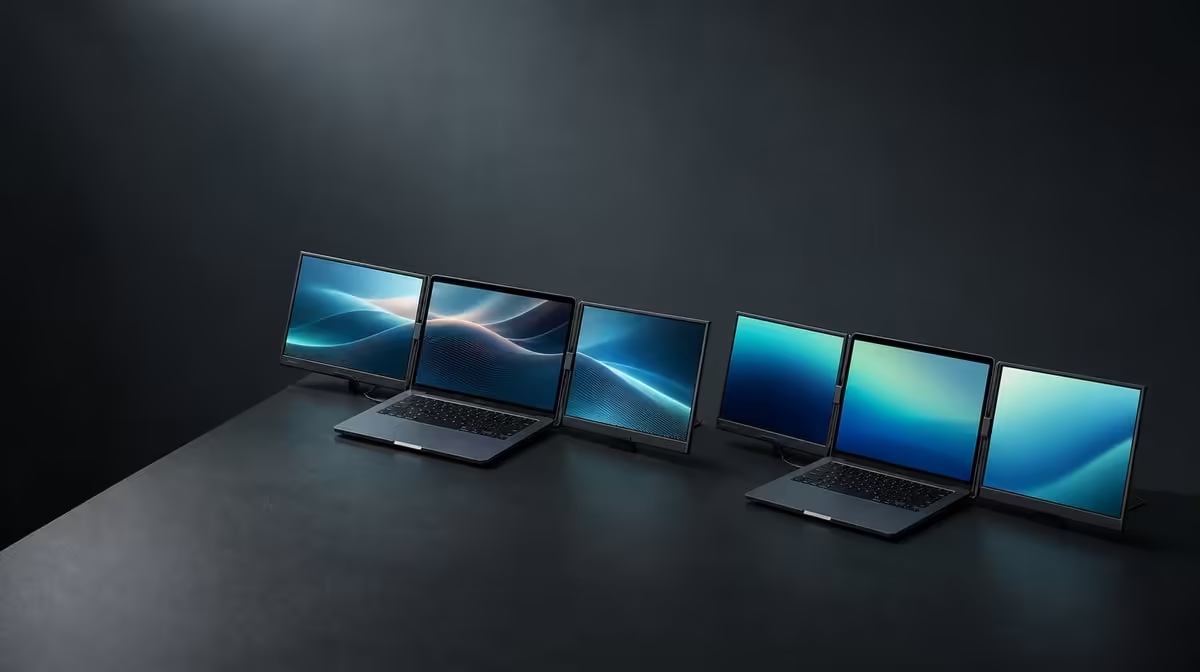
More pixels can show finer detail and denser tools, but they can also create tiny interfaces or a heavier graphics workload. A useful QHD vs Full HD dual-screen decision asks whether the laptop, scaling and applications turn the extra resolution into better productivity.
Quick Answer
QHD offers more pixel detail than Full HD at a similar screen size, which can help dense creative and business interfaces when scaling remains readable. The R11,999 Delta Pro Touch uses two 16-inch 2560 x 1600 panels, so buyers should test their laptop with the intended dual-screen workload rather than choosing by resolution alone.
🔍 Compare the usable workspace
Open the same document, timeline or application layout on a QHD screen and the Full HD option being considered. Keep text readable on both. Count useful visible content rather than the smallest interface either can display.
Evetech's portable-monitor selection provides current options for laptop expansion, but screen resolution only creates value when the source and software use it.
🔠 Treat scaling as part of resolution
At 2560 x 1600, increase operating-system scale until labels, menus and touch targets remain comfortable. QHD can retain fine rendering while presenting a larger interface. Full HD may feel simpler at default settings, but that does not make it universally more productive.
💻 Test the laptop under two-screen work
Run the actual applications across both Delta panels and keep the laptop display in the arrangement if it will remain active. Move windows, play representative media and watch whether the source stays responsive.
The wider PC-monitor category is relevant when the same work could be served by a fixed screen and mobility adds little.
👆 Include direct input in the verdict
The Delta adds 10-point pressure-sensitive touch to its QHD workspace. Test finger navigation, the compatible creative tool and application support. A buyer who only views static content may gain less from that input layer.
Use Evetech's monitor best sellers to compare the R11,999 dual-touch option with current display priorities. Check availability at purchase time.
Choose QHD when the added detail, comfortable scale and laptop performance improve recurring work. Choose a simpler resolution when the workflow does not use that detail or the complete source setup performs better there.
Compare one hour of real work
Use the same project for a full focused session on each resolution option. Count window switches, zoom changes, missed touch targets and moments when the laptop becomes less responsive. A short desktop glance cannot reveal those costs.
Keep scaling readable in both trials. Full HD should not be given artificially large controls while QHD is forced to its smallest default interface.
Include physical viewing distance
Place the two screens at the distance used beside the laptop and open small text. QHD detail has little value if the user must lean towards it. Change scale before moving the entire workstation closer.
Check the upper and lower or adjacent Delta panel separately. Their viewing angles can make identical settings feel different.
Test recovery and application placement
Disconnect and rebuild the dual QHD arrangement, then confirm windows return to useful positions. Repeat with the Full HD comparison if it is part of a real shortlist.
The better productivity system should save work after reconnection, not require the desktop to be rebuilt every morning.
Price the improvement through frequency
List the applications that gain from extra detail and the days per week they run across two screens. If the list is long and frequent, the R11,999 Delta has a clearer case. If not, QHD may remain unused headroom.
Check touch at the chosen scale
After each resolution comparison, tap the smallest recurring controls on both panels. A QHD layout that displays more information but produces frequent input errors is not yet the better workspace. Increase interface scale or application zoom and repeat before judging the panel.
Keep the laptop at its normal distance during this trial. The winning setting should support readable viewing and accurate interaction without forcing the user to lean towards either screen.
Finally, restart the laptop and verify that the preferred resolution, scale and screen order return together. A productivity advantage should survive an ordinary new session rather than depending on a temporary desktop arrangement.
Frequently Asked Questions
What resolution does each Delta panel use?
Each 16-inch screen runs at 2560 x 1600.
Does QHD always create more usable space?
No. Scaling and application design determine how much workspace remains practical.
Can Full HD be easier to run?
The laptop workload can differ, so test both resolutions with the actual applications.
Why include touch in the comparison?
Direct input may make the QHD Delta more useful for interactive work than a non-touch viewing panel.
Ready to compare resolution through the work it actually shows?
Review Evetech's portable monitors with your laptop performance, readable scaling and two-screen application layout in mind.