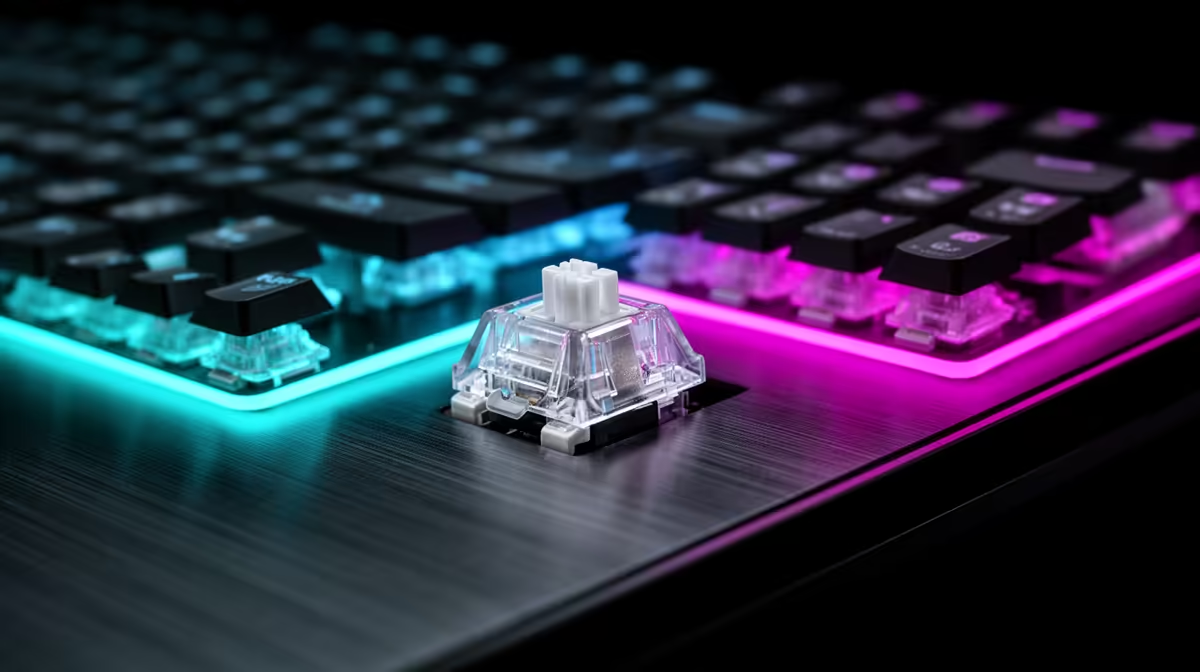
Snap Tap and rapid trigger can appear on the same magnetic keyboard, but they solve different input problems. Valve's CS2 guidance targets the opposing-input automation of Snap Tap. Rapid trigger follows one key's movement.
Quick Answer
Rapid trigger changes the distance a key must move to activate and reset. Snap Tap or last-input priority examines two opposing keys and decides which direction wins while both are held.
For CS2, disable Snap Tap-style automation in line with Valve's current official notice. You can compare peripheral favourites with gaming accessory options, then check that the keyboard exposes separate toggles and profiles.
One Key Versus Two
Press A on a rapid-trigger profile and the keyboard watches how A moves. It reports the press and release according to the distances you selected. Pressing D remains a separate physical action.
With last-input priority, hold A and press D. The firmware can suppress A and report D as the chosen direction without waiting for your A finger to release. That overlap resolution is the behaviour under scrutiny.
The vendor name can change. Snap Tap, Rappy Snappy, Rapid Tap and last-keystroke priority may describe related opposing-input ideas, while their settings can differ. Read the output rule rather than relying on the brand term.
Why CS2 Treats Them Differently
Valve's official notice draws a line around scripting or hardware automation that bypasses core coordination. It names Snap Tap Mode and instructs players to disable it before joining a match.
The notice does not say every magnetic actuation setting is forbidden. Keep one-key rapid trigger separate from multi-key automation, and check any newer official update or event rule before competition.
Verify the Profile
Turn off Snap Tap, SOCD priority and macros. Save the profile onboard, disconnect the keyboard and reconnect it. Press A and D together in a key event viewer and confirm the output matches ordinary allowed behaviour.
Check again after firmware updates or profile imports. A desktop app can show one slot while the keyboard boots into another.
Choose Software That Shows Its Work
A clear configuration page should separate actuation, rapid trigger and opposing-input priority. Look for a key event display, named onboard slots and a factory-reset path. Save a plain CS2 profile and a separate experimental profile so one toggle cannot leak into a ranked session.
Check whether the board needs its desktop app to apply the setting or stores the result in firmware. Reboot the computer, reconnect the keyboard and test again. A feature you can verify in thirty seconds is safer than one hidden behind a marketing preset.
FAQ
Is rapid trigger the same as a macro?
No. Basic rapid trigger changes one key's actuation and reset as it travels. A macro generates a programmed action or sequence.
Can a keyboard have both features?
Yes. Magnetic boards can offer rapid trigger and a separate opposing-input mode. Disable the feature the game disallows.
Does turning off Snap Tap remove Hall Effect benefits?
No. Adjustable actuation and ordinary one-key rapid trigger can remain available where the game and event rules permit them.
Separate one-key rapid trigger from opposing-input automation, then choose a keyboard whose active profile is easy to inspect.