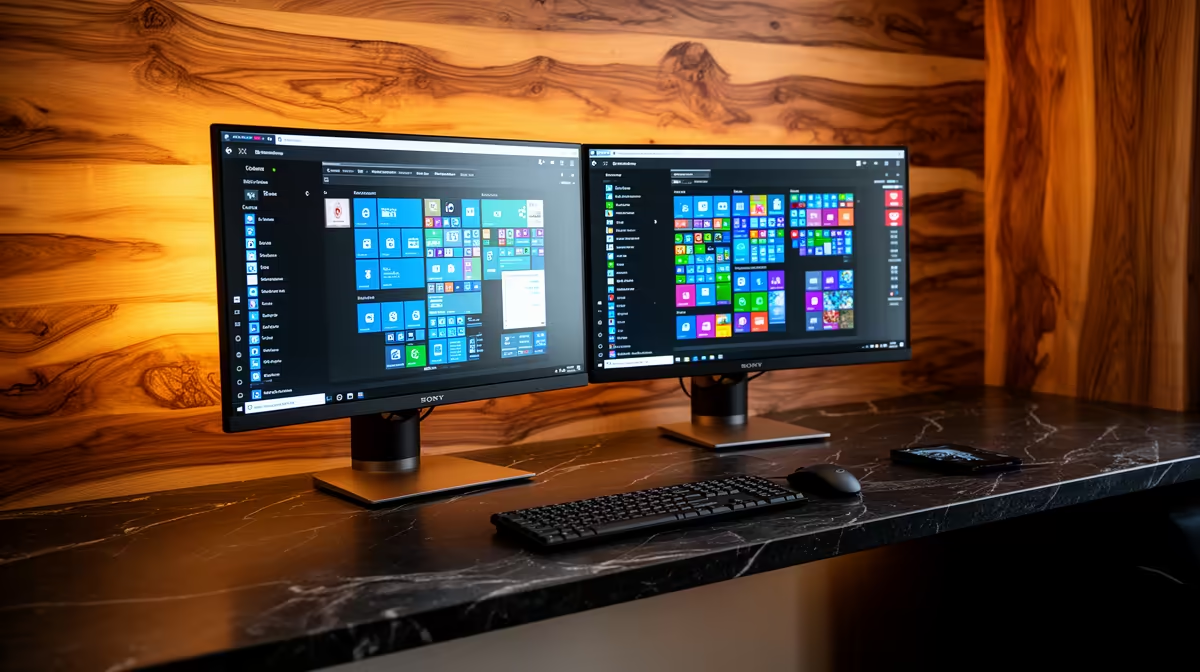
Yes, the Dell SE2426H 23.8in FHD at R1,532 suits a tidy two-screen Windows 11 desk for students, admin users, and home workers who want a compact monitor pair without crowding the surface.
Best monitor picks for a clean dual-screen setup
Windows 11 is worth the upgrade if the desk setup relies on neat snapping, side-by-side browser work, spreadsheets, mail, calls, and reference notes. The Dell SE2426H 23.8in FHD at R1,532 is the most sensible starting point when the goal is two matching screens that stay manageable on a narrow desk.
If you want a larger main display with a smaller second screen beside it, the Dell SE2726H 27in FHD 144Hz at R1,797 gives you extra screen size and a faster 144Hz refresh rate for a smoother daily feel. Pairing one larger 27in screen with a 23.8in FHD side screen can make Windows 11 layouts feel less cramped while still keeping the desk ordered.
South African home-office desk reality
For a shared study corner, spare-room workstation, or small flat desk, the Dahua LM27 100Hz at R1,500 is useful when a 27in display matters more than brand matching. Its 100Hz spec gives basic scrolling and window movement a cleaner feel than a plain office panel, which helps when you spend hours moving between documents and browser tabs.
The MSI PRO MP275W at R1,850 is the better pick if the desk needs a more polished white-facing setup. It keeps the simple 27in productivity idea, but suits a visible creator desk, reception-style workstation, or tidy home office where the screen also needs to look intentional.
Ready to choose the right monitor?
Compare the listed monitor range to match screen size, refresh rate, and desk space before you upgrade.