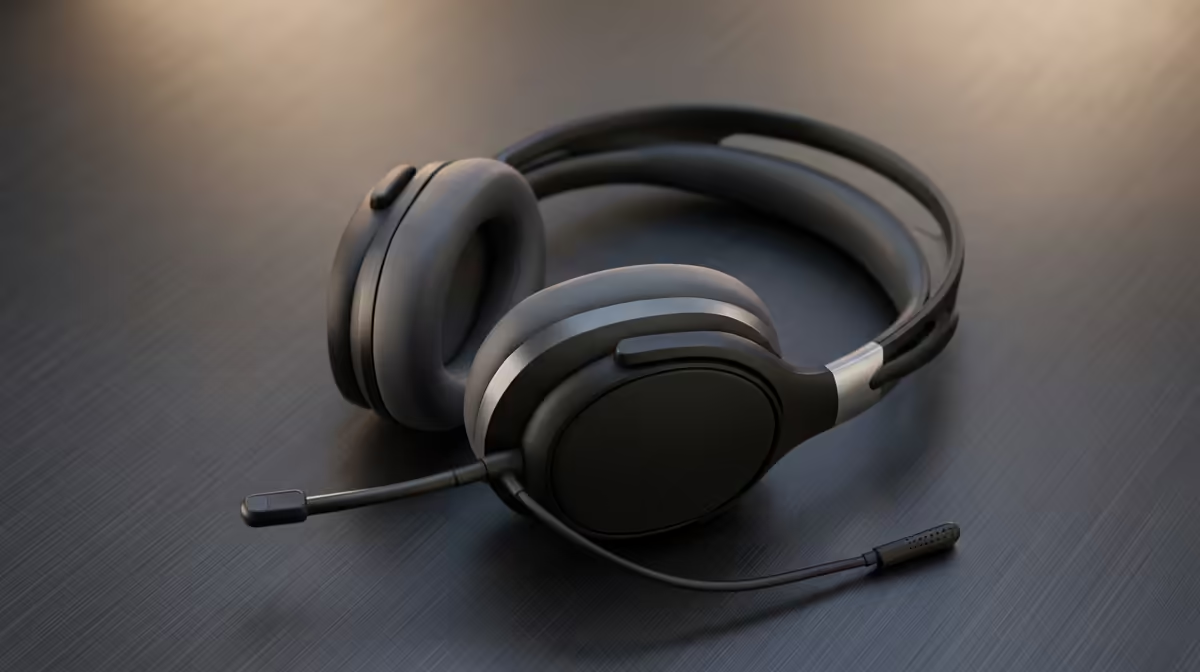
Dreaming of streaming to a growing audience but your budget is screaming 'Eish!'? You're not alone. Many aspiring South African creators think they need thousands of Rands to start. The good news? You don't. A smart, affordable streaming gear upgrade is the key. It’s about making targeted improvements that give you the biggest bang for your buck, turning your budget setup into a professional-looking stream that pulls in viewers. Let's dive in.
Telltale Signs You Need a Streaming Gear Upgrade
Before you spend a cent, let's diagnose the problem. Is your current setup holding you back? If you’re nodding along to any of these points, it’s probably time to consider a budget-friendly upgrade.
- Your Audio is Muddy: Your viewers complain about buzzing, echoes, or that you sound like you're talking through a pillow. Clear audio is non-negotiable... people will tolerate poor video, but they'll click away instantly for bad sound.
- Your Video is Grainy: Does your facecam look like a blurry mess, especially when the sun goes down? If your webcam struggles in low light, it makes your entire production feel amateur.
- Your Stream Lacks Personality: A plain wall or a messy room in the background doesn't exactly scream "pro streamer." Your environment is part of your brand, and a boring background can make for a boring stream.
The Smart Path to an Affordable Streaming Gear Upgrade 🔧
Ready to fix those issues? The secret to an affordable streaming gear upgrade is prioritising. Don't buy everything at once. Instead, focus your budget where it will have the biggest and most immediate impact on your stream's quality.
Priority #1: Crystal Clear Audio
This is your first and most important upgrade. Moving from a gaming headset's built-in mic to a dedicated USB microphone is the single biggest leap in quality you can make. Suddenly, your voice is rich, clear, and professional. You don't need a R5,000 studio mic... a solid entry-level USB condenser mic will make you sound incredible. It's one of the most cost-effective quality streaming essentials you can invest in.
Priority #2: Great Lighting and a Crisp Webcam 💡
Notice the order here: lighting before the camera. A cheap webcam in a well-lit room will always look better than an expensive 4K camera in a dark one.
Start with a simple ring light or a pair of small LED panels. Position them to illuminate your face evenly, removing harsh shadows. Once your lighting is sorted, upgrading to a dedicated webcam that can deliver a clean 1080p signal is your next step. This combination is the foundation of a great-looking stream.
Pro Lighting Tip ⚡
For a professional look, try basic three-point lighting. You need a 'Key Light' (your main, brightest light), a 'Fill Light' (a softer light on the opposite side to fill in shadows), and a 'Backlight' (placed behind you to separate you from the background). You can achieve this with affordable LED lights and even a household lamp!
Priority #3: Creating a Vibe with Backgrounds & Effects ✨
With your audio and video looking sharp, it's time to add some personality. This is where you can have some fun without spending a fortune. A clean, organised bookshelf, some posters, or even a simple fabric backdrop can work wonders.
For that extra professional touch, consider adding some background colour. You can create some cool lighting effects with Cololight panels or other RGB strips. This little bit of effort makes your stream look intentional and well-produced. As you grow, you can explore more high-quality streaming accessories from Corsair, like stream decks and lighting towers, to further optimise your workflow.
Your Budget-Friendly Upgrade Plan
To recap, here’s a simple, phased approach to your affordable streaming gear upgrade:
- Phase 1 (The Sound): Ditch the headset mic for a standalone USB microphone.
- Phase 2 (The Look): Invest in a basic lighting setup, followed by a 1080p webcam.
- Phase 3 (The Vibe): Tidy up your background and add some simple, colourful lighting.
Following this path ensures every Rand you spend makes a visible and audible difference to your audience.
Ready to Level Up Your Stream?
An affordable streaming gear upgrade is closer than you think. Small, smart changes can make a massive difference to your quality and confidence. Explore our huge range of streaming essentials and find the perfect gear to build your audience.