


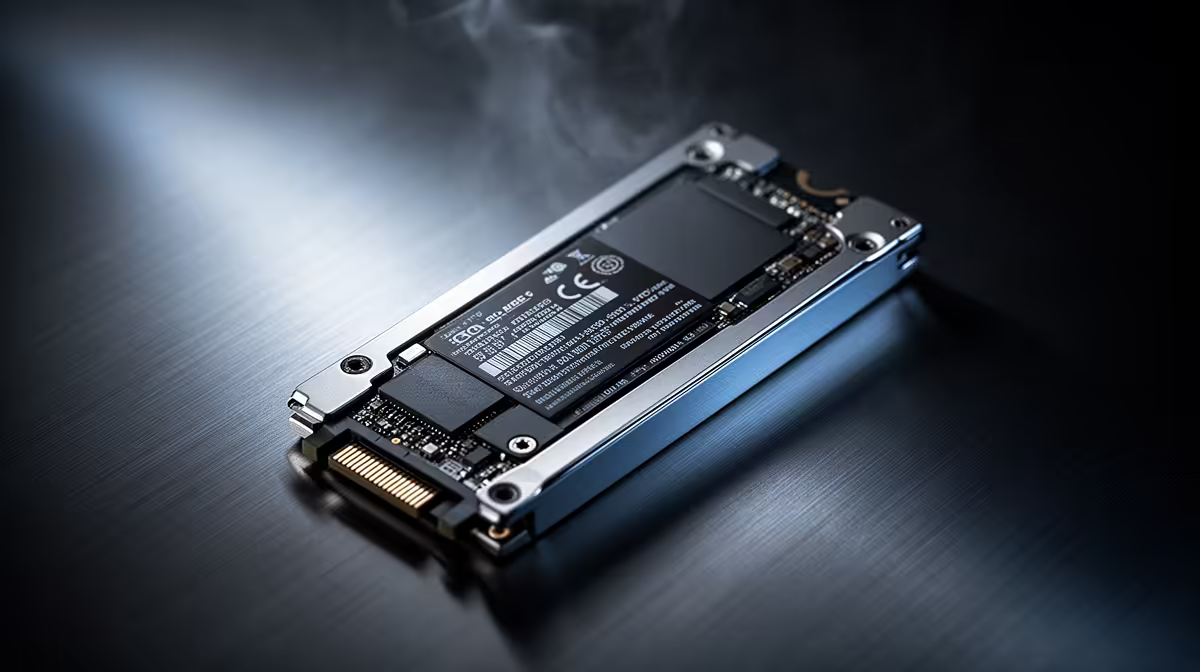
Staring at a loading screen while your mates are already dropping into the action? We’ve all been there. With games like Call of Duty and Baldur's Gate 3 demanding over 150GB each, your laptop's storage isn't just a file cabinet anymore… it's a critical performance component. Choosing the best storage for a gaming laptop is the difference between seamless immersion and frustrating delays. Let's get you back in the game, faster. 🚀
Why Your Gaming Laptop's Storage Matters More Than Ever
In the past, storage was simple: how many games can it hold? Today, the type and speed of your storage directly impact your gameplay. A slow drive doesn't just mean longer initial load times; it can cause in-game stuttering as the system struggles to stream textures and assets into massive open worlds like those in Cyberpunk 2077 or Starfield.
The right gaming laptop storage ensures:
- Lightning-Fast Boot Times: Jump from a cold start to your desktop in seconds.
- Reduced Loading Screens: Spend more time playing and less time waiting.
- Smoother Gameplay: Eliminates texture pop-in and stuttering during intense moments.
- Quicker Installs: Get new games downloaded and ready to play without the long wait.
The Great Debate: SSD vs. HDD in 2024
The battle between Solid-State Drives (SSDs) and Hard Disk Drives (HDDs) is, for gaming purposes, largely over. But understanding the difference is key to making an informed choice.
The Speed Demon: Solid-State Drives (SSDs) ✨
SSDs are the modern standard for a reason. They use flash memory (like a massive USB stick) with no moving parts, making them incredibly fast and durable. For gaming, this is non-negotiable. Within the SSD world, you'll mainly find two types:
- SATA SSDs: An older, slower (but still fast!) connection type. They are a huge upgrade over any HDD.
- NVMe SSDs: These plug directly into the motherboard, offering mind-bending speeds that are several times faster than SATA. This is the gold standard and the best storage for a gaming laptop you can get.
High-performance machines, like those in the Lenovo Legion gaming laptop deals, almost exclusively use NVMe SSDs to ensure the CPU and GPU are never left waiting for data.
The Old Workhorse: Hard Disk Drives (HDDs)
HDDs use spinning magnetic platters to read and write data. While they offer huge amounts of storage for a very low price in ZAR, their mechanical nature makes them incredibly slow. In 2024, an HDD has no place as the primary boot drive in a gaming laptop. They are only suitable as a cheap secondary drive for archiving old files or media.
Finding the Best Storage Capacity for Your Gaming Needs
Now for the big question: how much space do you actually need? It boils down to your gaming habits.
The Casual Gamer (512GB)
A 512GB NVMe SSD is a great starting point. It's enough for your Windows OS, essential applications, and a handful of your favourite games like Fortnite, Valorant, and maybe one AAA title. This capacity is common in excellent entry-level machines, including many of the Lenovo IdeaPad 3 Gaming laptop deals, offering a perfect balance of price and performance.
The Serious Gamer (1TB)
This is the new sweet spot. A 1TB NVMe SSD provides ample room for a healthy library of games without forcing you to constantly uninstall and reinstall titles. You can comfortably fit several massive AAA games alongside your favourite multiplayer shooters. It's the most recommended capacity for most gamers, and you'll find it in many well-specced Lenovo LOQ gaming laptops.
Check Before You Buy! 🔧
Before finalising your storage choice, head over to the Steam or Epic Games store page for your top 5 must-play games. Add up their 'disk space required' numbers, then add another 150GB for Windows and essential apps. This quick calculation will give you a realistic idea of the minimum capacity you'll need.
The Hardcore Collector (2TB+)
If you want your entire Steam library installed and ready to go at a moment's notice, 2TB or more is the way to go. This is for the enthusiast who plays everything and never wants to see the "Disk Space Low" warning.
Key Features to Look for in Gaming Laptop Storage
When comparing laptops, the spec sheet can be confusing. Beyond capacity, here are two things to keep an eye on:
- NVMe Generation: You'll see "Gen3," "Gen4," and now "Gen5." While Gen4 is faster than Gen3, the real-world difference in game load times is often just a second or two. A quality Gen3 NVMe SSD is still fantastic for gaming.
- Expandability: Does the laptop have a second M.2 slot? This is a huge bonus! It means you can easily and affordably add a second NVMe SSD down the line, doubling your storage without replacing your primary drive. Checking for this feature across the full range of Lenovo gaming laptops is a smart move for future-proofing your purchase.
The Verdict: What's the Ideal Storage for a Gaming Laptop?
So, what is the best storage for a gaming laptop in South Africa today?
For the vast majority of gamers, the answer is a 1TB NVMe SSD.
It delivers the incredible speed needed for modern gaming and provides enough capacity to avoid constant storage management. While 512GB is a viable budget option and 2TB is a fantastic luxury, 1TB hits that perfect sweet spot of performance, capacity, and value. Don't let slow storage be the bottleneck in your expensive gaming rig... prioritise a quality SSD, and you'll feel the difference in every click.
Ready to Banish Loading Screens? The right storage is the unsung hero of a great gaming experience. Don't let a slow drive hold your R50,000 rig back. Explore our massive range of gaming laptop specials and find the perfect machine with the speed and space to conquer any game.









