


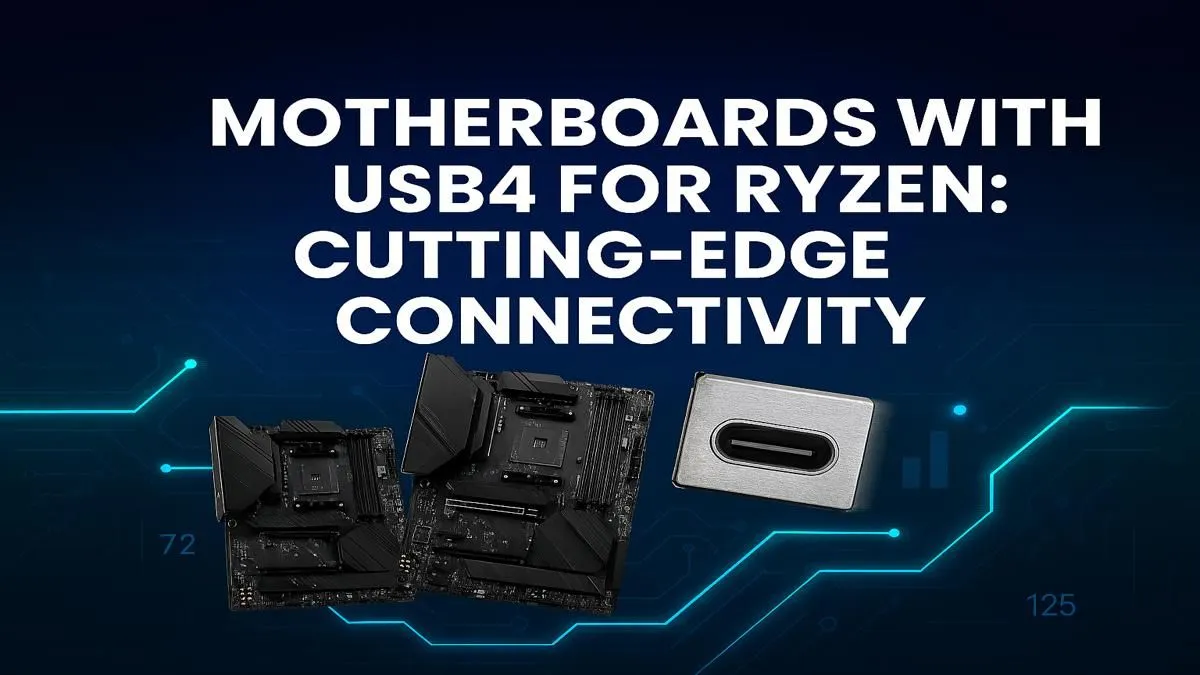
Tired of watching progress bars crawl when transferring massive game files or 4K video? What if you could move gigabytes in seconds? That's the promise of USB4, and it's no longer a far-off dream for Team Red. The latest Ryzen motherboards with USB4 are here in South Africa, bringing Thunderbolt-level speeds to the AMD ecosystem. This guide breaks down what you need to know to unlock this next-gen performance and future-proof your rig. ✨
Understanding the USB4 Advantage on Ryzen
So, what’s all the fuss about? In simple terms, USB4 is the next major evolution of the USB standard. It integrates the incredible Thunderbolt 3 protocol, delivering a massive 40Gbps of bandwidth through the familiar USB-C connector.
For a South African gamer or creator, this isn't just a number on a spec sheet. It means:
- Blazing-Fast External Storage: Run your entire Steam library from an external NVMe SSD without any noticeable performance drop.
- Single-Cable Simplicity: Connect a high-resolution monitor, keyboard, mouse, and even charge your laptop (if supported) with a single USB4 cable for an ultra-clean desk setup.
- External Graphics Power: Connect powerful external GPU enclosures for laptop-level portability and desktop-level gaming power.
This single port unlocks a new level of versatility, streamlining your setup while delivering incredible speed. ⚡
Choosing Your Next-Gen Ryzen Motherboard
Finding the right Ryzen motherboard with USB4 depends on your needs and budget. While some high-end AMD B550 motherboards paved the way with add-in cards, true native support is the highlight of the latest AM5 platform chipsets.
For most gamers and creators building a new rig, the upcoming AMD B850 motherboards are set to be the sweet spot. They will offer a fantastic balance of cutting-edge features like PCIe 5.0 and native USB4 without the premium price tag of top-tier boards.
If you're an enthusiast who demands the absolute best... look no further. The flagship AMD X870 motherboards are built for maximum performance, often featuring multiple USB4 ports, the best power delivery for overclocking, and extensive connectivity options for the ultimate build.
Check the Specs! 🔧
Not all USB-C ports are created equal. When browsing for a motherboard, look specifically for "USB4" or "40Gbps" in the rear I O specifications. Some boards might have USB 3.2 Gen 2x2 (20Gbps) ports that look identical but offer half the speed. Always double-check the product page to ensure you're getting the full next-gen speed you're paying for.
The Verdict: Future-Proofing Your Rig
Is it worth investing in a motherboard with USB4 right now? Absolutely. As game install sizes continue to balloon and 4K video becomes standard, high-speed data transfer is shifting from a luxury to a necessity.
Opting for a board with USB4 capability is a smart move for any new build or major upgrade. It ensures your PC is ready for the next wave of high-speed peripherals, from external drives and docks to next-generation displays. By choosing the right foundation, you're not just building for today; you're preparing for tomorrow. Take a look at the full range of AMD motherboards to see all the options available right now. 🚀
Ready to Unleash 40Gbps Speed? A motherboard is the foundation of your PC. Choosing a Ryzen motherboard with USB4 sets you up for years of top-tier performance. Explore our full range of AMD motherboards and find the perfect backbone for your next build.









