Staring at a loading screen while your mates are already dropping into the action? We’ve all been there. That painful wait, the stutter when you enter a new area… it often comes down to one crucial choice in your PC build. The classic SSD vs HDD for gaming debate isn't just tech jargon; it's the difference between a smooth, immersive experience and a frustratingly slow one. Let's settle the score and find the perfect storage for your rig.
SSD vs HDD: What's the Real Difference?
At first glance, both drives store your games, but how they do it changes everything. Think of it as the difference between a library with a robotic arm (HDD) and a library where every book teleports to your hand instantly (SSD).
The Trusty Hard Disk Drive (HDD)
A Hard Disk Drive is old-school mechanical tech. Inside, a spinning platter holds your data, and a physical read/write head on an arm moves to find it.
- Pros: The biggest advantage is cost per gigabyte. You can get massive amounts of storage for a very reasonable price, making it perfect for storing large media files, game recordings, or your giant back-catalogue of less-played titles.
- Cons: Speed. Because it has moving parts, an HDD is significantly slower at finding and loading data. It's also more fragile and can be damaged by a drop or knock.
For gamers on a tight budget who need terabytes of space, a reliable Hard Drive (HDD) remains a viable option for mass storage.
The Speedy Solid-State Drive (SSD) ⚡
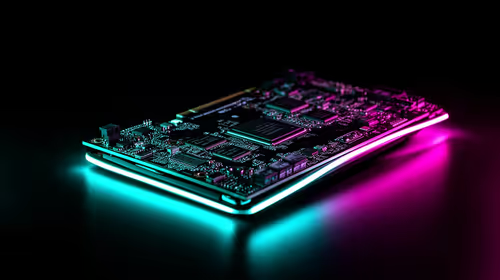
A Solid-State Drive has no moving parts. It uses interconnected flash-memory chips to store data, similar to a USB stick but far more powerful and sophisticated.
- Pros: Blazing-fast speeds. This translates to dramatically shorter game load times, faster OS boot-ups, and a much snappier feel across your entire system. They are also more durable and consume less power.
- Cons: The price per gigabyte is higher than an HDD, though prices have become much more competitive in recent years.
The speed boost from even a basic Solid-State Drive (SSD) is one of the most noticeable upgrades you can make to a PC.
The Gaming Performance Showdown: SSD vs HDD
So, how does this speed difference actually affect your gameplay? The impact of choosing an SSD vs HDD for gaming is massive, going way beyond just that initial loading screen.
- Brutally Fast Load Times: This is the headline act. Games like Starfield, Baldur's Gate 3, or Cyberpunk 2077 can see loading times cut from over a minute on an HDD to just a few seconds on an SSD. Less waiting, more playing.
- Smoother Open Worlds: Ever run through a huge world and see textures pop in late or experience a slight stutter? That's often your HDD struggling to stream game assets fast enough. An SSD feeds that data to your GPU almost instantly, resulting in a smoother, more immersive world.
- Quicker System Boot & App Launches: Your entire PC experience gets an upgrade. Windows will boot in seconds, Discord will snap open, and your web browser will feel more responsive. It's a total system uplift.
Choosing the Right SSD for Your Gaming Rig 🚀
Okay, you're sold on speed. But "SSD" isn't a one-size-fits-all term. There are two main types you'll encounter when building or upgrading your gaming PC.
NVMe M.2 SSDs: The Pinnacle of Performance
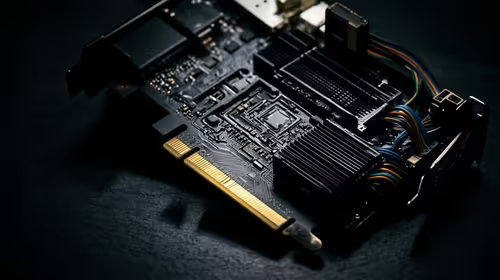
These are the Formula 1 cars of storage. NVMe (Non-Volatile Memory Express) SSDs are small sticks that plug directly into your motherboard's M.2 slot, using the super-fast PCIe bus to deliver mind-blowing speeds. For your operating system and your most-played competitive games where every second counts, nothing beats the raw power of an NVMe SSD.
SATA 2.5" SSDs: The Versatile Upgrade
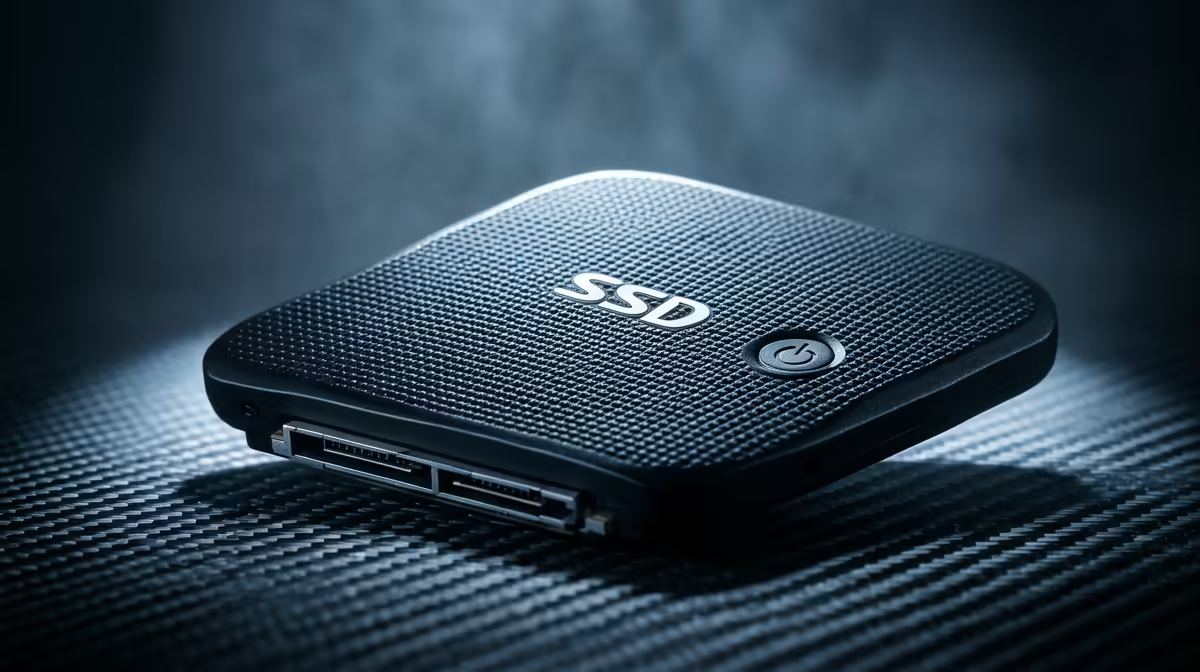
These SSDs look like a small, flat box and connect via a traditional SATA cable, just like an older HDD. While not as fast as NVMe drives, they are still lightyears ahead of any mechanical drive. 2.5-inch SATA SSDs are a fantastic, cost-effective choice for a secondary games drive or for upgrading an older laptop or PC that doesn't have an M.2 slot.
Check Your Motherboard! 🔧
Before buying an M.2 SSD, check your motherboard's manual. Some M.2 slots only support SATA speeds, while others support the much faster NVMe standard. You need to match the drive to the slot to get the performance you're paying for. Popping an NVMe drive in a SATA-only slot won't work!
The Final Verdict: Is an SSD Worth It in South Africa?
Absolutely. 100%. Yes.
For years, the high price of SSDs made them a luxury item for many South African gamers. That has changed. With incredible SSD deals in ZAR now widely available, the SSD vs HDD for gaming argument is effectively over. An SSD is no longer a "nice-to-have"—it's an essential component for any modern gaming PC.
Even a smaller 500GB SSD for your operating system and a couple of favourite games, paired with a larger HDD for everything else, will completely transform your user experience. The speed, responsiveness, and sheer quality-of-life improvement make it the single most impactful upgrade you can make. Stop waiting, and start playing.
Ready to Banish Loading Screens for Good?
The choice is clear. For a faster, smoother, and more enjoyable gaming experience, an SSD is the ultimate upgrade. Explore our massive range of SSD deals and find the perfect drive to unleash your PC's true potential.