


Fix stuck pixel on a USB DAC in South Africa
Stuck pixel on a usb dac usually needs a settings, driver, thermal, or power check first. Work through safe SA troubleshooting steps before replacing parts or assuming a full upgrade.
Read moreReady for a DeepSeek PC build? Our complete video guide walks you through choosing the best components and assembling a powerful machine for local AI in South Africa. 🖥️ Unlock the full potential of DeepSeek Coder and other models with a custom PC from Evetech. Let's get building! 🛠️
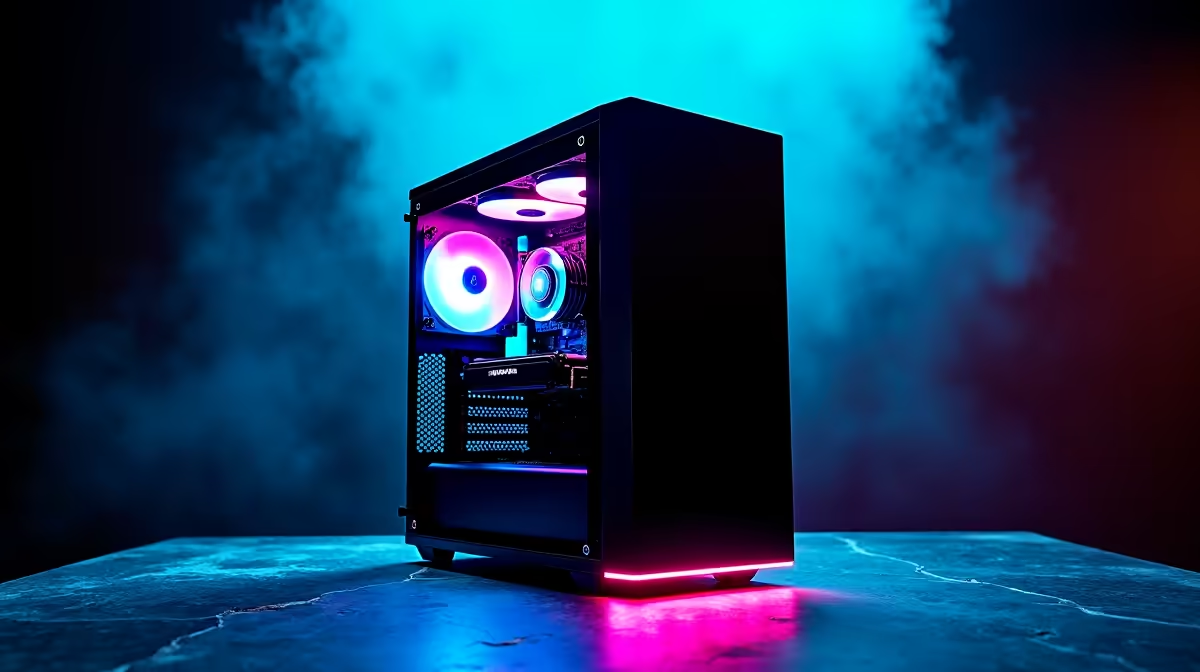
So, you’ve heard the buzz around AI and next-gen gaming and want a rig that won’t just play games, but absolutely dominate them? Welcome to the Evetech DeepSeek PC build guide! Building your own PC in South Africa can feel a bit intimidating, but it’s the most satisfying way to get the exact power you need. We’re breaking it all down with a step-by-step video to guide you from a pile of boxes to a beautiful, breathing beast. 🚀
Before we start plugging in cables, let's clarify what we mean by a "DeepSeek" build. Think of it less as a specific parts list and more as a philosophy. It’s a PC built for immense computational power, designed not just for today's triple-A titles, but for the demanding AI, machine learning, and content creation tasks of tomorrow.
A DeepSeek PC build prioritises a powerful graphics card (GPU), a multi-core processor (CPU), and lightning-fast memory and storage. It’s for the gamer who also codes, the streamer who edits 4K video, or the tech enthusiast who wants to experiment with local AI models. It’s about building a machine that doesn’t just keep up… it pushes ahead.
The heart of any powerful PC lies in its core components. Getting this combination right is the most crucial part of this step-by-step PC build guide.
For a DeepSeek build, the GPU does the heaviest lifting. In gaming, it renders stunning worlds. In AI, it processes complex algorithms at incredible speeds.
Your GPU needs a strong team. Pair it with a modern CPU with at least 6-8 cores to avoid bottlenecks. For RAM, 32GB of fast DDR5 is the new sweet spot for future-proofing. And for storage? A speedy NVMe SSD is non-negotiable for quick boot times and loading large game assets or datasets in a flash.
Our full video takes you through every screw and cable, but here are the key phases you’ll conquer. This process turns a collection of high-tech parts into a cohesive system, much like the assembly of our professional custom workstation PCs.
Before you even open a box, prepare your workspace. You need a large, clean, non-metallic surface and your tools. The first major step is building the "motherboard sandwich" outside the case. This involves carefully installing the CPU, clipping in the RAM sticks, and mounting the M.2 SSD. It's much easier to do this with open access.
Static electricity is the silent enemy of PC components. Before you start, touch a metal part of your plugged-in (but switched off) PC case to ground yourself. Do this periodically throughout the build, especially if you're working on a carpet. An anti-static wrist strap is a cheap investment for priceless peace of mind.
With the core components on the motherboard, it's time to mount it inside the PC case. Secure it with the correct screws, then install the power supply unit (PSU). Next comes the most exciting part for many: sliding in that powerful graphics card and hearing that satisfying click as it locks into place.
This is where patience pays off. Connect the main power cables to the motherboard, CPU, and GPU. Route them neatly behind the motherboard tray for better airflow and a clean look. Once everything is connected, it’s the moment of truth. Plug it in, press the power button, and watch your creation come to life. From here, you’ll install your operating system and drivers, and your DeepSeek PC build will be complete.
Congratulations, you've built a monster.
Ready to Assemble Your Dream PC? Whether you follow our DeepSeek PC build guide to the letter or want our experts to handle the assembly, your ultimate rig is within reach. We've got all the components and expertise you need right here in South Africa. Use our Online PC Builder to start configuring!
For a DeepSeek PC build, a GPU with ample VRAM is key. NVIDIA's RTX 40-series, like the RTX 4070 Super or 4080, offers excellent performance for running large language models.
We recommend at least 32GB of fast DDR5 RAM for a smooth experience with DeepSeek. For more intensive tasks or larger models, 64GB is a better long-term investment.
Yes! You can build a budget-friendly AI PC by prioritizing a capable GPU and CPU. Look for deals on previous-gen parts or select mid-range components from Evetech.
Minimum DeepSeek hardware requirements include a modern multi-core CPU, 16GB+ RAM, and a dedicated NVIDIA GPU with at least 8GB of VRAM. An NVMe SSD is highly recommended.
No special motherboard is required, but one with good power delivery (VRMs), PCIe 5.0 support for future GPUs, and multiple M.2 slots for fast storage is ideal.
A CPU with a high core count and strong single-thread performance is best. An Intel Core i7/i9 or AMD Ryzen 7/9 will handle data processing and system tasks efficiently.
Stuck pixel on a usb dac usually needs a settings, driver, thermal, or power check first. Work through safe SA troubleshooting steps before replacing parts or assuming a full upgrade.
Read more
Windows 11 with an RX 9070 XT build can miss a monitor because of input, cable, driver, or adapter conflicts. For SA gamers, check the signal path, hardware detection, and graphics driver before swapping parts.
Read more
Dragon Age The Veilguard PC build planning at R10,000 should stay cautious about parts and settings. Balance GPU, CPU, RAM, storage, cooling, and upgrade room before picking a South African gaming PC.
Read more
A recommended build for Stalker 2 Heart of Chornobyl at R50 000 should push high-refresh 1440p without poor balance. Shape the SA build around GPU power, CPU pairing, quiet cooling, storage, and upgrade life.
Read more
NBA 2K25 R100,000 PC build planning starts with balanced parts. For SA gamers, compare CPU and GPU fit, RAM needs, SSD space, PSU headroom and cooling before buying.
Read more
Stardew Valley R15,000 PC build planning starts with balanced parts. For SA gamers, compare CPU and GPU fit, RAM needs, SSD space, PSU headroom and cooling before buying.
Read more
Tests reported audio capture and local-network scanning on a specific LG television with its screen off. LG says supported standby modes can keep voice and connected-device features active, so owners should review model-specific settings.

PCIe 5.0 and PCIe 4.0 differ most in lane support, compatibility, and upgrade value for video editing in 4k. SA buyers should match the choice to their actual hardware and games.

Real world difference between b850 b650 mmo live service games sits in stability, networking, storage, and upgrade room. SA players should compare LAN quality, USB layout, RAM support, and SSD slots for always-updated games.

Dead Pixel on Wi-Fi 7 Router is likely a display-path or source-title issue, so check the screen, cable, driver state, and related system symptoms before blaming the device itself.

Industry reports point to another roughly 10 percent Intel processor increase from 5 October, but Intel has not published a consumer price list confirming the scope. South African buyers should treat it as a risk signal, not a guaranteed Rand change.

Put the headphones in pairing mode, open Bluetooth and devices in Windows 11, then add the headset. If it fails, remove the old pairing and check charge, range and drivers.

Microsoft says upcoming Windows 11 work will target memory use on 8GB PCs and improve boot and sign-in responsiveness. There is no public release date or measured uplift yet.

Windows 11 does not show CPU temperature in its standard Settings pages. Use your CPU maker's supported utility or a trusted monitor, then read idle and loaded temperatures in context.

For a stable RTX 5070 starting point, use 1440p, the High preset, Ray Tracing Medium and DLSS Balanced, then measure the base frame rate before adding Frame Generation. Path tracing is a separate showcase mode, not the default.

Microsoft's September release is reported to address 972 vulnerabilities, including two zero-days. The practical response is to back up, secure the BitLocker recovery key, prioritise exposed systems and verify business-critical apps after deployment.

Minecraft frame generation currently means an unofficial Fabric mod, not the same thing as official Bedrock RTX with DLSS upscaling. Check the game edition, loader, version, GPU path and base frame rate before installing anything.

HKC's 27-inch Shield 27Q560 runs QHD at 560Hz or 1280 x 720 at up to 1060Hz. The headline rate is specialised: resolution, sustained frame rate, ports and eventual South African support decide whether it is useful.