


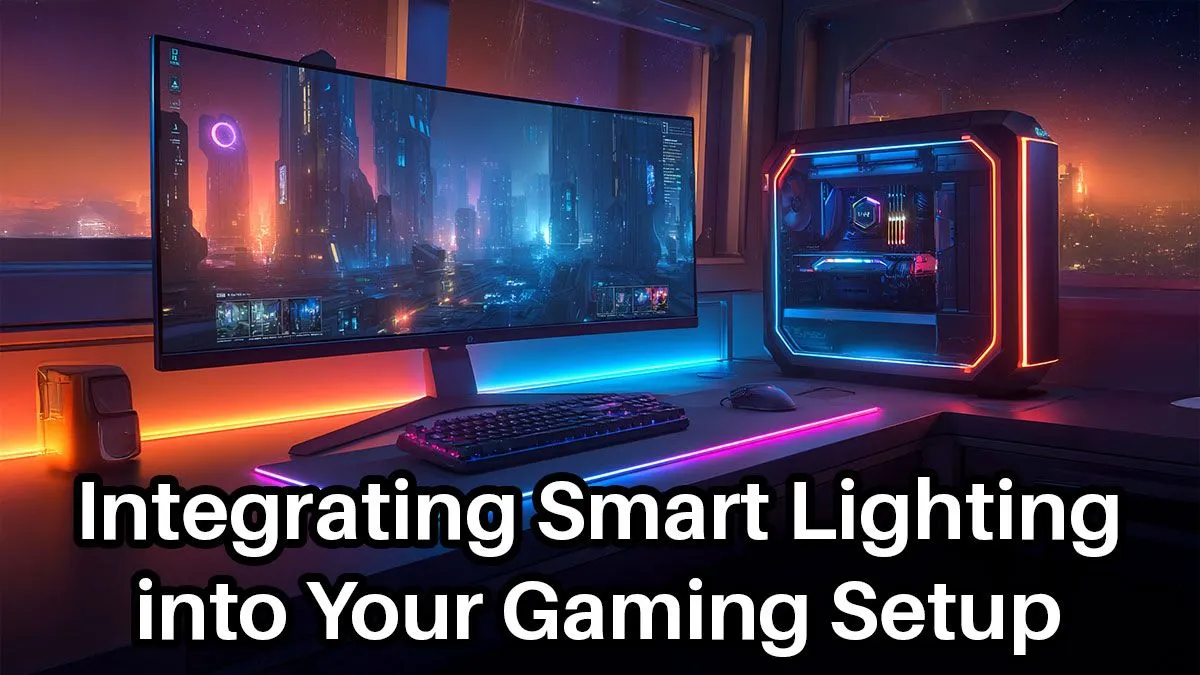
Tired of your PC case having all the RGB fun? Your gaming setup is more than just the box on your desk—it's your entire battle station. Moving beyond basic LED strips to a fully integrated smart lighting system transforms your room into an extension of the game world itself. This isn't just about pretty colours; it's about creating deep, reactive immersion that makes every session more epic. Let's get your space glowing. ✨
Beyond the Bling: Why Smart Lighting for Your Gaming Setup?
Let's be clear: we're talking about more than a simple remote-controlled LED strip. A true smart lighting for gaming setup syncs with your PC, reacting in real-time to what’s happening on-screen. Imagine your walls flashing red when you take damage in Apex Legends, or the room shifting to a cool, eerie blue as you explore a cave in Baldur's Gate 3. This is next-level immersion that a standard RGB mouse just can't provide.
This dynamic ambience also helps reduce eye strain during long gaming marathons. By casting a gentle, colour-matched glow behind your monitor (a technique called bias lighting), you soften the harsh contrast between a bright screen and a dark room. It's a more comfortable way to play, and it looks incredible. Of course, to run demanding games with beautiful graphics that are worth reflecting, you need a rig that can keep up. Having the best gaming PC deals as your foundation is the first crucial step.
The Core Components of Smart Lighting Integration
Getting started with smart lighting is easier than you might think. You generally need three things: the lights, a way to control them, and the software to tie it all to your gaming experience.
- Light Sources: This is the fun part. You can use flexible LED strips for behind your desk or monitor, freestanding light bars (like the Philips Hue Play) to flank your screen, or even smart wall panels (like Nanoleaf Shapes) to create a custom art piece.
- Hub/Controller: Some systems, like Philips Hue, require a small "bridge" that connects to your router. This hub acts as the brain, coordinating all your lights. Others connect directly via Wi-Fi or Bluetooth.
- Sync Software: This is the magic. Software like Philips Hue Sync, Corsair iCUE, or Razer Synapse (with its Chroma RGB ecosystem) reads your screen or integrates directly with games to control the lighting effects.
Building a proper smart lighting for gaming setup can be done in stages. You don't need to spend a fortune upfront. Start with a light strip behind your monitor and build from there, just as you would when upgrading from one of our solid budget gaming PCs.
Step-by-Step: Your Smart Lighting Integration Plan
Ready to bring your setup to life? Follow these simple steps for a clean and effective smart lighting integration. 🔧
### 1. Plan Your Layout
Before you buy anything, decide where you want the light. The most impactful starting point is bias lighting behind your monitor. This creates a fantastic halo effect. Other popular spots include under the lip of your desk, behind your desk facing the wall, or on shelves around your PC.
### 2. Choose Your Ecosystem
For beginners, sticking to one brand (like Philips Hue or Govee) is the simplest route. Their apps are designed to work seamlessly with their own products. More advanced users might mix brands and use a third-party app like SignalRGB to control everything from one place. This is a great project to pair with a new rig, and many people find awesome value in our range of gaming PCs under R20k that leave budget for awesome accessories.
### 3. Install and Sync
Most light strips come with an adhesive backing, making physical installation a breeze. Once they're in place, download the corresponding PC software. In the app, you'll typically create an "Entertainment Area," telling the software where your lights are positioned relative to your screen. Then, just hit the sync button and fire up a game!
Pro Tip: Keep It Clean! ⚡
Visible cables can ruin the slick, futuristic look of a smart lighting setup. Use small, clear adhesive cable clips to run your wires neatly along the back edges of your desk or monitor. A clean setup not only looks better but makes managing your gear much easier.
Taking It to Pro Level: Advanced Smart Lighting Tactics
Once you've mastered the basics, you can explore some truly impressive features. The most popular advanced use of smart lighting for a gaming setup is screen mirroring. The sync software analyses the colours at the edges of your screen and extends them to the lights in your room, effectively making your monitor feel bigger and pulling you deeper into the action. 🚀
Many modern games also offer direct integration. Titles like Fortnite, Diablo IV, and Starfield have native support for systems like Razer Chroma and Corsair iCUE. This allows for custom-designed lighting effects from the developers themselves—think flashing ability cooldowns, ultimate-ready notifications, or environmental cues reflected in your room's lighting. To run these demanding titles at high settings with these features enabled, a powerful machine is non-negotiable. That's where our top-tier gaming PCs above R20k really shine.
Will Smart Lighting Slow Down My PC?
This is a valid question. Does all this real-time colour analysis and syncing use up precious system resources? The short answer is yes, but very little. On a modern gaming PC, the CPU usage from software like Philips Hue Sync is typically negligible, often sitting at just 1-3%. You're unlikely to notice any drop in frame rates.
The foundational performance of your PC is what matters most. If your system is already struggling to run a game, then any extra background process could have an impact. Ensuring you have a well-optimised machine, like one of our expertly configured pre-built PC deals, guarantees you have more than enough headroom to run your games and your awesome new lighting effects without a single stutter.
Ready to Build a Setup That Truly Shines? An immersive lighting rig deserves a PC that can keep up with the action. From the darkest dungeons to the brightest sci-fi worlds, ensure your performance is as vibrant as your new setup. Explore our massive range of gaming PC deals and find the perfect machine to power your world.










