


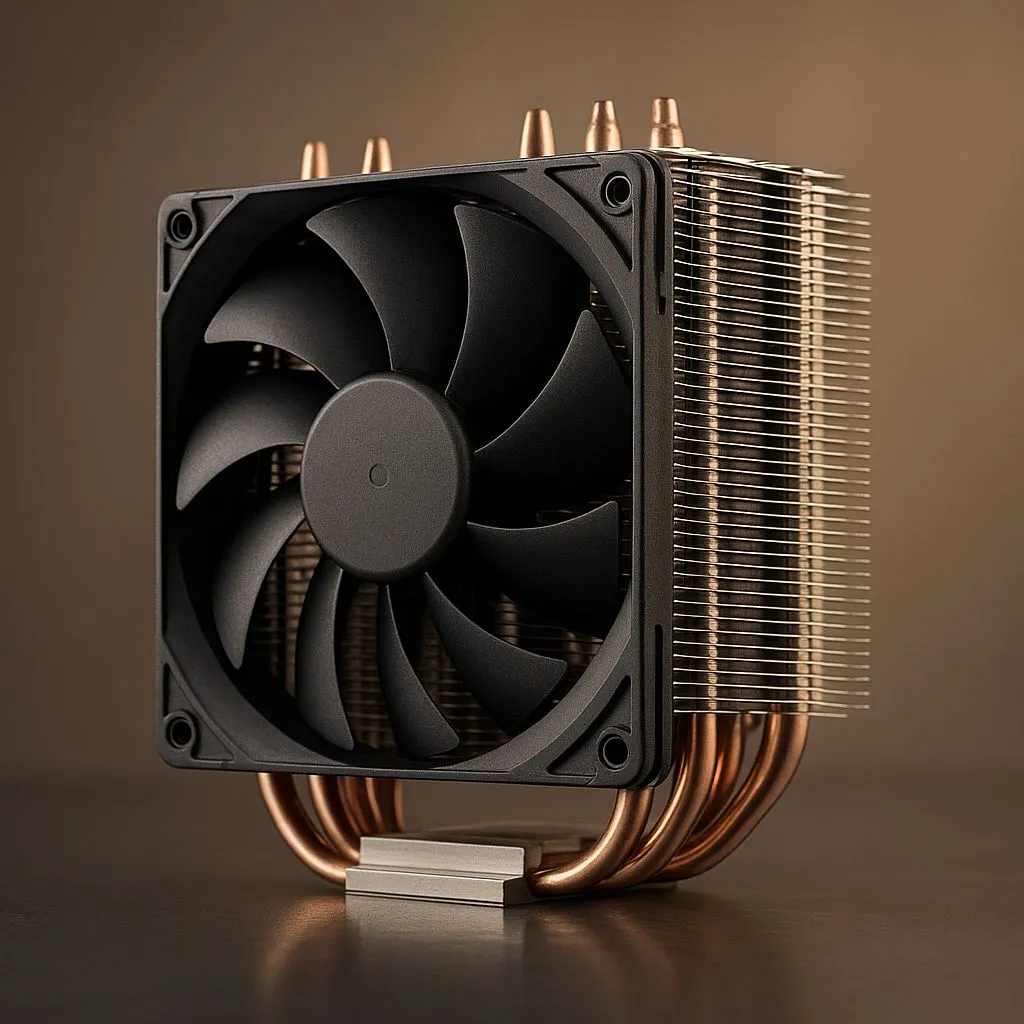
Building a shoebox-sized gaming PC is the ultimate flex. A tiny powerhouse that shreds 4K games while barely taking up desk space? Lekker. But cram high-end parts into a Mini-ITX case and you quickly face the real boss battle: heat. 🥵 Mastering SFF thermals isn't just a challenge; it's the key to unlocking stable, quiet performance. This Mini-ITX cooling guide will show you how to keep your compact rig frosty in 2025.
The SFF Cooling Challenge
Why is cooling a Mini-ITX PC so tricky? It boils down to one simple thing: space… or the lack of it. Unlike their big ATX brothers, Small Form Factor (SFF) cases have very little room to breathe. Components are packed tightly together, restricting airflow and creating hotspots. A powerful GPU can easily bake the components around it, turning your sleek machine into a noisy little oven.
Your mission, should you choose to accept it, is to find a cooling solution that’s both powerful enough for your CPU and compact enough to fit. This is where choosing the right CPU cooler becomes absolutely critical.
Air vs. Liquid: The Great Mini-ITX Debate
The first major decision in any SFF cooling journey is whether to go with traditional air cooling or an All-in-One (AIO) liquid cooler. Both have their place in the world of compact builds.
Air Cooling: The Reliable Workhorse 🔧
Don't underestimate the power of a good air cooler. For many Mini-ITX builds, especially those not pushing extreme overclocks, a low-profile air cooler is the perfect fit. They are simple, reliable (no pumps to fail!), and often more affordable. The key is compatibility. You need to pay close attention to the cooler's height to ensure your case’s side panel can close.
Thankfully, the market for specialised modern air coolers designed for SFF cases is better than ever, offering fantastic performance in a tiny footprint.
Liquid Cooling (AIO): The Compact Powerhouse 💧
When raw performance is the goal, liquid cooling often takes the crown. All-In-One (AIO) liquid coolers work by moving heat via liquid from the CPU block to a radiator, where it's exhausted by fans. This is incredibly efficient for SFF builds because it moves the CPU's heat directly out of the case, rather than just circulating it inside. A 120mm or 240mm AIO is a popular choice for high-performance SFF gaming rigs.
SFF Pro Tip: Undervolting is Your Friend ⚡
For a quieter and cooler SFF experience, consider undervolting your CPU and GPU. This process reduces the voltage your components receive without a significant performance hit. It's a free way to lower temperatures and fan noise, which is a massive win in a compact case where every degree counts.
Key Factors for Your SFF Cooling Solution
Before you click "add to cart," here are a few non-negotiables to consider for your Mini-ITX cooling plan.
Check Your Clearances… Twice
This is the golden rule of SFF building. Measure everything. Check your case’s manual for maximum CPU cooler height and radiator support. Check your motherboard layout for RAM clearance, especially if you're using tall, flashy RGB memory sticks. A cooler that’s 1mm too tall will ruin your day.
Radiator Realities
If you're going the AIO route, confirm your case can actually mount the radiator size you want. While some larger ITX cases might miraculously fit even a massive 360mm radiator, most are limited to 120mm or 240mm. Don't just assume it will fit; check the official specs.
Prioritise Brands You Can Trust
In a system where one component's heat affects everything else, reliability is key. Sticking with reputable brands ensures you're getting a product with solid engineering, good warranty support, and proven performance. When it comes to cooling, powerhouses like Corsair consistently deliver AIOs and fans that are perfect for taming SFF thermals. ✨
Ultimately, mastering SFF thermals is a rewarding puzzle. With the right planning and the right components, you can build a compact PC that’s cool, quiet, and unbelievably powerful.
Ready to Tame the Heat? Mastering SFF thermals is the final step to building your dream compact rig. Don't let high temps throttle your performance. Explore our massive range of CPU coolers and find the perfect solution to keep your Mini-ITX build cool, quiet, and powerful.










