


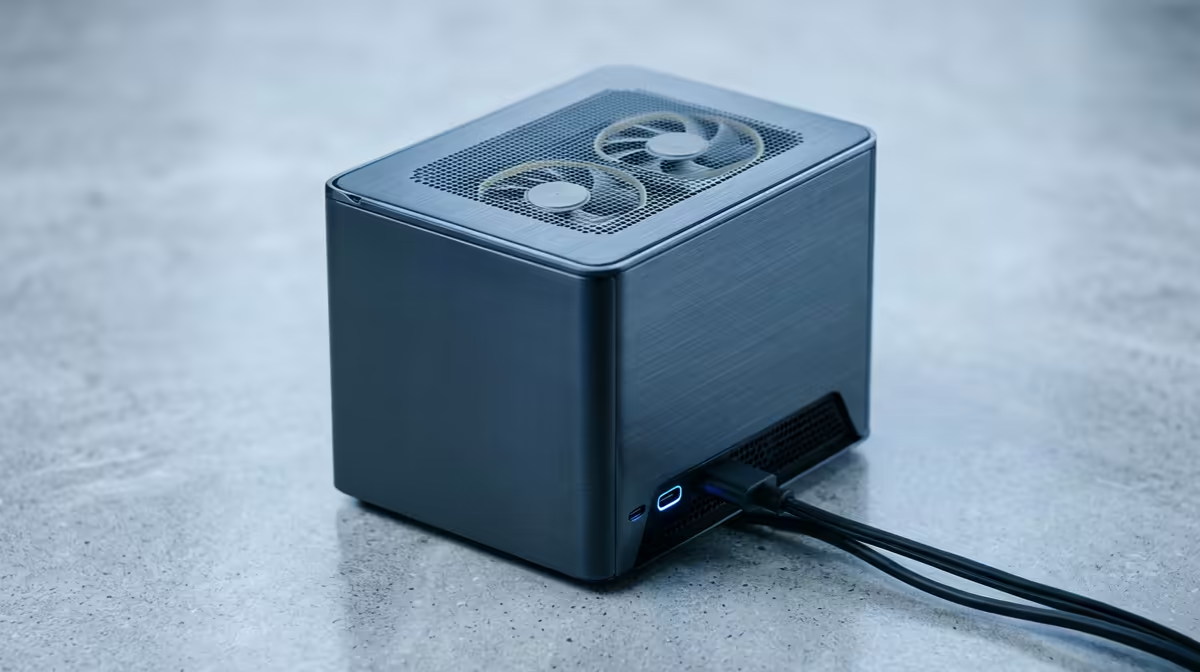
Is your creative flow constantly shattered by the sound of a jet engine under your desk? That distracting hum and whir from your PC can kill focus, ruin a perfect audio take, and turn a productive editing session into a frustrating chore. But what if you could have a powerhouse rig that stays whisper-quiet, even under load? This guide is your blueprint for a quiet editing PC build in South Africa, specifically tailored for a budget under R30,000. 🤫
Why Silence is Golden for SA Creatives
For video editors, music producers, and streamers, a quiet PC isn't a luxury... it's a core piece of equipment. Background noise from fans can be picked up by sensitive microphones, forcing you to spend extra time on audio cleanup. More importantly, a noisy environment increases cognitive load, making it harder to concentrate on intricate timelines, precise colour grading, or complex audio mixes. A silent workspace allows for deeper focus and a more seamless creative process.
This is where a purpose-built, quiet editing PC makes all the difference.
Core Components for a Quiet Editing PC Build
Achieving near-silence is a balancing act. It's not about eliminating fans, but choosing smarter components that generate less heat and noise from the start.
The Chassis: Your First Line of Defence
The foundation of any quiet build is the case. Look for models specifically designed for low-noise operation. These often feature sound-dampening materials on the side panels, solid front panels (with clever side ventilation), and designs that prioritise isolating noise. A well-built case from brands like Fractal Design, Be Quiet!, or Cooler Master's Silencio series is a fantastic investment.
Cooling: The Air vs. Liquid Debate 🔧
While flashy liquid coolers look great, a high-quality air cooler is often the champion of silence, especially for a build under R30k. Large air coolers with 120mm or 140mm fans can spin slower (and thus more quietly) while dissipating the same amount of heat as a smaller, noisier AIO liquid cooler. The key is surface area and fan quality.
The GPU is often the loudest component. Choosing a graphics card with a robust, triple-fan cooling solution and a "zero RPM" mode (where fans stop spinning under light load) is crucial. Many of the best gaming PC deals feature cards with excellent coolers that are perfect for a dual-purpose editing and gaming rig.
Pro Tip for Ultimate Silence ⚡
Use your motherboard's BIOS or free software like Fan Control to create custom fan curves. You can set your case and CPU fans to stay at very low RPMs—or even completely off—until your components reach a specific temperature, like 50°C. This ensures your PC is dead silent during writing, browsing, and other light tasks.
The Power Supply: An Unsung Hero
Don't cheap out on the Power Supply Unit (PSU). A high-quality, 80+ Gold rated PSU is more efficient, meaning it wastes less energy as heat. This allows its fan to spin much slower, or not at all. Look for a PSU with a "Zero RPM" or "Hybrid" fan mode, which keeps the fan off until you hit a certain power draw, guaranteeing silence at idle.
A Sample R30k Quiet Build Blueprint 🎬
Crafting the perfect quiet editing PC build for South Africa under R30,000 is about smart allocation. Here’s a balanced template to guide you:
- CPU: A modern 6-core/12-thread CPU (e.g., AMD Ryzen 5 or Intel Core i5)
- CPU Cooler: A quality single-tower air cooler with a 120mm fan
- RAM: 32GB of DDR4 or DDR5 RAM for smooth 4K timeline scrubbing
- Storage: At least a 1TB NVMe SSD for lightning-fast project loading
- GPU: A current-gen card like an NVIDIA RTX 4060 or AMD RX 7700 XT
- Case: A sound-dampened mid-tower chassis
- PSU: A 650W-750W 80+ Gold rated unit with a hybrid fan mode
This combination lands comfortably within the budget and is powerful enough for most 1080p and 4K editing workflows. You can find many excellent configurations in our range of PCs above R20k that serve as a great starting point. If your budget is a bit tighter, the same quiet-build principles can be applied to many of our PCs under R20k.
Pre-Built vs. DIY: The Hassle-Free Option ✨
While building your own PC is rewarding, it takes time and research. If you'd rather jump straight into creating, an expertly assembled machine is the way to go. Our technicians ensure optimal airflow, clean cable management, and stability testing right out of the box. Exploring our pre-built PC deals can save you the headache of assembly while still providing a powerful, quiet editing station. Even our budget gaming PCs are built with quality components that offer a solid and quiet foundation for any creative.
Ready to Build Your Silent Sanctuary? A quiet editing PC isn't a luxury... it's a necessity for deep focus and flawless audio. Whether you're hunting for components or want a pro-assembled rig, we have the expertise. Design your dream PC with our custom builder and create the perfect rig for your workflow today.











