Is your gaming rig feeling a bit sluggish? Dropping frames in the middle of a tense Warzone firefight or stuttering in Baldur's Gate 3? Before you blame your internet connection, the culprit might be hiding inside your case. Proper gaming PC maintenance is the single most effective way to keep your machine running like the day you unboxed it. This guide will give you the essential, no-nonsense steps to restore that peak performance. 🚀
The Physical Clean-Up: Your First Line of Defence 🧹
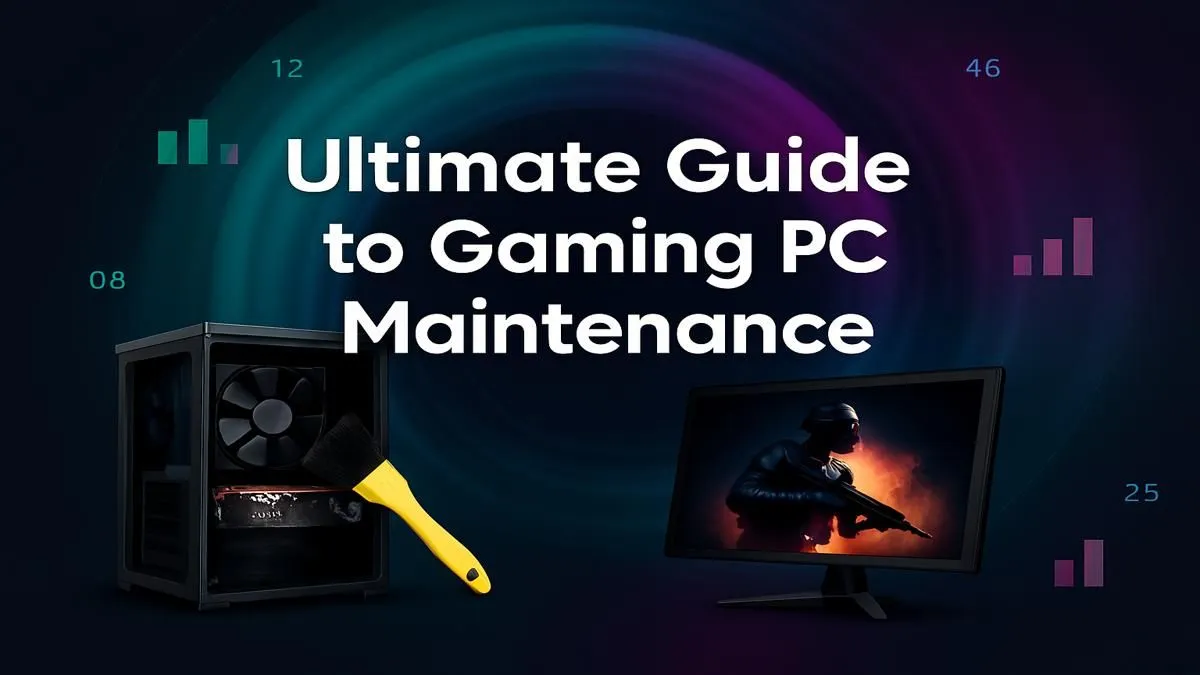
Dust is the arch-nemesis of performance. It clogs fans, insulates heat-sensitive components like your CPU and GPU, and slowly chokes your PC. This forces your system to run hotter and louder, eventually leading to thermal throttling—where your PC intentionally slows down to avoid damage. A simple clean-up every 3-6 months is crucial.
What You'll Need & How to Do It
You don’t need a fancy workshop. A can of compressed air and a microfibre cloth are your best friends here.
- Power Down & Unplug: Completely disconnect your PC from the wall socket. Safety first!
- Open the Case: Remove the side panel (usually the left one) to get access to the internals.
- Blast the Dust: In a well-ventilated area (preferably outside), use short bursts of compressed air to blow dust out of fans, heat sinks, and crevices. Crucially, hold the fan blades still with a finger while you spray them to prevent damage.
- Wipe Down: Gently wipe the case interior and exterior with a dry microfibre cloth.
This simple routine is vital for every rig, from an entry-level budget gaming PC to a high-end monster.
Digital Decluttering for a Snappier System
Once the hardware is clean, it's time to tackle the software. Effective gaming PC maintenance involves tidying up your digital space to free up resources for what really matters: smooth gameplay.
Key Software Tune-Ups
- Update Your Drivers: This is non-negotiable, especially for your graphics card. NVIDIA's GeForce Experience and AMD's Adrenalin Software make this a one-click process. Updated drivers often include performance optimisations for the latest games.
- Manage Startup Programs: Does your PC take ages to boot? Press
Ctrl + Shift + Esc to open Task Manager, click the "Startup" tab, and disable any non-essential programs from launching with Windows. - Uninstall Unused Software: That game you haven't played in two years is just taking up valuable SSD space. Get rid of it!
These digital steps are especially impactful for keeping affordable machines like PCs under R20k feeling responsive and ready for action.
Automate Your Cleanup ⚡
Windows has a built-in tool called Storage Sense. Go to Settings > System > Storage and turn it on. You can configure it to automatically delete temporary files and empty your Recycle Bin, performing a bit of digital maintenance for you in the background. It’s a simple way to keep your drives tidy.
Advanced Maintenance for Peak Performance
For those who want to squeeze every last drop of performance from their machine, a few extra checks can make a world of difference. This level of care is essential for powerful rigs that generate more heat.
Keeping an eye on your temperatures using software like HWMonitor or MSI Afterburner is a great habit. If your CPU or GPU is consistently running over 85-90°C under load, it could be a sign of poor airflow or drying thermal paste. While a well-assembled rig from our selection of the best gaming PC deals is designed for great thermal performance, dust buildup can undo that good work over time. For the owners of top-tier PCs above R20k, mastering this part of gaming PC maintenance ensures your investment is protected. ✨
Knowing When Maintenance Isn't Enough
You've cleaned, updated, and optimised... but you're still struggling to hit a stable 60 FPS in the newest titles. Sometimes, maintenance can only take you so far. As games become more demanding, older hardware will eventually become a bottleneck, no matter how well you look after it.
If your PC is more than 4-5 years old and struggling with modern games even on low settings, it might be time to consider an upgrade. A new GPU or a complete system overhaul can deliver a night-and-day performance improvement that no amount of cleaning can replicate. Exploring expertly assembled pre-built PC deals is often the most cost-effective way to get back in the game with cutting-edge components.
Ready for a True Performance Boost?
Meticulous gaming PC maintenance is your secret weapon for longevity, but when you're ready to jump to the next level of power, we've got your back. Explore our massive range of gaming PCs and find the perfect rig to conquer your world.