A separate browser window can reduce what the next person sees in local browser history, but it cannot erase every trace of a session. Edge InPrivate browsing is useful when you understand where its cleanup ends and where files, websites and networks keep separate information.
Quick Answer
Open a New InPrivate window from Edge's menu and close all private windows when finished. The feature hasR0 additional hardware cost. Session browsing data is cleared at that point, but downloaded files and saved favourites can remain, and InPrivate is not a guarantee of anonymity from sites or network operators.
🪟 Confirm which window you are using
Check the InPrivate indicator before entering the session. A normal tab beside a private window still belongs to the normal browsing environment. Keeping the windows visually separate reduces the chance of assuming a sensitive page was opened privately when it was actually loaded in the ordinary profile.
The mode can access information from the profile that opened it, and permitted extensions may run within the session. Do not interpret a private-window label as proof that all extensions are absent. On a managed machine, an organisation or family policy may make InPrivate unavailable; changing hardware does not override that policy.
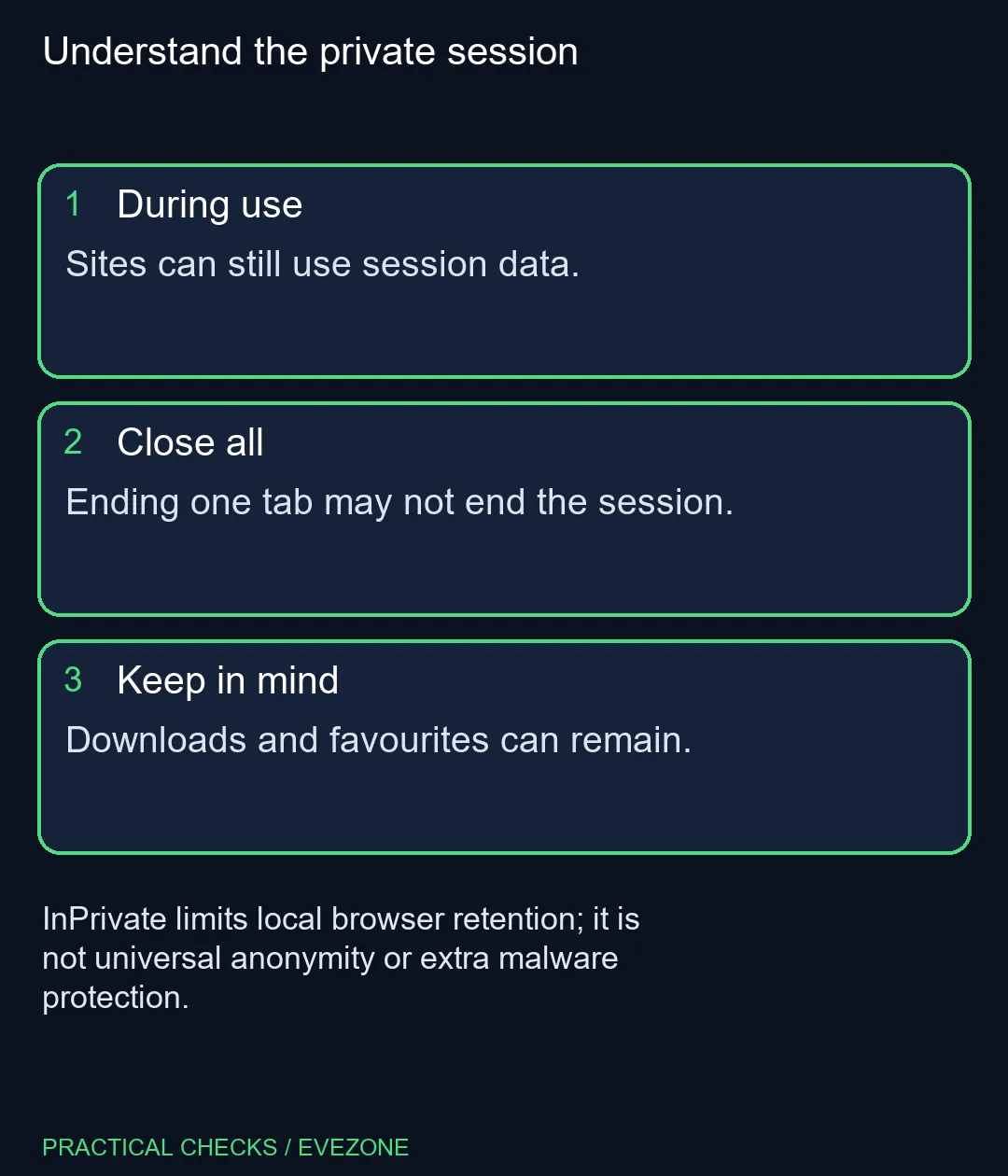
🧹 End the complete session
Closing one private tab is not the same as closing every InPrivate window. Finish the task, check for other private windows and close the whole session. Microsoft describes its session-data cleanup at that point. While the session remains open, a website can still use its session data to personalise what you see.
Downloaded files need their own attention. If you downloaded a document to a shared computer, find the actual file and decide how it should be handled under the rules for that device. Browser-history cleanup is not a file deletion tool. Saved favourites likewise remain available beyond the session instead of disappearing with its temporary browsing data.
🛡️ Avoid promising more privacy than it provides
InPrivate does not make an unsafe website safe and does not establish that a school, employer or internet provider cannot observe activity. Treat it as one browser-retention feature. Use the normal site checks and account protections you would use in an ordinary window, and do not give an unfamiliar page extra trust because it opened privately.
If a shared laptop is the real constraint, compare all laptops on special around account separation, portability and the applications you use. If performance is the concern, all memory (ram) is relevant only to a supported memory requirement. Private browsing itself does not need a new machine. The useful result is understanding which data closes with the session and which files or records require a separate decision.
Frequently Asked Questions
How do I open it?
Use Edge Settings and more, then New InPrivate window. Confirm the private-window indicator before browsing.
Is closing one tab enough?
Close every InPrivate window to end that private session and trigger its data cleanup.
Are downloaded files removed?
No. Files you downloaded can remain on the device after the private windows close.
Can the network still see activity?
Your school, workplace or internet provider may still have visibility. InPrivate does not promise network anonymity.
Does it add stronger protection from bad sites?
Microsoft says InPrivate does not itself make malicious websites safer or add extra ad blocking.
Does it require paid software?
Opening the built-in mode hasR0 extra hardware cost. It is a browser feature, not a separate privacy service.
Choosing a personal browsing machine?
Compare Evetech laptops by practical needs and supported memory, while keeping browser privacy expectations realistic.