Expecting a printer's camera to measure quality is asking it to do a job it was never designed for, and that mismatch causes more disappointment than the camera itself deserves. What an AI camera detects during a 3D print is narrower and more specific than most first-time buyers assume.
Quick Answer
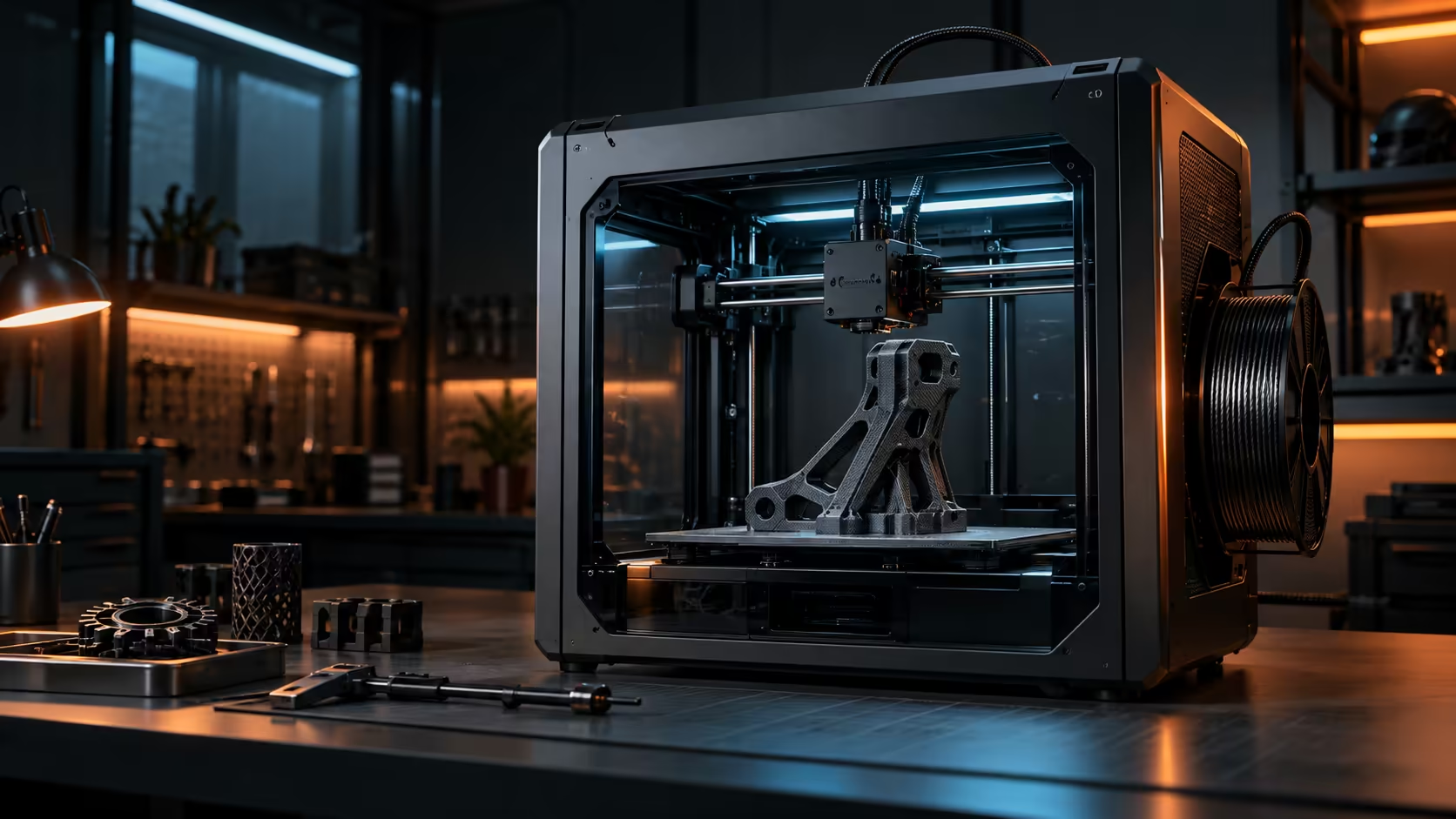
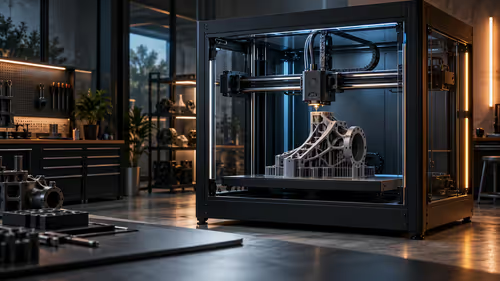
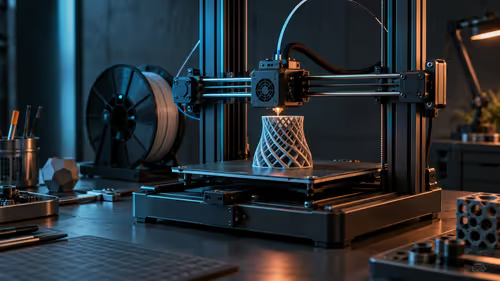
Mostly the catastrophes: a part that has come loose from the plate, a tangle of stray plastic strands, or a plate that has stopped receiving material entirely. It watches shape and movement rather than measuring dimensional accuracy, so it will not tell you a wall came out 0.1mm thin or that a hole is slightly undersized. The Creality K1C keeps a camera behind its enclosure door watching for exactly these failures, at R12,599.
🚨 The specific failures it is built to catch
A camera trained on failure detection looks for a recognisable shape, plastic where the model does not say plastic should be. That single, narrow definition covers the most damaging failures well: a part detaching and being dragged around by the nozzle, a spaghetti tangle from a jam that kept extruding, or debris interfering with the print's structure.
These failures share a common trait: they are visually obvious within 1 or 2 minutes of starting and they tend to get worse the longer they run unnoticed, which is exactly why catching them quickly matters more than catching subtle ones.
📐 What it is not measuring
Dimensional accuracy down to 0.1mm, wall thickness, and fine surface quality are all outside what this kind of monitoring checks, since none of those show up as a distinct, recognisable shape the way a spaghetti failure does. A part could be printing slightly out of tolerance the entire time and the camera would have no reason to flag it, because nothing about that failure looks visually different from a correctly printing part from the camera's perspective.
🔬 Where to check accuracy instead
For dimensional accuracy, measure with callipers on a physical test print rather than relying on any camera or monitoring system, since accuracy checks require a tool built for that specific job. Combine the camera's catastrophic-failure coverage with your own periodic manual checks for accuracy, treating the two as separate systems solving separate problems rather than one replacing the other.
Check what a specific listing in the 3D printer range actually claims its camera detects before relying on it for anything beyond gross failures. Browse a dedicated webcam for a second monitoring angle if a single built-in view misses part of your setup, and a security camera is worth considering for a workshop where the printer's own view does not cover the whole room.
Frequently Asked Questions
Can an AI camera tell me if my print is dimensionally accurate?
No, it watches for shape-based failures like loose parts or stray plastic, not measurement-based issues like wall thickness or hole size.
What is the most common failure this kind of camera actually catches?
A part coming loose from the plate and continuing to be dragged around, or a spaghetti tangle from a jam that kept feeding filament.
Should I still check prints manually if I have this kind of monitoring?
Yes, for accuracy specifically, since that is outside what a failure-detection camera is built to catch at all.
Does the camera need a clear, unobstructed view of the whole plate to work well?
Yes, placement and angle matter considerably, since a partial or obstructed view of the plate limits what failures the camera can actually catch.
Wondering what your printer's camera actually catches?
Rely on it for catastrophic failures, and measure accuracy separately with your own checks.