A downloaded document opening in the wrong program is often a file-association choice, not a damaged PDF. Windows default PDF app selects the installed reader used for that local file type. Set it deliberately, then test the path that actually bothers you.
Quick Answer
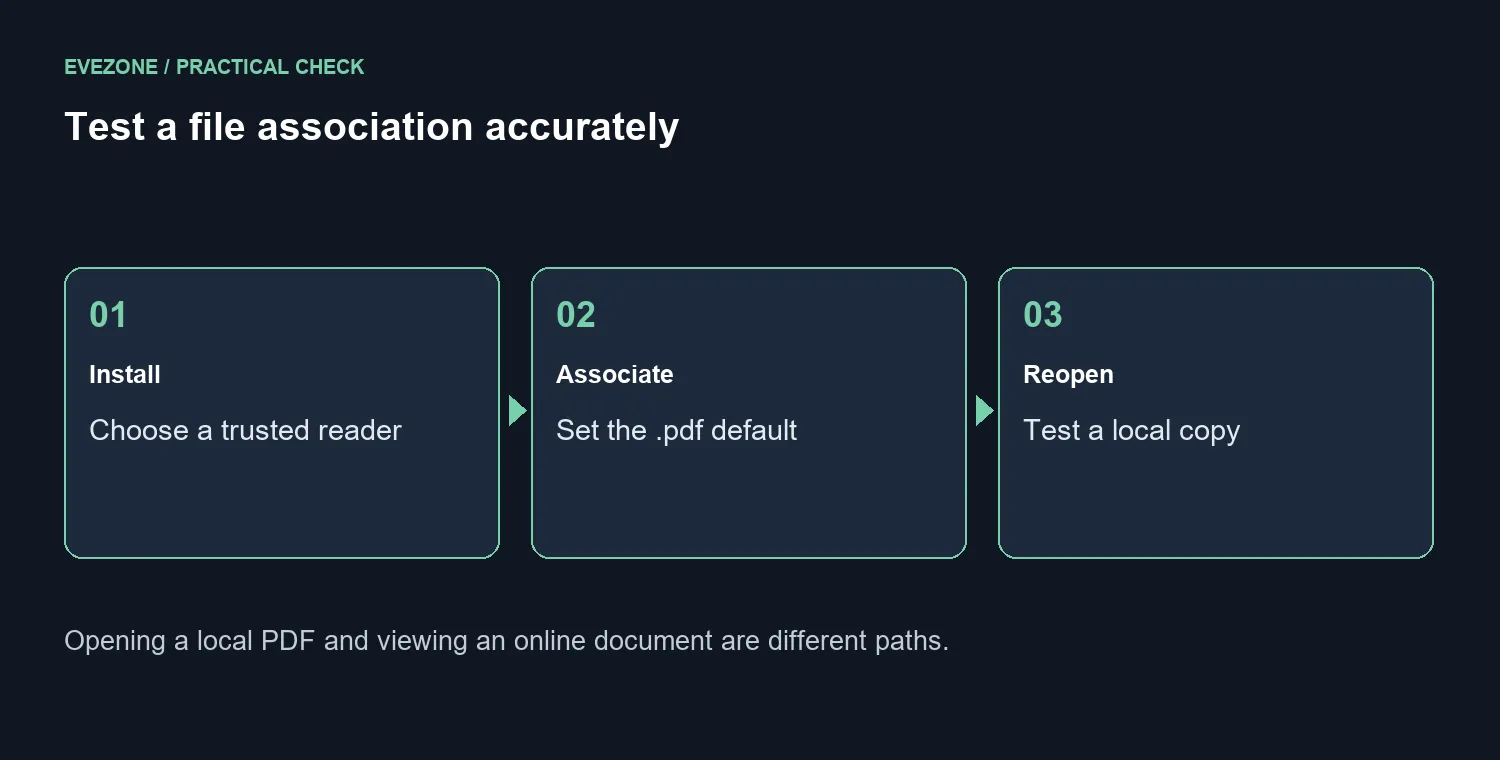
Go to Settings, Apps, Default apps, search for .pdf and choose your preferred installed reader. Reopen a harmless downloaded file to check it. The association change costs R0 and does not add editing features. It also does not decide how every online document is displayed inside a browser.
📑 Use a local test file
Save a harmless PDF in a folder you can find again. Close its current viewer, change the association and open the saved copy from File Explorer. That tests the default for a local file without confusing it with a website's embedded preview.
Choose an application already installed from a trusted source. If the preferred reader is absent, install it through its proper channel before returning to the file-type choice. Avoid selecting an unfamiliar download merely because its name includes PDF.
🧭 Separate opening, previewing and editing
The default reader does not necessarily control a browser viewer or every preview pane. Those are separate behaviours. Nor does choosing a different app grant features that the app does not offer. Reading a document and editing its contents can require different capabilities.
For a growing local document collection, internal storage and external SSDs address capacity and backup choices. They do not decide the file association. Keep a copy of important documents before making edits in any reader, regardless of where they are stored.
🔐 Keep document trust separate from convenience
A file opening without an error does not prove that it came from a trustworthy sender. Check whether you expected the document and where it originated. The association preference should make a known workflow comfortable, not encourage opening every attachment.
If the default later changes, record when that happened and which apps were installed or updated. Recheck the .pdf association and any managed-device rules. Repeatedly choosing the same reader without noting the trigger can conceal the real cause. Test again after the next sign-in and keep the original file intact while comparing behaviour.
Frequently Asked Questions
How do I choose a PDF reader?
Open Settings, Apps, Default apps, search for .pdf and select an installed application.
Does the change edit my documents?
No. It chooses the program used to open them. The file contents remain separate.
Will it add PDF editing features?
No. Editing capabilities depend on the chosen reader and its actual feature set.
Why does a link still open inside my browser?
An online viewer and the default app for a downloaded file are different paths. Test a local file first.
Is a PDF safe because it opens correctly?
No. Consider its source and whether you expected it. Opening successfully is not a safety check.
What if the choice changes again?
Record when it changes, check the current association and investigate the responsible app or managed policy before repeating resets.
Open documents your way
Choose a reader for the documents you use. Test a saved local PDF and keep trust checks separate from file associations.