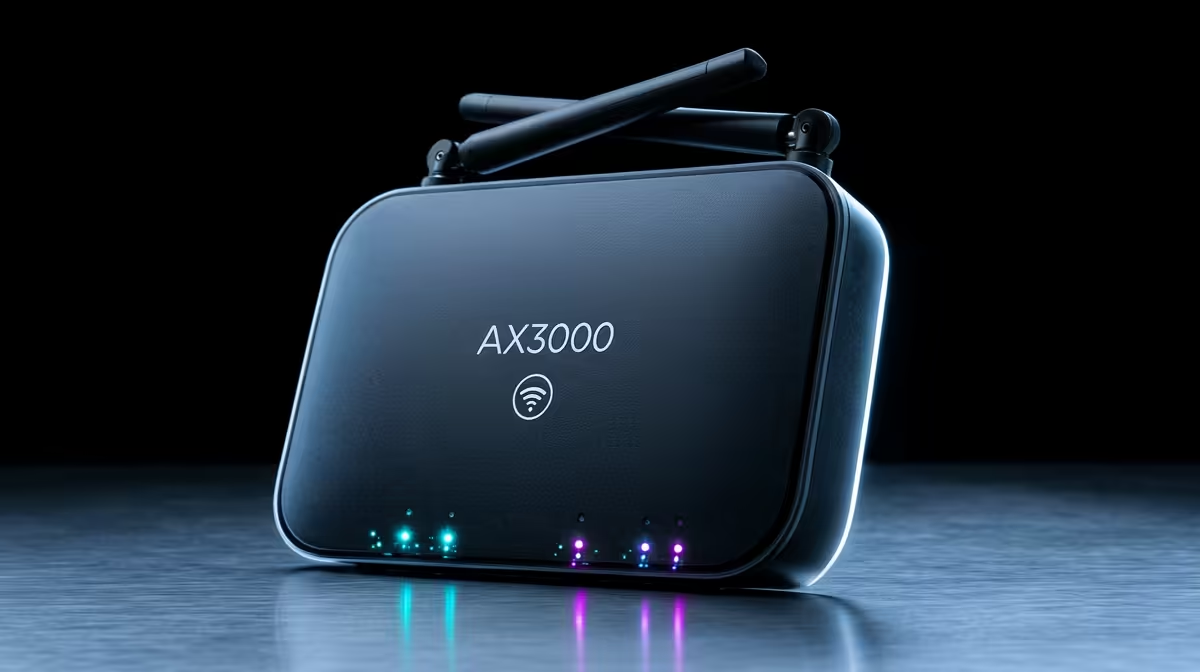
AX3000 Wi‑Fi 6 Range Extender: Why “How Many Devices?” Is the Right Question
If you’ve ever had your squad lag out mid-rank… you know Wi‑Fi isn’t just a tech issue, it’s a game issue. And in South African homes, walls, an unexpected outage, and long distances can turn “good signal” into “why is everything buffering?” 😬.
The AX3000 Wi‑Fi 6 Range Extender: How Many Devices Can It Actually Handle? question matters because an extender can’t magically create bandwidth. It can only redistribute what your main router already has… and the way you place it changes everything. 🚀
AX3000 Wi‑Fi 6 Range Extender: What “Devices” Actually Means (And Why Marketing Numbers Confuse)
“Can it handle 30 devices?” sounds simple, but it’s not. Real-world performance depends on:
- How much bandwidth your main router has (your ISP plan and router performance)
- Whether clients connect at 2.4 GHz or 5 GHz
- Your distance and interference (especially in apartment blocks)
- Traffic type: gaming and video calls are bursty and sensitive to latency; smart home devices often tolerate slower speeds
Wi‑Fi 6 helps with efficiency (less airtime wasted), but it doesn’t remove congestion. So the better way to think about it is: How many devices can connect before latency rises and gaming becomes unpleasant?
If you’re selecting networking gear in the first place, it helps to compare options across range extenders, routers, and adapters based on your room layout. You can browse Evetech’s networking category here:
https://www.evetech.co.za/components/wireless-networking-136
AX3000 Wi‑Fi 6 Range Extender: The Real-World Rule-of-Thumb for Gamers
Here’s a practical approach many South African households use:
For smooth gaming and streaming… aim for fewer active “high-need” devices
If you have:
- 2–4 consoles/PCs or controllers in use
- 1–3 people streaming Netflix or YouTube in the background
- a few phones on social apps
…you’ll usually feel the difference more from placement and channel interference than from the extender “supporting more devices”.
But if you’re running lots of “active” devices at once (multiple streams + downloads + gaming + cloud backups), you may still get connected devices, yet experience higher ping and jitter. That’s where the experience breaks.
Why your extender can look fine, then feel terrible at peak times ⚡
Extenders often operate in a way that can reduce effective throughput. Even without deep technical detail, the simple takeaway is this:
- If your extender is far from your router, it has less reliable link quality.
- If too many devices share the same airtime, latency creeps up.
That’s why gamers tend to notice the extender most during busy evenings… when everyone gets home and starts gaming.
AX3000 Wi‑Fi 6 Range Extender: Installation Tips That Increase “Usable Devices” at Home 🔧
You can’t control every variable, but you can control the big ones.
1) Place it where it still has a strong backhaul link
The extender’s job is to forward data. If it’s placed in a weak spot, it forwards weaker data too.
Quick method:
- Put the extender halfway between your router and the “dead zone”.
- Then test with your phone or laptop at the intended gaming/streaming spot.
- If signal is weak at the extender, it won’t get better at the far end.
2) Use 5 GHz for gaming and 2.4 GHz for “everything else”
Where possible:
- Gaming PC / console: prefer 5 GHz
- Smart TVs, basic browsing: 2.4 GHz can be fine
This reduces congestion on the faster band.
3) Name your networks clearly (so devices stop flapping)
If your router and extender use similar SSIDs, some devices may switch back and forth. A clean setup reduces reconnecting, which can spike latency.
Productivity Pro Tip ⚡
On Windows, run a quick Wi‑Fi survey using built-in tools or a simple Wi‑Fi analyser app, then test which channels and signal strengths you actually get in your gaming room. If the extender placement improves signal at the PC area (not just at the hallway), you’ll usually see steadier ping during peak evenings."
AX3000 Wi‑Fi 6 Range Extender: When You Should Consider a Better Core Router Instead
Sometimes the best “fix” isn’t an extender. If your main router is underpowered for your home layout or number of clients, the extender becomes a band-aid.
If you’re shopping for a router that better supports multiple devices, start here:
https://www.evetech.co.za/PC-Components/buy-wireless-routers-138
Also, if you want to improve coverage without adding extra hops, range extender models vary a lot. Compare options and features here:
https://www.evetech.co.za/PC-Components/wireless-range-extenders-140
And if the problem is a single awkward room (or a gaming PC that can’t get line-of-sight), adapters can be a targeted upgrade too:
https://www.evetech.co.za/PC-Components/buy-wireless-adapters-139
AX3000 Wi‑Fi 6 Range Extender: Simple Device Checklist Before You Buy
Before you commit, ask yourself:
- Do I need coverage, or do I need speed and low latency?
- How many devices will be “actively using” internet at the same time (not just connected)?
- Will the extender be placed where the signal is consistently strong?
Then match your gear accordingly. If you’re building a stable home setup for gaming, aim for fewer active high-demand devices sharing the same busy airtime. If you need more capacity, upgrade the core networking path first… and use the extender as support.
AX3000 Wi‑Fi 6 Range Extender: Quick Verdict for South African Homes
So, AX3000 Wi‑Fi 6 Range Extender: How Many Devices Can It Actually Handle?
It can handle multiple devices connecting, yes. But for gaming-grade performance, the number that “feels good” depends more on placement and congestion than the extender’s AX rating alone.
If you’re often disappointed by ping spikes, start by improving extender location, using 5 GHz for gaming, and reducing simultaneous heavy uploads and streams. Then consider whether your router is the true bottleneck.
Ready to Find Your Perfect Match?
The Mac vs Windows debate is complex, but for maximum power, choice, and value in South Africa, Windows is hard to beat. Explore our massive range of laptop specials and find the perfect machine to conquer your world.