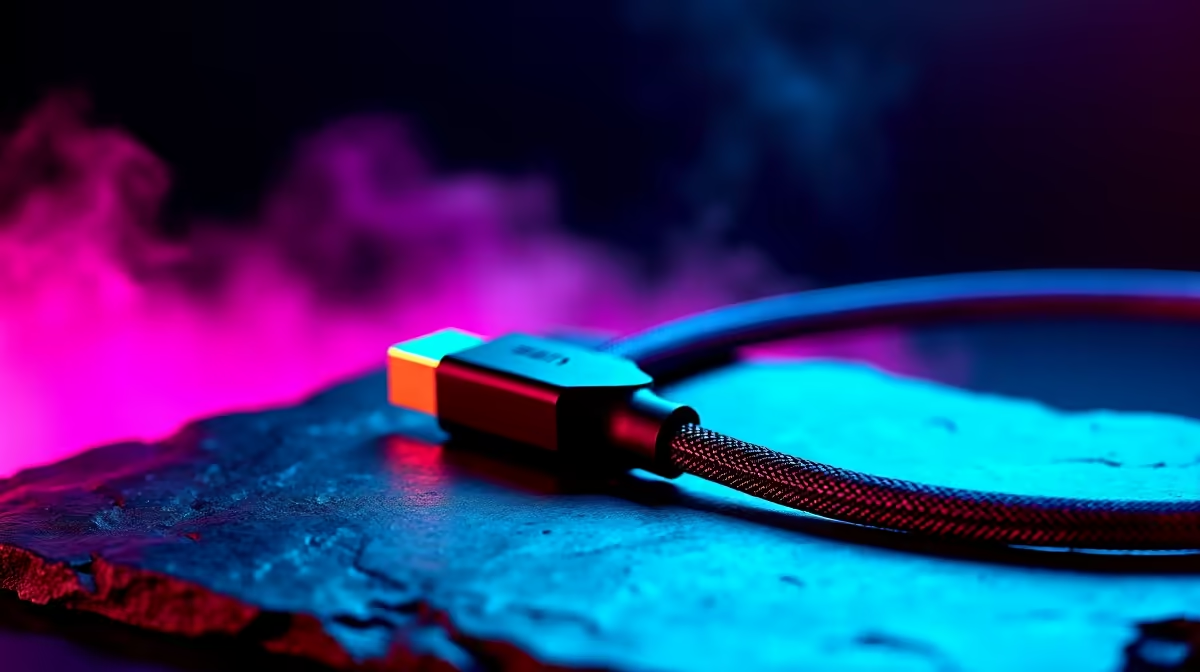
You’re live. The clutch is on. Your viewers are spamming emotes... and then it happens. Your stream becomes a pixelated mess, your audio cuts out, and the dreaded "unstable connection" warning flashes. The real culprit might be dangling right behind your PC. Finding the optimal cables for stable streaming in South Africa isn't just a tech upgrade; it's your first line of defence against lag.
Why Your Cables are Critical for Stable Streaming
You've invested in a beast of a PC and the fastest fibre you can get. So, why would you connect it all with the cheap, flimsy cable that came in the box? It’s like putting retreads on a Ferrari. The quality of your cables directly impacts data integrity—the clean, uninterrupted flow of information from your PC to your router and from your GPU to your monitor.
Poorly shielded cables are susceptible to electronic interference from other devices, causing dropped packets. For a streamer, that means lost frames and audio desync. Investing in good quality cables ensures your high-speed hardware can actually perform at its peak, providing the stable streaming experience your audience deserves.
The Unseen Heroes: Ethernet, Display & USB
Let's break down the three core connections every streamer needs to nail.
1. Ethernet Cables (Your Lifeline) 🔗
Wi-Fi is convenient, but for serious streaming, it's a liability. A wired connection is non-negotiable.
- Cat6: This is the gold standard for most home setups. It supports high speeds (up to 10 Gbps) and has better shielding than older Cat5e cables, protecting your stream from interference. Brands like GIZZU offer reliable Cat6 options that are both sturdy and affordable.
2. Display Cables (What You See is What You Stream)
The choice between HDMI and DisplayPort can impact your in-game performance.
- DisplayPort: Generally preferred by PC gamers for its support of higher refresh rates and technologies like NVIDIA G-Sync and AMD FreeSync. A smooth visual experience for you means a better broadcast for your viewers.
- HDMI 2.1: An excellent choice, especially for high-resolution console streaming or if you're using a TV as a monitor. Reputable brands like HP provide certified cables that guarantee you're getting the bandwidth you paid for.
3. USB Cables (The Command Centre)
Your mic, webcam, and Stream Deck all rely on a stable USB connection. A faulty cable here can lead to your facecam freezing or your audio dropping mid-sentence. Look for USB 3.0 (or higher) for high-bandwidth devices like 4K webcams. For a clutter-free setup, consider quality hubs and cables from specialists like Promate.
Pro Tip: Tidy Cables, Tidy Stream
Cable management isn't just for looks. Neatly routing your cables away from power bricks and other sources of electrical noise can reduce interference. It also improves airflow around your PC and prevents accidental snags that could disconnect you mid-stream! 🚀
Finding Optimal Cables on a Budget
Securing optimal cables for stable streaming doesn't mean you have to empty your wallet. Often, the most significant improvements come from small, targeted upgrades. Replacing a single, old Ethernet cable with a new Cat6 one can make a world of difference and often costs less than a takeaway pizza.
You can find a massive performance boost without a massive price tag. In fact, there is a huge range of high-performance, affordable cable solutions available for under R500. Prioritise your Ethernet connection first, then your primary display cable—it's the smartest way to invest in your stream's stability. 👍
Stop Dropping Frames. Start Upgrading.
Don't let a bad cable be the weakest link in your setup. Explore our massive range of high-quality, reliable cables to ensure your stream is always smooth and professional. Shop all cable solutions now at Evetech for performance that leaves lag in the dust.