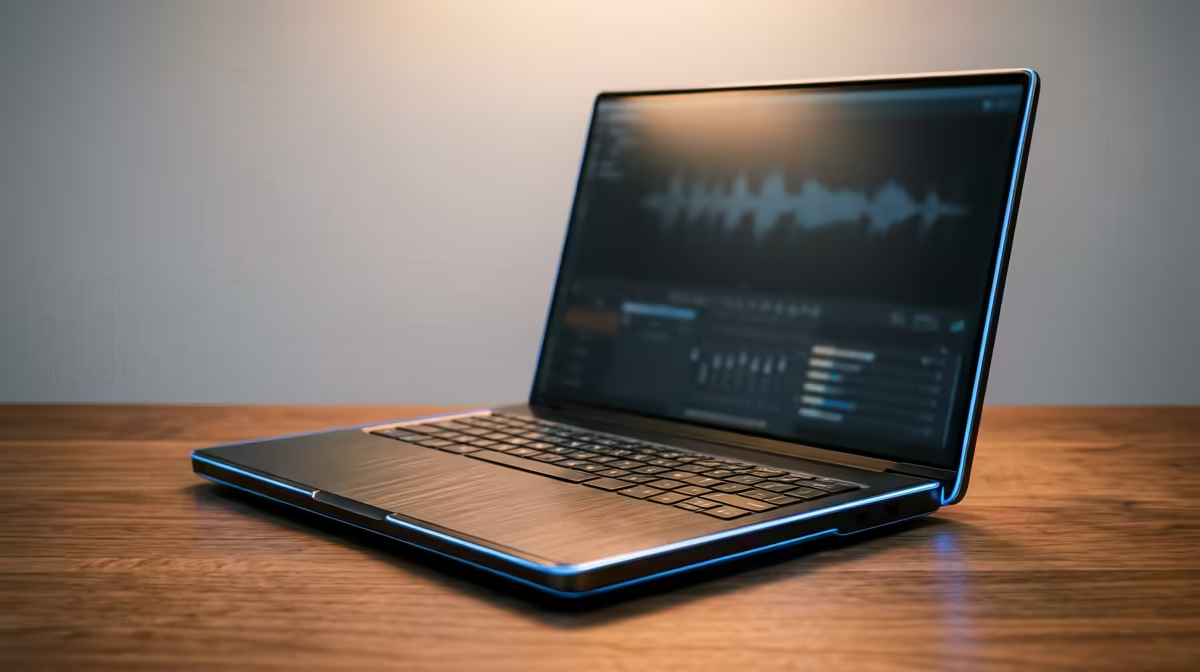
You’re in the zone. The beat is perfect, the melody is fire, and you’re about to lay down the final vocal track. Suddenly, your laptop’s fan screams to life, the audio starts crackling, and your DAW freezes. In South Africa, where a summer heatwave can turn your room into an oven, this is a producer's nightmare. Finding one of the best cooling laptops for music production isn't a luxury... it's essential for finishing your track.
Why Thermal Throttling Kills Creativity
When your laptop's processor (CPU) gets too hot, it automatically slows down to prevent damage. This is called thermal throttling. For a music producer, it’s the ultimate workflow killer.
Suddenly, your complex project with dozens of plugins and virtual instruments starts to stutter, pop, and click. Bouncing a track to audio takes forever, and real-time effects become unusable. A laptop with an excellent cooling system maintains its peak performance for longer, ensuring your creative flow is never interrupted by a struggling CPU. It’s the foundation for a stable and responsive Digital Audio Workstation (DAW).
Key Cooling Features for a Producer's Laptop
Not all laptops are built to handle the sustained pressure of music production. When you’re hunting for a machine that stays cool, you need to look beyond just the CPU and RAM specs. The cooling architecture is what truly matters.
Advanced Cooling Systems 🔧
Modern high-performance laptops use sophisticated cooling technology. Look for features like:
- Dual-Fan Setups: Two fans move significantly more air than one, expelling heat much faster.
- Multiple Heat Pipes: These copper pipes draw heat away from critical components like the CPU and GPU and move it towards the fans. More pipes generally mean better heat distribution.
- Vapour Chambers: Found in premium models, a vapour chamber provides a large surface area to absorb and spread heat far more efficiently than standard heat pipes, making it one of the best cooling solutions for demanding tasks.
Many of the best gaming laptop deals feature these exact cooling systems, making them a surprisingly perfect choice for producers.
The CPU Decision: Intel vs. AMD
The heart of your music production laptop is its processor. Both Intel and AMD offer incredible options, but their high-end chips generate significant heat. Therefore, pairing a powerful CPU with a capable cooling system is critical. A top-tier processor in a poorly ventilated chassis will throttle and perform worse than a mid-range chip in a well-cooled machine. Whether you're exploring powerful AMD laptops on special or the latest Intel laptops on special, always check reviews that specifically mention thermal performance under load.
DAW Pro Tip ⚡
To reduce CPU load and heat during a heavy session in FL Studio or Ableton, 'freeze' or 'flatten' tracks that are complete. This converts the MIDI and its associated effects into a single audio file (a .wav), which uses far less processing power to play back. You can always unfreeze it later if you need to make changes.
Your Guide to a Cool and Quiet Studio ✨
So, what’s the takeaway? The best cooling laptops for music production are often hiding in plain sight as "gaming" machines. They are engineered from the ground up to manage heat during intense, hours-long sessions... exactly like producing music.
By prioritising a laptop with a robust thermal design, you're not just buying performance; you're buying reliability and peace of mind. No more screaming fans ruining a vocal take, and no more frustrating lag when your project gets complex. Now that you know what to look for, you can browse through the various laptop specials for sale in South Africa with confidence.