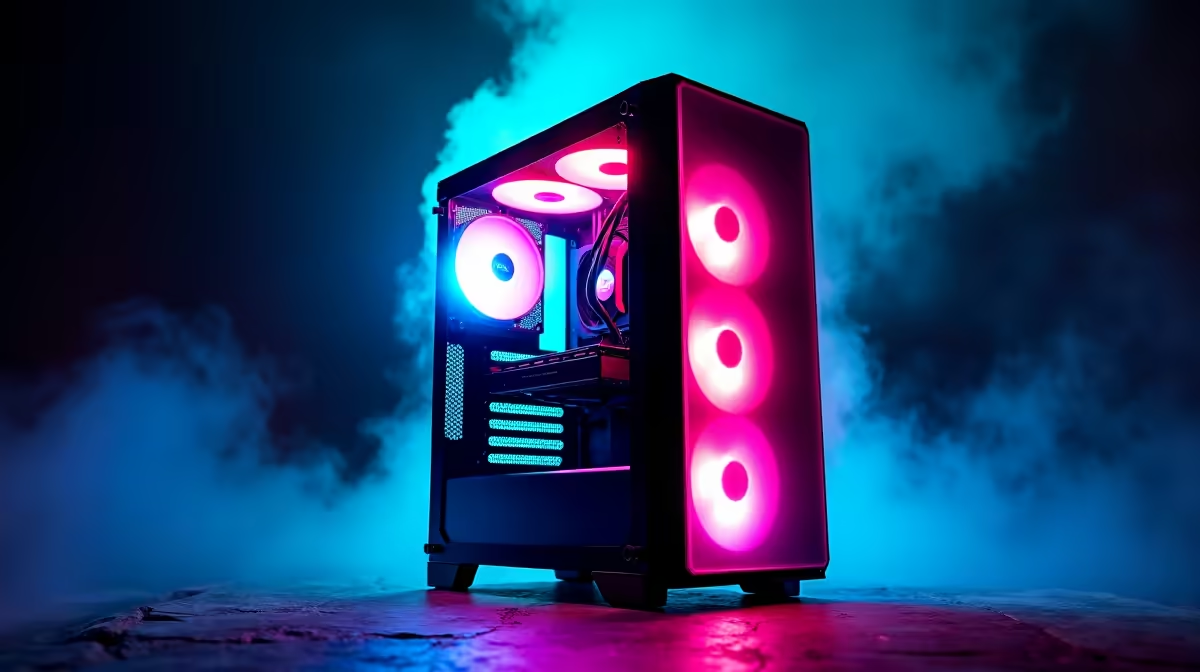
It’s the big day! The wrapping paper is history, and your child is staring at a brand-new box, vibrating with excitement. But between them and victory in their favourite game lies… the setup. In the classic South African showdown of console vs gaming PC for kids, which one gets them playing faster? The answer isn't as simple as you might think. Let's plug in and find out which machine wins the race from box to boss-level. 🚀
The Console Quick-Start: Unboxing to Gameplay
There's a reason consoles are famous for their "plug-and-play" simplicity. The initial setup is designed to be as painless as possible.
You'll typically go through these steps:
- Unbox & Connect: Plug in two cables – power and HDMI to the TV.
- Controller Sync: Press a button to pair the controller.
- System Setup: Connect to Wi-Fi, sign in or create a user profile, and then… the big system update. This can take anywhere from 15 minutes to over an hour, depending on your internet speed.
- Game Installation: Insert a disc or download a game from the online store. This is another waiting game.
For the most part, a console setup is straightforward and guided. The biggest hurdle is often the mandatory updates, which can put a serious damper on the initial excitement.
The Gaming PC Setup: A Different Kind of Journey
A gaming PC setup has a reputation for being more complex, but that's not always the full story. A modern, pre-built PC has streamlined the process significantly.
Here’s the typical workflow:
- Unbox & Connect: You have more cables – power, monitor (HDMI or DisplayPort), keyboard, mouse, and maybe speakers. It looks more intimidating, but most ports are colour-coded and clearly labelled.
- First Boot: Power it on. If you bought a pre-built machine, Windows will be pre-installed, guiding you through the final steps like setting up a user account.
- Driver & Software Updates: You'll need to install graphics card drivers (from NVIDIA or AMD) and launchers like Steam or the Epic Games Store.
- Game Installation: Download your games.
While there are a few more steps, a gaming PC offers incredible flexibility right from the start. You can immediately install mods for games or set up parental controls with more granularity. The power of a PC means it can handle visually stunning titles; the intricate worlds on a machine built from our Cyberpunk 2077 gaming PCs list are a perfect example of this leap in quality.
The Pre-Built PC Shortcut ⚡
Worried about the gaming PC setup for kids? An Evetech pre-built PC is your secret weapon. It arrives with Windows, all essential drivers, and system software pre-installed and optimised by our experts. You just plug it in, connect to Wi-Fi, and install your games. It’s the console's plug-and-play convenience with all the power and flexibility of a PC.
The Verdict: Which is Actually Faster?
So, in the console vs gaming PC for kids setup race, who takes the trophy? It depends on your timeline.
Round 1: The First Hour
For pure, out-of-the-box speed, the console usually wins. It’s purpose-built to get you into a game with minimal fuss, provided the system updates don't take forever. It’s a simple, linear process.
Round 2: The Long Game
This is where the gaming PC pulls ahead. Once the initial setup is done, a PC is vastly more versatile and often faster in day-to-day use. Game downloads can be quicker, and you have access to a universe of titles across different stores. You can seamlessly switch from playing on a custom Fortnite gaming PC to finishing a school project. The variety is unmatched, from creative sandboxes that run great on our Minecraft gaming PCs to intense shooters like those played on a dedicated Call of Duty: Warzone PC.
Beyond Setup: Why a PC is a Smarter Long-Term Choice
While a console might get your child playing 30 minutes sooner on day one, a gaming PC is an investment that pays off for years. It's not just a toy; it's a tool for learning, creating, and exploring. 🔧
A single machine can handle everything from popular battle royales on our PUBG gaming PCs to team-based fun on an Overwatch 2 gaming PC. It can also tackle massive open worlds on our GTA V gaming PCs and even run incredibly detailed simulations, like those on a powerful Microsoft Flight Simulator gaming PC.
More importantly, it grows with your child. You can upgrade components over time instead of buying a whole new system, and it prepares them with essential computer skills for the future. When you weigh the short-term setup time against long-term value, the PC makes a very compelling case.
Ready to Skip the Setup Headache?
The console vs gaming PC debate for kids often comes down to ease of use. But with a pre-built PC, you get the best of both worlds: incredible power and a setup that's almost as fast as a console. Explore our wide range of gaming PCs and find the perfect rig to launch your child's next adventure.