Staring at that new fibre box but dreading the setup? We get it. You're paying for fast internet, but your games lag and Netflix buffers endlessly. A fast internet setup without tech skills shouldn't be a myth. It’s actually straightforward when you know the basics. This guide is for every South African who just wants their internet to work... properly. Let's get your connection running at the speed you deserve. 🚀
Your Guide to a Fast Internet Setup Starts Here
First, let's clear up a common misconception. The speed you buy from your Internet Service Provider (ISP) is the speed delivered to your house. The speed you actually experience on your phone or PC depends on your home network. The hero (or villain) of this story is usually your router.
A weak or outdated router can cripple even a 100Mbps fibre line, creating a bottleneck that slows everything down. Optimising your home's wireless network is the single most effective way to get the performance you pay for. A good setup ensures that blazing-fast signal reaches every device, from your smart TV in the lounge to your gaming rig in the study.
Choosing Your Hardware Without the Headache
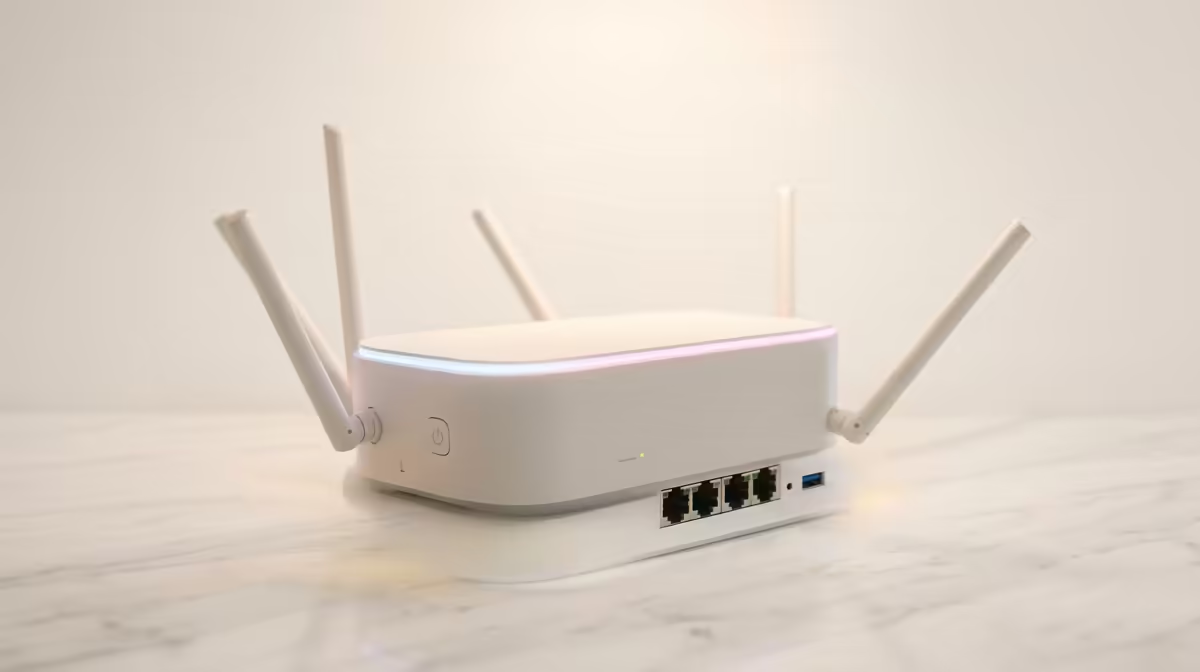
The free router your ISP provided is a starting point, but it's often built to a budget. For a truly fast and reliable connection, especially in a busy household, investing in a dedicated router is essential. You don't need a degree in IT to choose one.
Look for these two things:
- Wi-Fi Standard: Wi-Fi 6 (or 802.11ax) is the modern standard, offering better speed and stability, especially when many devices are connected. It's a fantastic upgrade for future-proofing your home.
- Brand Reputation: Stick with trusted names. You can't go wrong with gear from popular brands like TP-Link, known for their user-friendly setup apps and solid performance. For those wanting great value, affordable options from Cudy also deliver excellent results without breaking the bank.
Router Placement Pro Tip ✨
Position is everything! Place your router in a central, open area of your home, away from thick walls or appliances like microwaves. Elevating it on a shelf instead of the floor can dramatically improve signal coverage. Think of it as a lighthouse for your Wi-Fi.
A Simple Setup Process for Fast Internet
Got your new router? Brilliant. This next part is easier than you think. Modern routers are designed for a simple setup for fast internet, often taking less than 10 minutes. 🔧
Here’s the typical process:
- Plug It In: Connect your new router to power and plug the Ethernet cable from your fibre box (the ONT) into the router's "WAN" or "Internet" port.
- Connect Your Device: Use your phone or laptop to connect to the new Wi-Fi network. The name and password will be on a sticker on the router itself.
- Follow the Wizard: Open a web browser or the manufacturer's app. It will automatically launch a setup wizard. Just follow the on-screen prompts—it mostly involves clicking "Next".
- Set Your Details: Choose a new Wi-Fi network name (SSID) and a strong password. This is the most "technical" it gets!
- Go Wired for Gaming: For the ultimate stability and lowest ping on your PC or console, nothing beats a direct connection. Investing in quality gear for stable wired networking is a small price to pay for lag-free victory.
That’s it! You've just completed a fast internet setup without needing any special skills. Enjoy the smooth streaming and responsive gaming.
Ready for Uninterrupted Speed?
Stop letting a weak signal ruin your game or movie night. Explore our range of powerful networking gear and get the speed you pay for. Shop our wireless networking solutions at Evetech and leave buffering behind for good.