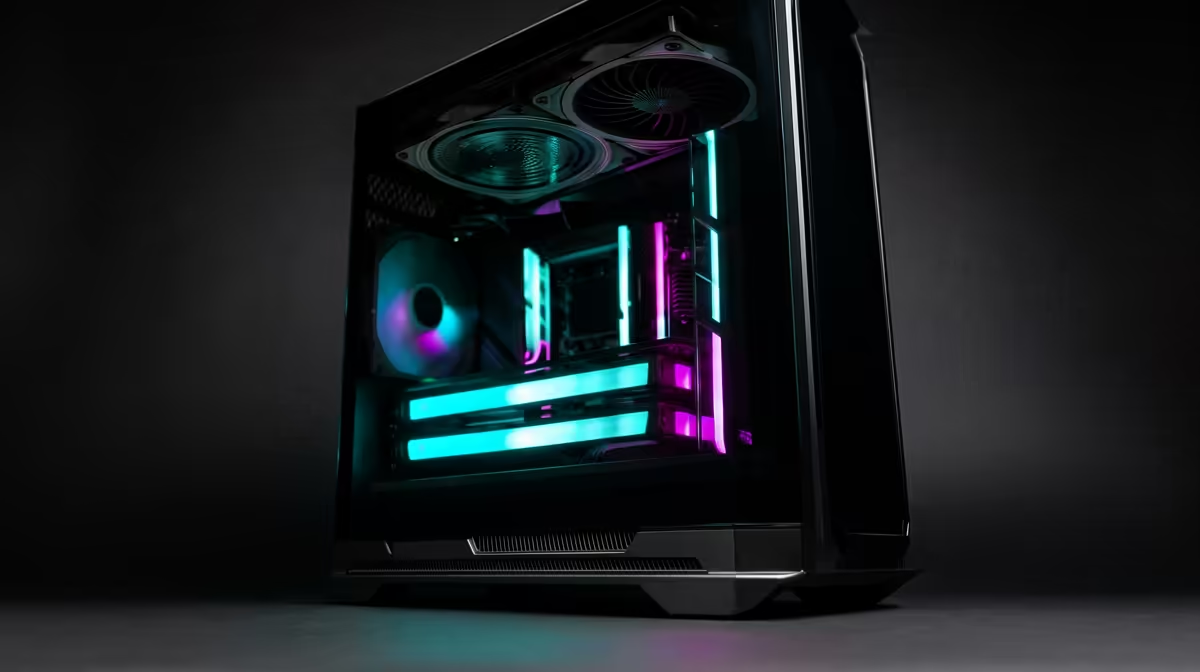
Ready to dive into the ultimate gaming rig but feeling a bit lost? You're not alone. Navigating the world of PC components in Mzansi can feel like a tough boss battle, with confusing specs and fluctuating prices. This gaming PC buying guide for South Africa is your cheat sheet. We'll cut through the jargon and help you choose a machine that crushes frames without crushing your wallet. Let's get you sorted. 🚀
The Core Four: Nailing Your PC's Foundation
Every great gaming PC is built on four pillars: the CPU, the GPU, the RAM, and storage. Understanding how they work together is the first step in this buying guide. Getting the balance right is key to unlocking smooth, immersive gameplay without overspending.
The CPU (The Brains) 🧠
The Central Processing Unit (CPU) is the brain of your rig. It handles game logic, physics, and AI calculations. For gaming, you don't always need the most expensive CPU on the market. A modern Intel Core i5 or AMD Ryzen 5 processor offers a fantastic sweet spot, providing more than enough power for today's biggest titles and multitasking.
The GPU (The Brawn) 🎨
This is the single most important component for gaming. The Graphics Processing Unit (GPU) renders the beautiful worlds you see on screen. The more powerful your GPU, the higher you can crank up the settings and resolution. A top-tier card is essential for pushing modern hardware to its limits in graphically intense titles, making all the difference in a high-end Cyberpunk 2077 gaming PC. When looking at a GPU, pay attention to its model number (e.g., NVIDIA RTX 4070 or AMD RX 7800 XT) and VRAM—8GB is a good minimum today.
RAM (Short-Term Memory)
Random Access Memory (RAM) is your PC's short-term memory, holding data your computer needs to access quickly. For gaming in 2024, 16GB is the gold standard. It’s enough to run your game, Discord, and a few browser tabs without a hitch. If you're into heavy multitasking or demanding simulation titles, stepping up to 32GB can be a worthy upgrade. A robust Microsoft Flight Simulator gaming PC often benefits from the extra capacity.
Storage (The Library)
Your storage drive holds your operating system, games, and files. The debate is over: a Solid State Drive (SSD) is non-negotiable for a modern gaming PC. Specifically, an NVMe SSD offers lightning-fast boot times and dramatically reduces game loading screens. With games getting bigger, you'll want a speedy SSD to load into the action faster—a must-have for any Call of Duty: Warzone 2.0 gaming PC. Aim for at least 1TB to start.
A South African Gamer's Checklist
Building or buying a gaming PC in South Africa comes with its own unique considerations. Here’s what to keep in mind.
Budgeting in ZAR
Set a realistic budget and stick to it. PC component prices can be volatile, so it's smart to decide what you're willing to spend first. Even if you're just starting with a budget-friendly Fortnite gaming PC, planning your spend ensures you get the best performance for your rand. A solid mid-range rig, like one built for GTA V, often offers a fantastic balance of price and power.
Power Supply Pro Tip ⚡
Don't cheap out on your Power Supply Unit (PSU)! In South Africa, where an unexpected outage is a reality, a high-quality PSU from a reputable brand (like Corsair or Cooler Master) with at least an 80+ Bronze rating is crucial. It provides stable power to your expensive components and protects them from electrical inconsistencies, making it one of the most important parts of any local gaming PC build.
Future-Proofing Your Rig
Think about tomorrow, not just today. Choosing a slightly newer motherboard chipset or a PSU with extra wattage can make upgrading your CPU or GPU down the line much easier and cheaper. This is a core principle of any good gaming PC buying guide: build a strong foundation you can improve over time.
Finding the Right Rig for Your Favourite Games
The best PC for you depends on the games you play. Different genres have different demands.
For competitive esports titles, raw frame rate is king. A machine optimised for Overwatch 2 will prioritise a high-refresh-rate experience over ultra-high graphical settings. This ensures you have the smoothest gameplay possible to gain a competitive edge in fast-paced battle royales like PUBG.
On the other hand, for creative freedom in sandbox games, a capable Minecraft gaming PC can handle massive worlds and intensive mods with ease, relying on a good balance of CPU and RAM.
Pre-Built vs. Custom: The Final Choice
Should you build it yourself or buy a pre-built machine? Building offers ultimate customisation, but it requires research and time. Pre-built PCs from a trusted retailer like Evetech offer a plug-and-play experience, expert assembly, and a full system warranty—often for a very competitive price. It’s the perfect way to get into PC gaming without the hassle.
Ready to Build Your Ultimate Rig?
This gaming PC buying guide for South Africa is your starting point. Now, let's turn theory into reality. Whether you want a pro-assembled beast or the tools to build your own, we've got your back. Explore our massive range of custom gaming PCs and find the perfect machine to dominate your game.