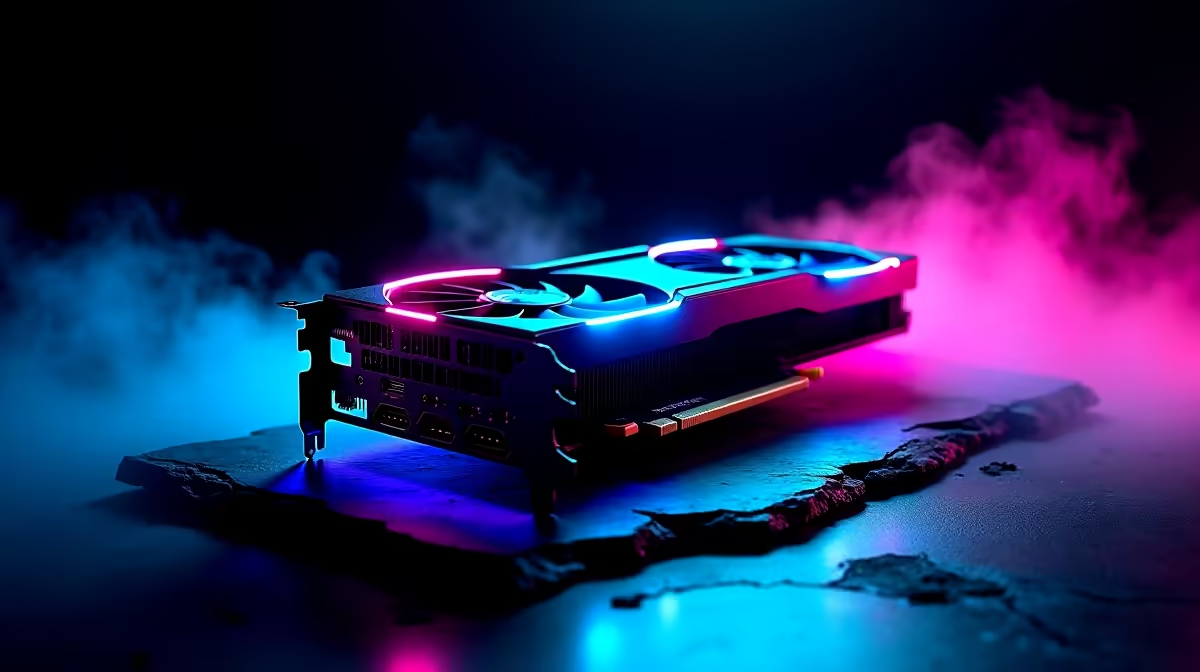
You’ve just dropped some serious ZAR on a shiny new graphics card. You fire up your favourite game, expecting buttery-smooth frames, but something’s wrong. The game stutters, your FPS dips in busy scenes, and it just feels… off. You might not have a faulty GPU; instead, you could be seeing classic GPU bottleneck CPU signs. It’s a frustrating issue where your powerful new card is actually being held back by your processor.
Understanding Graphics Card-Induced CPU Throttling
So, what’s really happening inside your rig? Imagine your graphics card (GPU) is a world-class sprinter, and your processor (CPU) is the one handing it the baton. If the GPU is too fast, it finishes its lap and is ready for the next one, but the CPU is still struggling to get the baton ready. The result? Your super-fast GPU spends time waiting around, and your overall performance suffers. This is the essence of graphics card-induced CPU throttling.
Your PC's performance is a team sport. When one component, like a brand-new, high-end GPU, is leagues ahead of another, like an older CPU, you get an imbalance. The CPU hits 100% utilisation trying to process game logic, physics, and instructions for the GPU, while the GPU sits at a low utilisation percentage, waiting for its next task.
Key GPU Bottleneck CPU Signs to Watch For 🕵️
Spotting the problem is the first step to fixing it. If you've recently upgraded your graphics card and performance isn't what you expected, keep a close eye out for these common GPU bottleneck CPU signs.
1. High CPU Usage Paired with Low GPU Usage
This is the most definitive sign. While in a demanding game, open up a monitoring tool like Windows Task Manager (Ctrl+Shift+Esc) or MSI Afterburner. If you see your CPU cores consistently hitting 90-100% usage while your powerful GPU is chilling at 50-60%, you’ve found your bottleneck. Your processor simply can’t keep up with the data your graphics card is ready to render. This is especially common when pairing powerful, modern high-end NVIDIA GeForce cards with CPUs that are a few generations old.
2. Inconsistent Framerates and Stuttering
Is your average FPS high, but the gameplay feels choppy? This micro-stuttering is a classic symptom. Your CPU struggles during intense moments—like big explosions in Helldivers 2 or entering a crowded city in Cyberpunk 2077—causing sudden frame drops. The GPU can handle the visual load, but the CPU can't process the sudden spike in game-world events, leading to a jarring experience instead of a smooth one. Both Team Green and the equally powerful AMD Radeon options can expose a weak CPU in this way.
3. Performance Doesn't Improve at Lower Resolutions
Here’s a counter-intuitive test. Logic suggests lowering your game’s resolution (e.g., from 1440p to 1080p) should massively increase your FPS. If you do this and your framerate barely budges, it’s a massive red flag. Why? Lower resolutions reduce the workload on the GPU, allowing it to produce frames even faster. This puts more pressure on the CPU to keep up. If the CPU was already at its limit, it can't go any faster, and your FPS will stagnate.
Use In-Game Benchmarks
Many modern games include a built-in benchmark tool. Run it once at your native resolution and again at a lower one like 720p. If the average and minimum FPS numbers are nearly identical, you've almost certainly confirmed your CPU is the bottleneck.
So, You Have a Bottleneck… What's the Fix? 🔧
Confirming you're seeing GPU bottleneck CPU signs is one thing; fixing it is another. Before you rush out to buy new parts, there are a few things you can try.
First, try some software-side tweaks. In your game settings, try increasing graphics-heavy settings like texture quality, anti-aliasing, and shadow resolution. This puts more load back onto the GPU, which can sometimes help balance the workload and smooth things out. You can also try capping your framerate to a stable number just below your average, which can provide a more consistent feel.
Ultimately, the most effective solution is a hardware upgrade. A balanced system is key to unlocking your PC's true potential. Pairing your GPU with a capable CPU ensures that neither component is left waiting for the other. If you're looking to explore our graphics cards or CPUs, focus on creating a synergistic pair. For those who prefer a ready-made solution, looking into professionally configured systems like these pre-built Intel Arc gaming PCs can be a great way to guarantee a balanced, optimised experience right out of the box.
Ready to Unleash Your PC's True Power?
Don't let a CPU bottleneck ruin your investment in a great GPU. Find the perfect graphics card to match your rig's potential with our incredible deals. Shop now at Evetech for performance that leaves lag in the dust.