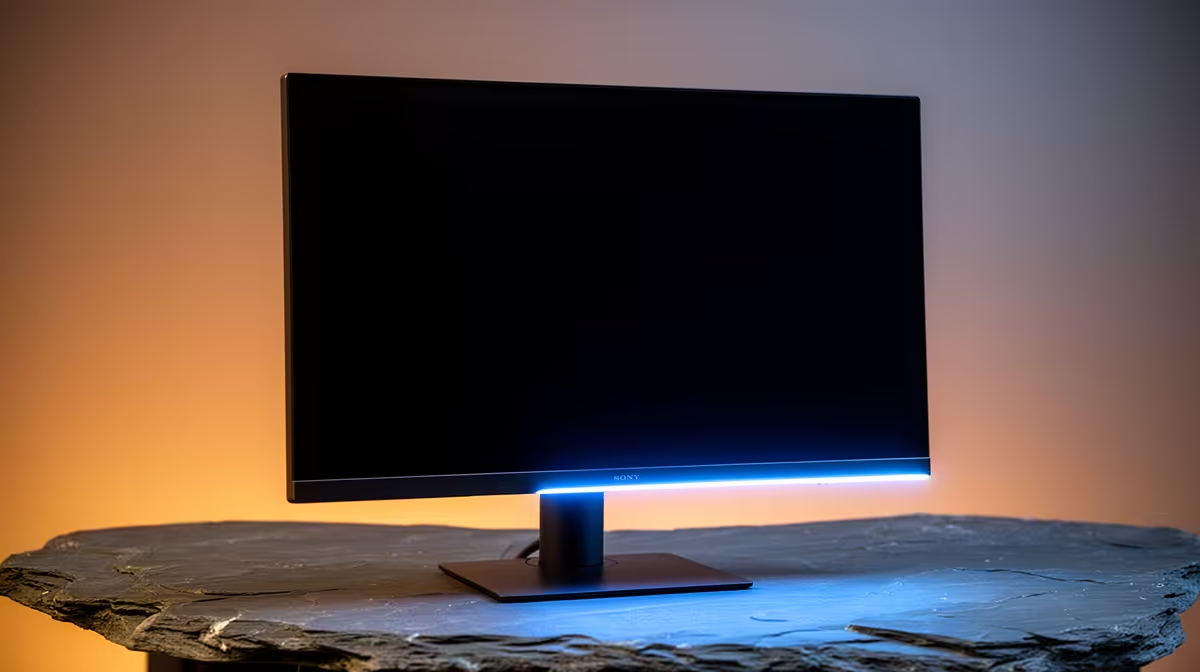
That new OLED monitor is a thing of beauty, isn't it? The perfect blacks, the vibrant colours... it's a serious investment in your gaming setup. But a single fingerprint or dust speck can ruin the immersion. Worse, using the wrong cleaning method can cause permanent damage worth thousands of Rands. So, how do you clean an OLED monitor without destroying that gorgeous, delicate screen? It’s simpler than you think, and we'll show you how.
Why Cleaning an OLED Monitor Requires Special Care
Unlike traditional LCD/LED screens that use a backlight, OLED (Organic Light Emitting Diode) pixels generate their own light. This technology allows for those incredible contrast ratios and deep blacks. However, the organic compounds are sensitive, and most high-end OLEDs have a delicate anti-glare coating that can be easily stripped or stained by harsh chemicals.
Using common household cleaners like Windex, which contains ammonia, or any alcohol-based solution is a recipe for disaster. These chemicals can cause permanent clouding, streaks, or even eat away at the screen's coating. This is why learning how to clean an OLED monitor correctly is a non-negotiable skill for any owner. The fundamental principles of care apply across the board, from entry-level screens to the most advanced PC monitors available in South Africa.
The Essential Toolkit for a Safe OLED Clean ✨
Forget about fancy cleaning kits and sprays. To safely clean your OLED screen, you only need two simple items.
- Two High-Quality Microfibre Cloths: One for dry dusting, one for damp wiping. Ensure they are clean and free of any debris that could scratch the screen. Don't reuse the cloth you used to wipe your dusty PC case!
- Distilled Water: Why distilled? Tap water in many parts of South Africa contains minerals that can leave white, chalky streaks on your screen after the water evaporates. Distilled water is pure H₂O, ensuring a streak-free finish.
That's it. Anything else, from paper towels (they're abrasive) to all-purpose cleaners, poses a risk to your investment. This is especially true if you've spent a significant amount on premium 5K and 4K monitors, where every pixel counts.
Your Step-by-Step Guide to Cleaning an OLED Screen 🔧
Ready to get that screen looking factory-fresh? Follow these steps precisely for a perfect, safe clean every time.
Step 1: Power Down and Cool Off
Always turn your monitor off completely and unplug it from the wall. Let it cool down for at least 15-20 minutes. A cool, dark screen makes it much easier to see dust and smudges, and it prevents the cleaning solution (distilled water) from evaporating too quickly and leaving streaks.
Step 2: The Dry Wipe for Dust
Take your first clean, dry microfibre cloth. Gently wipe the screen in a single direction, either horizontally or vertically. Start at the top and work your way down. Don't apply pressure or use a swirling motion, as this can grind dust particles into the screen. This step will remove most of the loose dust.
Step 3: Tackling Stubborn Smudges
For fingerprints or stubborn spots, it's time for the damp wipe.
- Take your second microfibre cloth and lightly dampen a small section with distilled water. The cloth should be moist, not wet. Never, ever spray water directly onto the monitor.
- Using the damp part of the cloth, gently wipe the smudged area with the same light, straight-line motion.
- Immediately follow up with a dry part of the same cloth (or your first dry cloth) to gently buff away any remaining moisture.
This two-step process is the most effective way to clean your OLED monitor without leaving residue. It's the same professional technique we'd recommend for all premium gaming monitors to keep them in top condition.
Maintenance Pro Tip 💧
To minimise the need for deep cleaning, make dusting your monitor with a dry microfibre cloth a weekly habit. This prevents the buildup of grime that turns into stubborn smudges. A quick 30-second wipe once a week can save you a lot of hassle later on!
Common Mistakes That Can Damage Your Screen
Proper care is simple, but a single mistake can be costly. Whether you have one of the latest immersive curved monitors or a handy portable monitor for your on-the-go setup, avoid these common pitfalls:
- Applying too much pressure: OLED panels are fragile. Pushing too hard can damage the pixels.
- Using paper towels or tissues: They are made of wood pulp and are surprisingly abrasive.
- Spraying liquid directly on the screen: Liquid can seep into the bezel and damage the internal electronics.
- Using any chemical cleaner: Stick to distilled water only. No exceptions.
By following this guide, you're not just cleaning your screen; you're protecting a valuable piece of your tech life. A well-maintained monitor will give you years of incredible visual performance. And when it's finally time for an upgrade, you know where to find the best PC monitor deals to get the most value for your money.
Ready for an Upgrade or Your First OLED?
Keeping your screen pristine is key to an epic gaming experience. If this guide has you dreaming of those perfect blacks and vibrant colours, we've got you covered. Explore our massive range of PC monitors and find the perfect display to dominate your world.