A law student should choose a wireless security camera for a legitimate home or study-space purpose with lawful placement, controlled access and defined retention. Legal training does not remove the privacy rights of housemates, visitors or neighbours.
Define the view, notice and response
Map the area, field of view and what must never be captured. Decide who receives alerts, who may export footage and when deletion occurs. Test Wi-Fi, night conditions and the response process before relying on the camera.
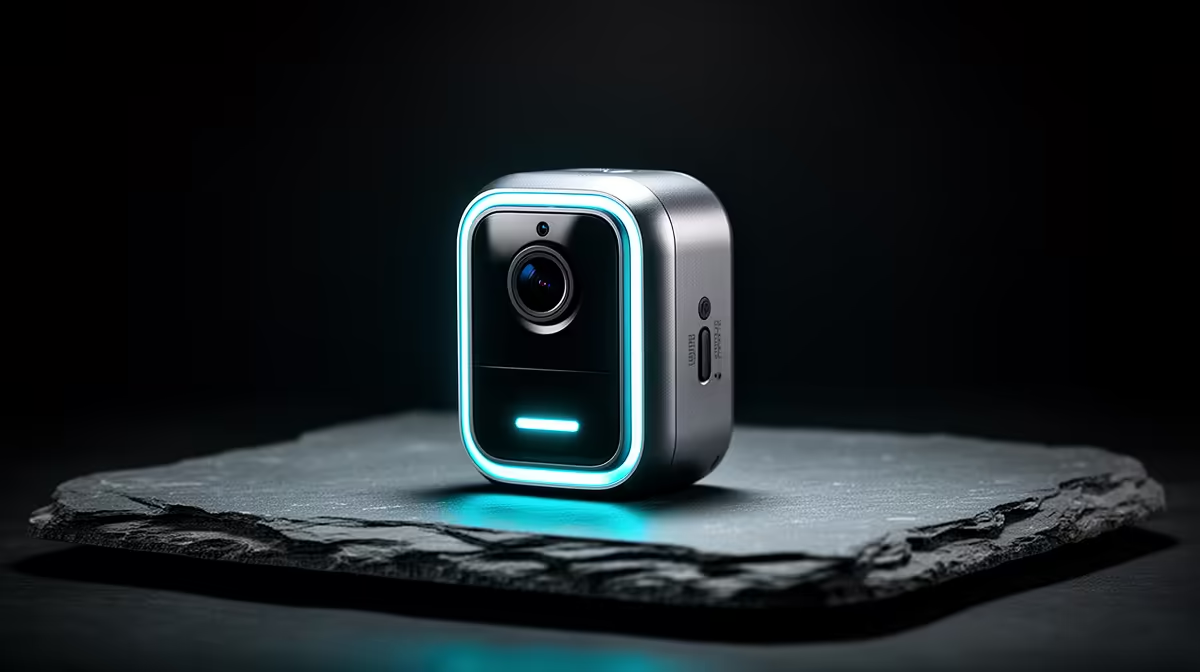
The TP-Link Tapo C212 indoor Wi-Fi camera is verified at R451. This is a consumer-camera reference, not proof of legal suitability, outdoor use or a complete security design. Check current resolution, field of view, power, storage, audio, app controls, update policy, account security and warranty.
Use a unique password and multi-factor authentication where supported. Avoid bedrooms, bathrooms and unnecessary public views, display notices where required and restrict exports. Keep legal notes and client-related material entirely separate from consumer camera storage. Test deletion as carefully as retrieval.
Buy only after household consent, purpose and retention are documented. A lock, lighting or narrower physical control may solve the problem with less surveillance.
Write the legal basis and retention date in the camera plan, ensuring future review does not depend on one students memory of the original decision.
Planning lawful home monitoring? > Compare Evetech cameras after confirming privacy, access and retention.