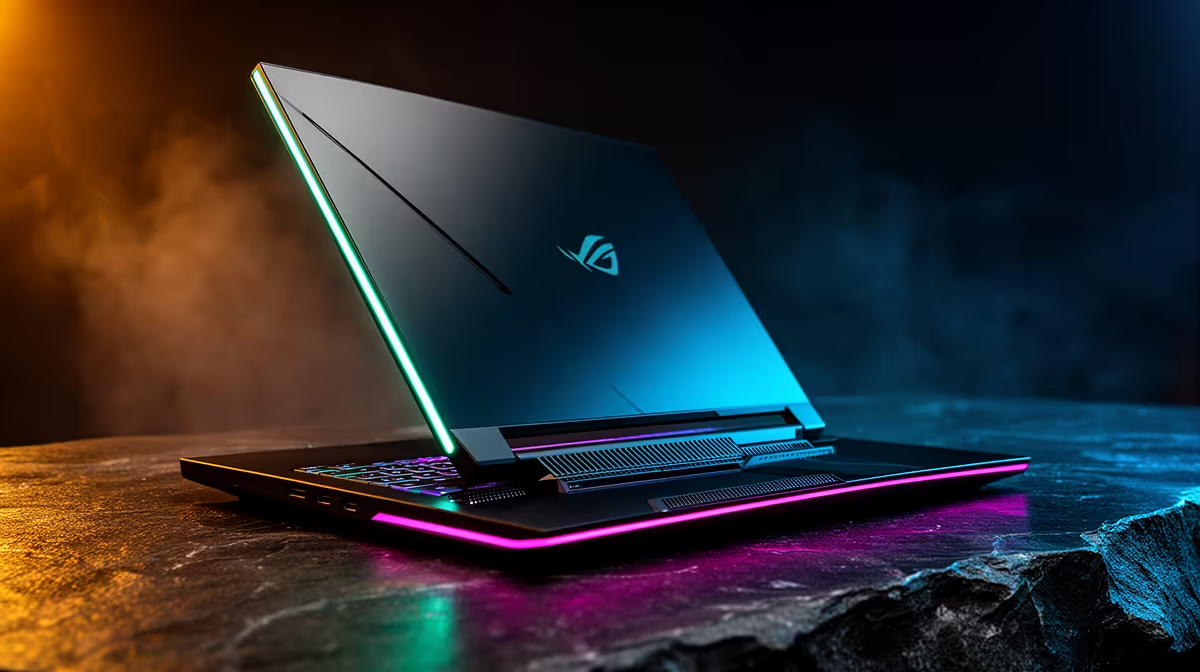
So, you’ve got a brand-new MSI gaming laptop. The raw power is there, but let's be honest... you want to make it yours. For South African gamers, true MSI gaming laptop customization is about more than just changing a wallpaper. It's about squeezing out every last frame, matching your RGB to your rig's vibe, and creating a machine that’s perfectly tuned for your playstyle. This guide will show you how to do just that. 🚀
Unlocking Performance with MSI Center
Before you even think about opening up your machine, the most powerful tool for customizing your MSI gaming laptop is already installed: MSI Center. This software is your command hub for everything from performance tuning to lighting effects. Forget the one-size-fits-all approach; this is where you tailor the laptop’s behaviour to your exact needs.
The most crucial feature is 'User Scenarios'. Here you can switch between modes like 'Extreme Performance' for maximum power when plugged in, 'Balanced' for everyday use, and 'Silent' for when you're working at a coffee shop. Digging into these settings is the first step in effective MSI gaming laptop customization. You can also control your RGB lighting with Mystic Light, ensuring your keyboard's colour scheme matches your setup perfectly. For a comprehensive look at what's possible, check out the full range of MSI gaming laptops and notebooks to see how these features are integrated across different models.
Custom Fan Curve Pro Tip 🔧
In MSI Center, don't just stick to the default fan profiles. Dive into the 'User Scenario' settings and create a custom fan curve. You can set the fans to spin up more aggressively at lower temperatures to keep your laptop cool during intense sessions in the South African heat, preventing thermal throttling and maintaining peak performance.
Hardware Upgrades: Boosting Your MSI's Power
Software tweaks are great, but for a truly tangible boost, nothing beats a hardware upgrade. Two of the easiest and most impactful upgrades for an MSI laptop are RAM and storage (SSD).
Why Upgrade Your RAM?
Adding more RAM (Random Access Memory) allows your laptop to handle more tasks at once without slowing down. If you love streaming your gameplay on Discord or keeping multiple browser tabs open while gaming, upgrading from 16GB to 32GB can make a world of difference. Your game will run smoother, and your whole system will feel more responsive.
The Speed of an NVMe SSD
Most modern MSI laptops come with a fast NVMe SSD, but games are getting bigger. Adding a second NVMe SSD gives you more space for your growing library and ensures lightning-fast load times. Models in the high-performance MSI Raider series are often designed with easy access to these upgrade slots, making them a favourite for enthusiasts who plan for future upgrades.
Perfecting Your Setup's Look and Feel ✨
Customization isn't just about what's inside the chassis. It's about creating a cohesive and comfortable gaming environment that reflects your personality. This is where you bring your entire battle station together.
Start with your peripherals. A high-quality mechanical keyboard and a lightweight gaming mouse can transform your experience. Then, consider a custom laptop skin or wrap to protect your machine and give it a unique look.
Finally, don't neglect your display. Even with MSI's fantastic built-in screens, calibrating the colour can make your games look more vibrant and true-to-life. A well-rounded approach to personalization, starting with a solid foundation like an MSI Vector gaming laptop, ensures every part of your setup is dialled in just for you.
Ready to Forge Your Ultimate MSI Machine?
From software tweaks to hardware upgrades, MSI gaming laptop customization puts you in control. Whether you're starting fresh or upgrading your current rig, Evetech has the perfect MSI laptop to build your dream setup. Explore our massive range of laptop specials and find your next powerhouse.