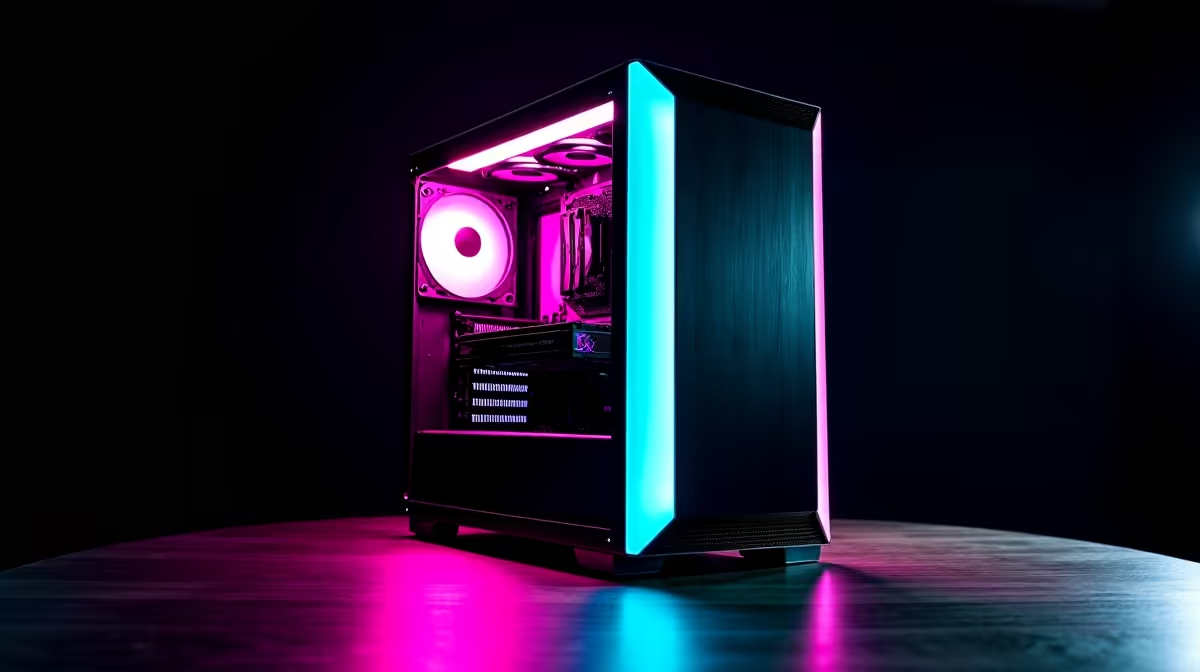
So, you’ve built a beast of a rig for smashing noobs in Apex and exploring the vastness of Starfield. But when Monday rolls around, that same machine needs to edit 4K video, render complex 3D models, or juggle a dozen Adobe Suite apps. Sound familiar? Here in South Africa, our PCs often wear two hats. The good news is you don't need two separate machines. Let's explore how to optimise your gaming rig setup for creative workspaces.
Optimising Your Core Components for Hybrid Use
The secret to a successful dual-purpose PC lies in balancing the core components. What’s great for gaming is often good for creative work, but the priorities can differ slightly. A truly versatile setup finds the sweet spot between raw gaming power and multi-threaded productivity muscle. ⚡
The CPU: Cores vs. Clock Speed
For years, high clock speeds were the holy grail for gaming. While still important, modern creative applications like Premiere Pro and Blender absolutely love more cores and threads. This is where you need to make a strategic choice.
- For the Gamer-First Creative: A high-clock-speed CPU will still serve you well. Many modern Intel-powered PCs offer an excellent balance, with Performance-cores for gaming and Efficient-cores for background tasks.
- For the Creative Who Games: If your income depends on render times, prioritising a higher core count is a smart move. The latest AMD Ryzen gaming PCs are famous for their multi-core performance, chewing through creative workloads without breaking a sweat.
The GPU: More Than Just FPS
Your graphics card is another key player. While a high frame rate is your goal in gaming, for creative work, features like CUDA cores (in NVIDIA cards) and robust driver support can drastically accelerate your workflow.
Many video editing and 3D rendering programs leverage the GPU to speed up processing. A powerful lineup of NVIDIA GeForce gaming PCs provides access to that CUDA-accelerated performance. Of course, if you're looking for incredible gaming value, the performance from modern AMD Radeon gaming PCs is seriously competitive and still handles creative tasks with ease.
Fine-Tuning Your Rig for Creative Workflows
Optimising your gaming rig setup goes beyond just the CPU and GPU. Memory and storage play a massive role in how snappy your PC feels when you're switching between a heated Warzone match and a heavy Photoshop project.
Why RAM and Storage Speed Matter
Ever tried scrubbing through a 4K video timeline, only for it to stutter and lag? That’s often a RAM or storage bottleneck.
- RAM: 16GB is the baseline for gaming, but for creative work, 32GB is the new sweet spot. It allows you to run multiple demanding apps simultaneously. Upgrading to one of the latest DDR5 gaming PCs gives you the bandwidth needed for seamless multitasking.
- Storage: A fast NVMe SSD is non-negotiable. It dramatically cuts down on game load times and, more importantly, the time it takes to open and save large project files. If you're looking for a balanced system out of the box, exploring pre-built PC deals can save you the headache of component matching.
Pro Workspace Tip 🔧
your primary NVMe SSD. Keep your OS and creative software on the C: drive and install your games on a separate D: partition. This keeps your project files and your game library neatly organised and prevents your main drive from getting cluttered with game updates.
Finding the Right Balance for Your Budget
Building a PC that excels at both gaming and creative work doesn't have to cost a fortune. The key is to invest in the components that will have the biggest impact on your specific workflow. Whether you're just starting your creative journey or you're a seasoned professional, there's a build that fits your needs and your wallet.
For those on a tighter budget, our selection of budget gaming PCs offers a fantastic entry point. You can find surprisingly capable machines in our range of PCs under R20,000 that can handle 1080p gaming and entry-level creative tasks. If your projects demand more grunt, stepping up to our PCs above R20,000 unlocks serious performance for 4K video editing, streaming, and high-fidelity gaming. ✨
Ultimately, the goal is a cohesive setup. From the monitor you choose (balancing high refresh rates with colour accuracy) to your mouse and keyboard, every piece contributes to the experience. Browsing the best gaming PC deals can often reveal a perfectly balanced system that’s ready to go.
Ready for a Professional-Grade Setup?
A powerful gaming rig is a great start, but a dedicated workstation is built for productivity from the ground up. Explore our purpose-built Workstation PCs for performance that powers your creativity and your passion.