


Humidity Damage to PC Components: Recovery Guide
Humidity Damage to PC Components: Recovery Guide. Everything you need to know with SA pricing, step-by-step instructions & expert recommendations.
Read morePortable SSD compatibility PlayStation and Xbox explained: learn which drives, formats, and speeds work on PS5, PS4, Xbox Series X/S and Xbox One ✅ Quick setup tips and picks.
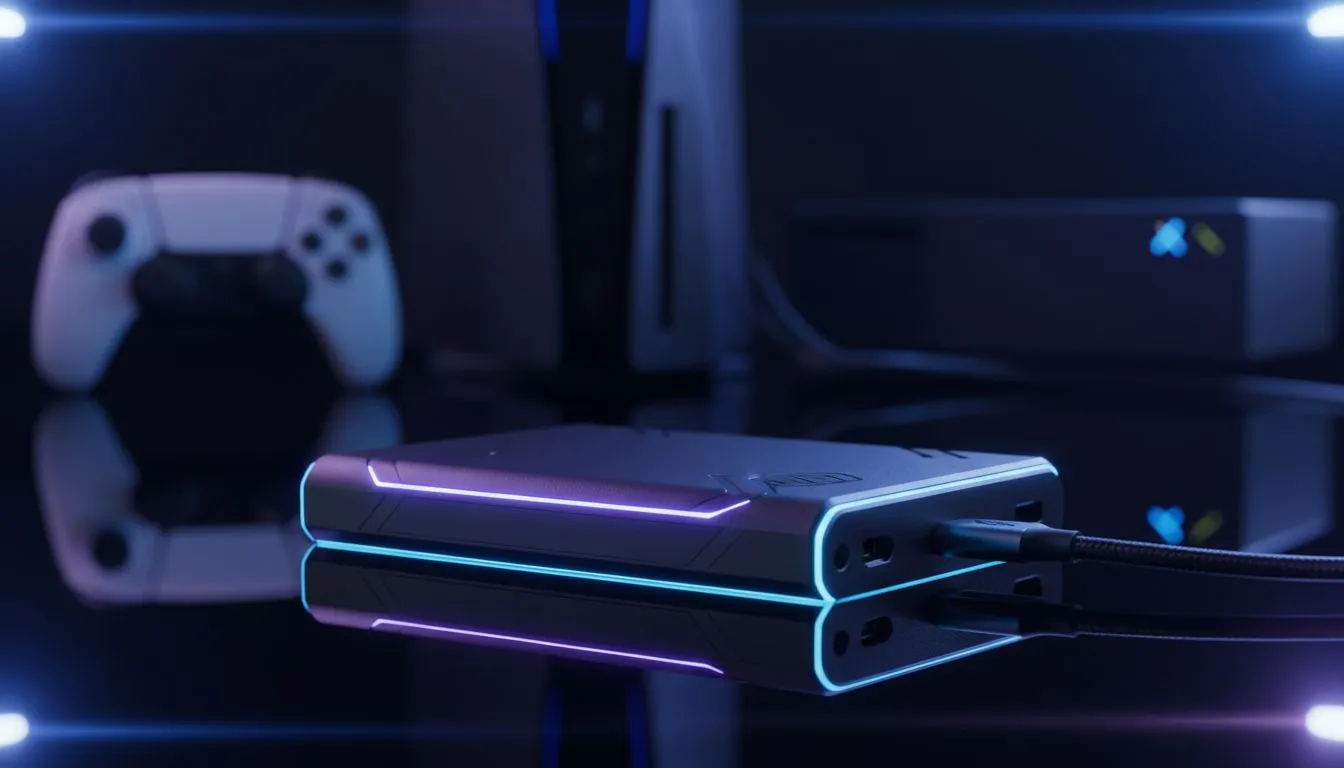
Tired of deleting Call of Duty just to make space for the latest Forza update? We have all been there. Managing storage on modern consoles is a constant battle for South African gamers. This Portable SSD compatibility PlayStation and Xbox: Complete Guide helps you reclaim your library. Whether you are rocking a PS5 or a Series X, adding fast storage is the smartest move you can make this year.
Modern consoles are picky about their storage. You cannot just plug in any old drive and expect miracles. For the best experience, you should look at external SSD specials that offer USB 3.2 Gen 2 speeds. These drives allow you to store and play back-compatible titles directly from the unit. While you cannot play native PS5 or Series X|S games off an external drive, they are perfect for clearing space on your internal NVMe.
The speed of your storage dictates how long you sit at loading screens. Standard hard drives are too slow for modern standards. Upgrading to reliable solid state drives ensures your older library feels snappy. It also makes transferring large files back to your console much faster... saving you precious gaming time.
When choosing a drive, look for SSDs with an external form factor. These are designed to be rugged and portable. PlayStation 5 users need a drive with at least 250GB capacity. Xbox users have similar requirements. Simply plug the drive into a high-speed USB port on the back of your console. The system will prompt you to format it for games. 🔧
Instead of deleting a 100GB game, move it to your external SSD. It is significantly faster to copy a game back to your internal storage than it is to download it again on a standard South African fibre line. This keeps your data usage low and your library ready to play.
Brand reliability matters when your save data is on the line. Many local gamers prefer ADATA for their excellent balance of price and performance. Their drives often feature the heat dissipation needed for long gaming sessions in the SA heat.
If you want top-tier performance, Western Digital offers dedicated gaming lines. These drives are specifically tested for console environments. While the latest Gen 5 (NVME) drives are currently aimed at high-end PC builds, the technology trickles down into the external market... ensuring your portable drive stays relevant for years. ✨
Ready to Expand Your Library? Don't let a "Storage Full" message stop your next session. Whether you need a lightning-fast external drive or a massive internal upgrade, we have the best tech in South Africa. Explore our massive range of SSD specials and find the perfect drive to house your entire collection.
Yes. PS5 supports external USB SSDs for PS4 games; internal NVMe expansion requires a compatible NVMe M.2 drive. Check format and speed requirements.
Yes. Xbox Series X/S accept external SSDs via USB for backward compatible titles; for optimized Series X|S games use the official expansion card or fast USB-C SSDs.
Format an external SSD to exFAT for PS4/PS5 external storage. PS5 internal NVMe requires specific PCIe NVMe format and heatsink support.
Aim for USB 3.1 Gen 2 or USB 3.2 Gen 2 speeds (500+ MB/s real) for smooth load times; NVMe M.2 offers higher performance for PS5 internal expansion.
Yes if the drive supports USB 3.0/3.1 and you use a compatible cable. Format to exFAT and check console recognition before moving games.
Connect the SSD, format as required, then use the console’s storage management to move or install games to the external drive for more space.
Only M.2 NVMe drives meeting Sony’s size, speed, and heatsink specs work for PS5 internal expansion. Portable NVMe enclosures are not a substitute.
Humidity Damage to PC Components: Recovery Guide. Everything you need to know with SA pricing, step-by-step instructions & expert recommendations.
Read more
Gamer Spending Trends April : Complete Setups. Clear setup instructions with SA-specific considerations, troubleshooting tips & recommended components.
Read more
Setting Up DDR5 32GB Kit. Tested & verified settings for best FPS and visual quality on SA hardware budgets.
Read more
Tech Setup Guide for SPU Res Students. Clear setup instructions with SA-specific considerations, troubleshooting tips & recommended components.
Read more
Monster Hunter Wilds Ultrawide Support: 21:9 and. Clear setup instructions with SA-specific considerations, troubleshooting tips & recommended components.
Read more
Apple iPad Durability Guide: Cases, Screen. Practical breakdown of costs, regulations & whether it makes financial sense for SA buyers.
Read more
AMD RX 9050 XT: Rumoured Specs, Price & Release. SA-focused analysis with local pricing data, real-world insights & actionable buying advice.

Can RTX 4080 Super Run AI Workloads for SA Developers Detailed answer with SA data, expert analysis & practical recommendations for local buyers.

Can RTX 4090 Run AI Workloads for SA Developers Detailed answer with SA data, expert analysis & practical recommendations for local buyers.

Top Settings for Intel Arc B580 at Ultrawide 1440p picks evaluated on performance, value & SA availability with current Rand pricing from Evetech.

RTX 4060 CS2 Low Settings at 1080p: FPS Results. Real-world benchmark data, FPS numbers & performance analysis. What SA gamers can actually expect.

Visual Artifacts: Possible GPU Issue Issue #1. Diagnosis steps, proven fixes & when to seek professional help. SA-specific support info included.

Can the RTX 4090 Handle 1440p 144Hz Gaming. Performance testing verdict with real data & practical recommendations for SA buyers.

Top ASUS GPU Under R15000 picks evaluated on performance, value & SA availability with current Rand pricing from Evetech.

GTA 6 Max Settings on RTX 5070. Tested & verified settings for best FPS and visual quality on SA hardware budgets.

Cyberpunk 2077 Max Settings on RTX 5080. Tested & verified settings for best FPS and visual quality on SA hardware budgets.

Starfield Max Settings on RTX 5070 Ti. Tested & verified settings for best FPS and visual quality on SA hardware budgets.

Top RTX 5090 Under R5000 picks evaluated on performance, value & SA availability with current Rand pricing from Evetech.