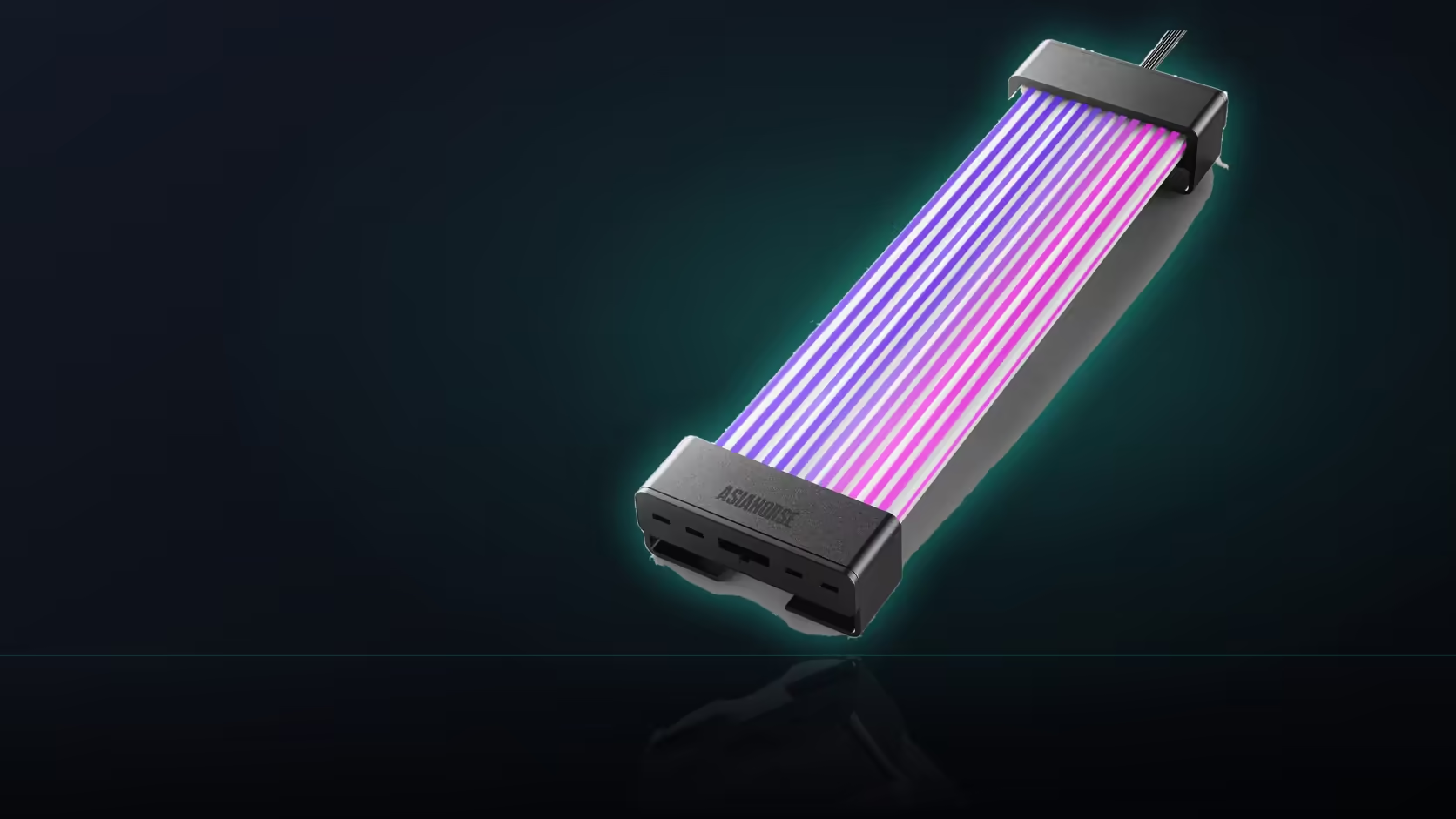
Comparing two control modes on the same product only really works once you accept that neither one is the "correct" way to run it. This Aurora Learn cable cover is built with exactly that flexibility in mind, and choosing between the remote and board sync is genuinely a matter of preference rather than picking a compromise.
Quick Answer
The same Aurora Learn cover can be driven from its included remote or made to follow the motherboard over a 5V 3-pin connection, and both routes are fully documented for the R599 product. Neither is a fallback for the other; they are two genuine ways to run the same 108-LED shell. Choosing between them comes down to how you want to control the lighting rather than any difference in what the cover is capable of showing.
🎮 What the remote route offers
Direct access to 124 or more presets, selectable at any time from a handheld remote, with nothing installed on the connected machine. The controller behind this route draws its power over SATA from the power supply, independent of anything happening on the motherboard.
🖥️ What the sync route offers instead
Switching to 5V 3-pin sync lets the cover follow the board's own addressable lighting software, sharing a single scheme with fans, strips and any other lit components on the same system managed through that same application.
⚖️ Comparing the two routes directly
Setup speed
The remote route is quicker to get running, since the controller arrives ready to use and needs only power and a connection to the shell before it works.
Consistency across the build
Sync clearly wins where several components are already lit, since a cover running its own separate scheme through the remote would stand apart from everything else on the system.
The hardware itself does not change
Both routes drive the same 108 LEDs at the same 60 FPS update rate, so neither mode changes what the cover is physically capable of showing.
🔁 Switching later without buying anything new
Because the two are alternatives on the same product rather than separate purchases, moving from one to the other is a configuration change. The controller still sits between the cover and the board in either mode, so nothing physical needs replacing to switch.
🧾 A quick way to decide which route to start on
Count how many other components are already lit
If fans, strips or a cooler are already synced through the board's own software, sync is the route that folds this cover into that same picture with the least effort, particularly for anything sourced from a case lighting range you are already running.
Consider who else uses the machine
A remote is the simpler option for a shared desk, where opening board software each time someone wants to change the look is a real barrier that a physical button is not.
Weigh how much the header is needed elsewhere
A board with genuinely no spare addressable header effectively makes the decision for you, since sync cannot run without one, leaving the remote as the only workable route regardless of preference.
🧑🔧 What a first-time builder tends to prefer
Someone assembling their first PC often finds the remote the less intimidating starting point, since it needs no configuration and gives immediate, tangible feedback. Board software, by contrast, usually assumes at least some familiarity with the manufacturer's own lighting application, which is a reasonable thing to defer until later in a build, once the rest of the system is already up and running reliably and there is time to explore what that software offers without the pressure of finishing the rest of the assembly at the same time. There is no wrong order to learn the two in, and plenty of builders end up trying the remote first simply because it arrives ready to go, only moving to sync months later once curiosity about matching the rest of the build gets the better of them.
🧪 Testing both before committing mentally to either
Because switching costs nothing beyond a short reconfiguration, there is a reasonable case for simply trying the remote for the first week of ownership, then moving to sync if a build with several lit components starts to feel visually inconsistent. Treating the choice as reversible from day one removes most of the pressure to get it exactly right before the cover is even fitted.
💬 What this decision is really about
Stripped of the technical detail, choosing between the remote and sync is a question of who the lighting is really for. A remote answers to whoever picks it up, which suits a build where the person enjoying the lighting is also the one adjusting it on a whim. Sync answers to whatever scheme the board software is running, which suits a build treated as one coherent object rather than a collection of independently lit parts. Neither framing is wrong, and most builders end up somewhere in between, defaulting to one mode most of the time while keeping the other available for the odd occasion it is genuinely useful.
Frequently Asked Questions
What does the remote route give you access to?
Direct access to 124 or more presets with nothing installed on the machine, changed at any time from a handheld remote.
What does switching to the sync route change?
The cover follows the board's addressable lighting software instead, sharing a scheme with fans and strips on the same system.
Does one route produce better lighting effects than the other?
They differ in how they are controlled rather than in capability. The same 108 LEDs are driven either way, so the hardware is unchanged.
Which route is quicker to get working?
The remote, since the controller arrives ready to use and needs only power and a cover connection before it runs.
When is sync clearly the better choice?
On a build with several already-lit components, where a cover running its own scheme through the remote would stand apart from the rest.
Can the control mode be changed after the initial setup?
Yes, the two are presented as alternatives for the same product, so switching later is a configuration change rather than a new purchase.
Does the controller still matter once sync is active?
It does. The controller sits between the cover and the board in either mode, so it remains part of the setup regardless.
Weighing remote control against board sync for your build?
Check Evetech's power supply range to plan an Aurora Learn install either way.