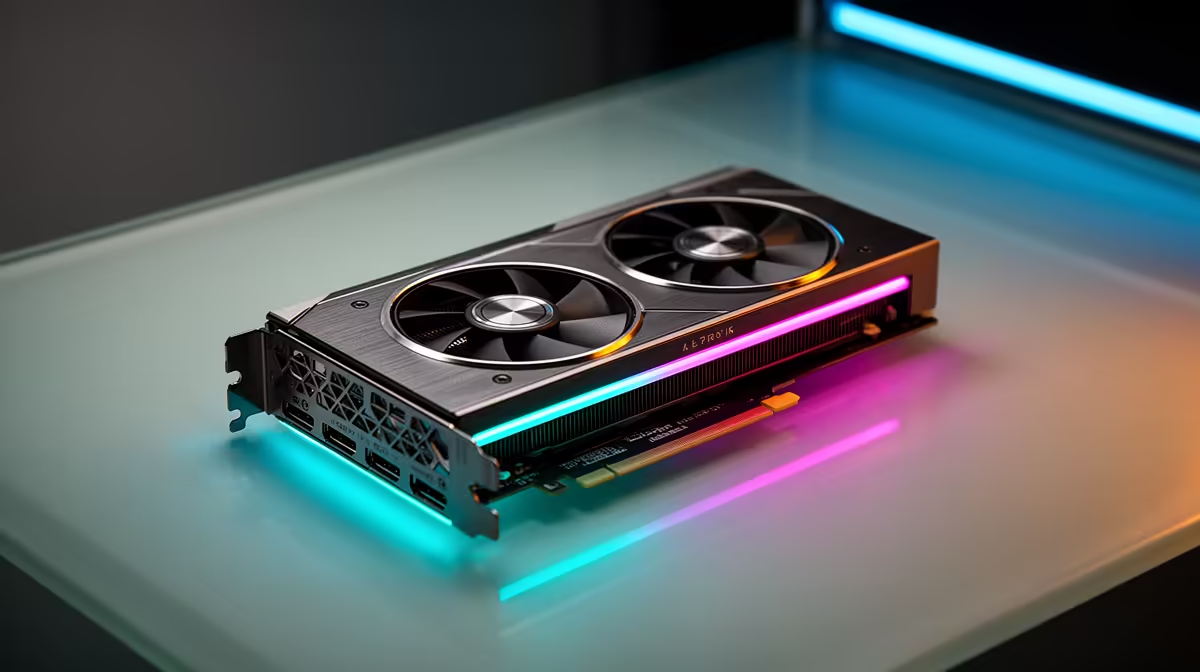
So, you've got the beastly NVIDIA GeForce RTX 4080 Super. Lekker! You're ready for 4K ray-traced glory. But what if we told you that you could get that same incredible performance while using less power, generating less heat, and making your rig quieter? That’s not magic, china… that's the power of smart RTX 4080 Super undervolting, and it’s a perfect tweak for South African gaming conditions. ⚡
Why Undervolting Your RTX 4080 Super is a Big Win
Let's be clear: undervolting isn't about sacrificing performance. It's about efficiency. Graphics cards, including the mighty 4080 Super, are often shipped with a "one-size-fits-all" voltage setting from the factory to ensure stability across millions of units. However, most individual chips can run just as fast with slightly less power. By carefully lowering the voltage, you achieve the same clock speeds for a fraction of the energy cost. This is a massive leap from the brute-force approach needed for some older generations of NVIDIA GeForce cards. The result? A cooler, quieter PC that’s kinder on your electricity bill, especially during those long gaming sessions.
Quick Start Tip 🔧
Use a tool like MSI Afterburner. Start by dropping your voltage by 25-50mV (millivolts) while keeping your target clock speed the same. Test for stability with a benchmark like Unigine Heaven. If it's stable, try dropping it a little more. If it crashes, ease back. Find your card's unique sweet spot!
The Undervolting Process: A Simple Overview
Getting started with RTX 4080 Super undervolting is less intimidating than it sounds. The core idea is to use software to find the lowest stable voltage for your desired performance level. You're essentially creating a custom efficiency curve for your specific GPU.
You'll use the voltage/frequency curve editor in a program like Afterburner to flatten the curve. This tells the GPU to stop demanding higher, inefficient voltages at the top end, instead hitting its peak performance target at a lower, more stable voltage. It’s a process of small adjustments and testing, but the payoff is a rig that runs like a dream. This principle of optimisation applies across the board, whether you're tweaking AMD Radeon graphics cards or fine-tuning one of the latest Intel Arc gaming PCs.
Is It Safe for Your Brand-New GPU?
This is the big question, and the answer is a resounding yes. Unlike overclocking, where you increase voltage and risk hardware damage, undervolting reduces it. The absolute worst-case scenario is that you set the voltage too low, and your game or the system crashes. A simple reboot resets everything to default, and you can try again with a more conservative setting. There's virtually no risk of harming your precious hardware. In fact, by running cooler, you could even argue it helps prolong the life of your GPU's components. ✨ This makes exploring undervolting the RTX 4080 Super one of the safest performance tweaks you can do for any of the latest graphics cards in your system.
Imagine this: you're deep into a Helldivers 2 mission, and the only thing you hear is the game's audio, not your PC fans trying to take off. Your room stays cooler, and you're getting maximum FPS. That’s the real-world benefit of a properly undervolted GPU. It's the smart way to game in SA. 🚀