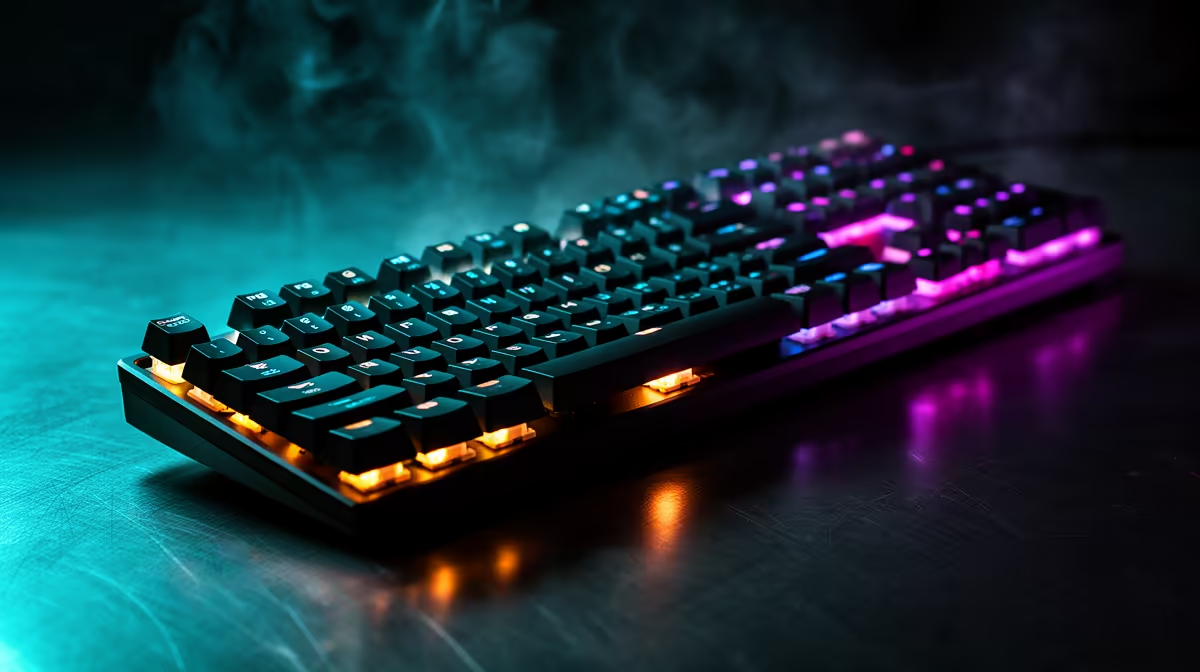
It’s 1 AM in Johannesburg. The house is dead quiet. You’re deep in a Valorant clutch, footsteps are faint, and your focus is absolute… until you strafe. CLACK-CLACK-CLACK! Suddenly, you’re not just fighting the enemy team; you're battling the fear of waking up your family. If this sounds familiar, you're in the right place. Finding the best silent mechanical keyboards for night gaming in SA is key to keeping the peace. 🚀
Why Your Gaming Keyboard Wakes the Neighbours
That satisfying… or disruptive… sound comes from the mechanical switches beneath your keycaps. Gamers often start with "clicky" switches (like Cherry MX Blues) for their distinct feedback, but they are notoriously loud. The secret to silent operation lies in choosing the right switch type.
The best silent mechanical keyboards use linear or specialised silent switches. Here’s a quick breakdown:
- Linear Switches (e.g., Cherry MX Red): These move straight down without a tactile bump or audible click. They offer a smooth, fast, and much quieter keystroke, making them a favourite for gamers who prioritise speed and stealth.
- Silent Switches (e.g., Cherry MX Silent Red): These are the true ninjas of the keyboard world. They are linear switches with integrated rubber dampeners inside the housing, absorbing the sound of both the downstroke and the upstroke. The result is a whisper-quiet experience without sacrificing that premium mechanical feel.
Exploring the different switch types is the first step to finding your perfect match among the wide range of gaming keyboards in South Africa.
How to Choose a Truly Quiet Mechanical Keyboard
When you're browsing for a keyboard built for night gaming, "silent" is the main spec to hunt for. Brands like Corsair, SteelSeries, and Razer offer models specifically designed for low-noise operation. Look for product descriptions that mention "Linear" or "Silent" switches. These keyboards are engineered from the ground up to minimise noise, ensuring your late-night sessions go unnoticed. Ready to find a deal? Check out the best gaming keyboard deals to see what's on offer. ✨
Pro Tip: Dampen the Sound Even More
Already have a mechanical keyboard? You can make it quieter by installing rubber O-rings under the keycaps. They cost next to nothing and reduce the “bottoming-out” sound when you press a key all the way down. A large desk mat also helps absorb vibrations and further quieten your setup.
Wired vs. Wireless: Does Connectivity Affect Noise?
A common question is whether the connection type makes a difference to the sound. The short answer is no. The noise is purely mechanical, generated by the switch and the keycap.
Your choice between a wired keyboard for its zero-latency connection or a sleek wireless keyboard for a clean, cable-free desk setup comes down to personal preference, not acoustics. Both can be equipped with silent switches.
Complete Your Stealth Setup 🎧
A silent mechanical keyboard is a huge step towards peaceful night gaming, but why stop there? Pairing it with a quiet gaming mouse can make your entire setup practically invisible to sleeping ears. Many modern mice feature quiet-click technology that gives you the tactile feedback you need without the sharp click sound. It's often more affordable to upgrade both at once with a keyboard and mouse combo.
Now you can focus on your game, not your noise level. Happy gaming!
Ready for Peaceful Night Gaming?
Stop worrying about waking the house and focus on the win. Explore our massive range of quiet and silent mechanical keyboards to find the perfect fit for your setup and budget.