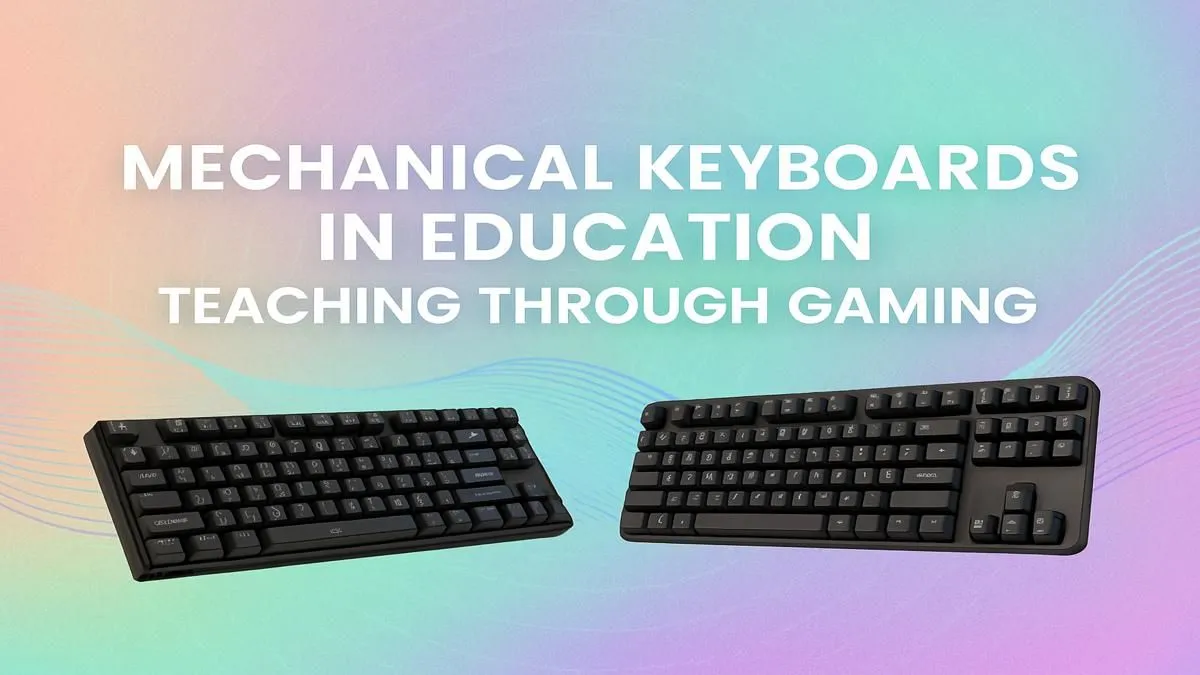
Think the keyboard you use for CS:GO or Apex Legends is just for play? Think again. That satisfying click-clack could be the secret weapon for your studies. Using mechanical keyboards for education is no longer a niche idea… it’s a smart move for any South African student looking to type faster, more accurately, and even improve focus. Let’s dive into how your gaming gear can help you conquer your assignments. 🚀
Beyond the Game: Why Your Fingers Will Thank You
The biggest difference between a standard office keyboard and a mechanical one is the switch under each key. Instead of a mushy rubber dome, you get a dedicated mechanical switch. This isn't just about a cool sound... it translates directly into a better typing experience.
For students, this means less fatigue during long essay-writing sessions and fewer typos in your code or notes. The precision required for gaming translates perfectly to academic work. If you're setting up a new study station, starting with a solid keyboard and mouse combo designed for performance is a fantastic investment.
Finding Your Focus with the Right Switch
The tactile feedback from a mechanical keyboard is a game-changer for concentration. Each keystroke provides a clear, physical confirmation, which can help you get into a "flow state" while studying or writing. This is a key reason why so many programmers and writers swear by them. The choice of switch makes a huge difference:
- Linear Switches (e.g., Cherry MX Red): Smooth and quiet. Ideal for fast typing without distracting others in a library or dorm.
- Tactile Switches (e.g., Cherry MX Brown): A small "bump" on the way down. Great for knowing a key has been pressed without the loud click.
- Clicky Switches (e.g., Cherry MX Blue): The classic loud click. Incredibly satisfying, but maybe not the best for shared spaces!
Wondering which feel is right for you? It's worth it to explore different keyboard switches to understand what suits your study style best. Using a mechanical keyboard for learning is all about finding that perfect tactile response.
Dorm Room Etiquette 🤫
If you're sharing a study space, consider tactile or linear switches. Your roommates will thank you for avoiding loud, clicky switches during late-night study sessions. O-rings can also be added to dampen the sound of any mechanical switch.
An Investment That Lasts Through Varsity
Let’s be honest, student life is tough on tech. Standard keyboards can wear out quickly, with keys becoming unresponsive or letters fading away. Mechanical keyboards are built to a much higher standard, often rated for 50 million keystrokes or more. That's a whole lot of essays and research papers. 🔧
While the upfront cost can be higher, they often prove more economical in the long run. You don't have to break the bank to get started, either. There are plenty of affordable gaming keyboards in South Africa that deliver exceptional durability and performance for your educational journey.
Make Your Study Space Your Own ✨
One of the best parts of the mechanical keyboard world is customisation. This isn’t just about flashy RGB lighting... although that can help with late-night visibility! You can personalise your board to make your desk a more inviting place to work.
Swapping out the keys with custom keycap sets can add a splash of colour and personality to your setup. For those marathon study sessions, adding a comfortable wrist rest is essential for ergonomic support, preventing strain and keeping you comfortable for hours. A setup you love is a setup you'll use more effectively.
The link between mechanical keyboards for education and improved productivity is clear. They offer a more comfortable, accurate, and durable typing experience that can make a real difference in your academic performance.
Ready to Upgrade Your Study Game?
From acing essays to coding projects, the right keyboard makes all the difference. Explore our great gaming keyboard deals and find the perfect tool to boost your learning and conquer your coursework.