


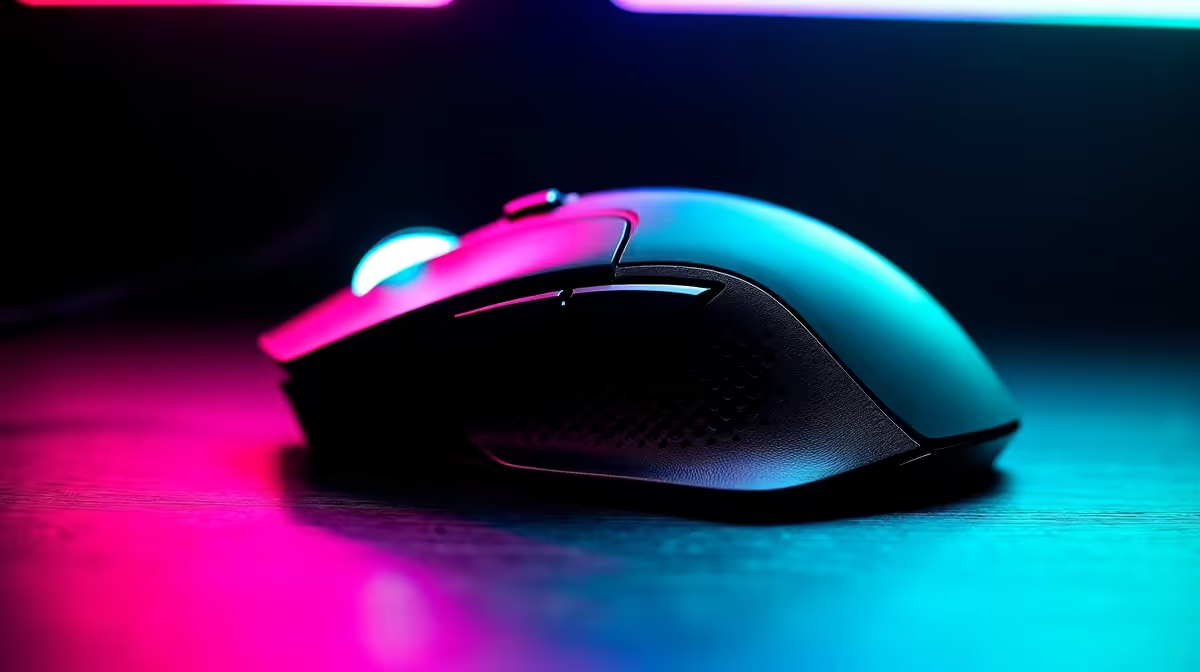
Tired of your mouse cable snagging on your desk mat in a clutch 1v1? Ja, we've all been there. That split-second drag can mean the difference between a glorious win and a frustrating loss. But in 2026, cutting the cord isn't a compromise... it's a competitive advantage. The tech behind wireless gaming mice has evolved, delivering flawless, faster-than-wired performance. This guide will help you find the best wireless gaming mouse for your grip, game, and budget. 🚀
Why a Top Wireless Gaming Mouse is Essential in 2026
For years, pro gamers were hesitant to go wireless, fearing lag and signal drops. Those days are long gone. Modern 2.4GHz wireless technology is now virtually indistinguishable from a wired connection in terms of latency. The freedom of movement is the real prize—no cable drag means smoother flicks, unimpeded tracking, and a much cleaner desk setup. Whether you're a competitive FPS player or a casual explorer, the benefits are undeniable. The latest generation of today's wireless mice proves that you can finally have top-tier performance without the tether.
Key Features for the Best Wireless Gaming Mouse
Navigating specs can be tricky, but understanding the basics makes finding the right fit much easier. A great wireless gaming mouse balances several key factors to deliver a winning experience.
Sensor, DPI, and Polling Rate
The heart of any gaming mouse is its sensor. Look for top-tier optical sensors like Logitech's HERO or Razer's Focus Pro, which offer flawless 1:1 tracking.
- DPI (Dots Per Inch): This is sensitivity. While brands boast huge numbers (30,000+), most pros play between 400-1600 DPI. Higher isn't always better; consistency is key.
- Polling Rate: Measured in Hz, this is how often the mouse reports its position to your PC. 1000Hz is the standard, but we're seeing 4000Hz and even 8000Hz becoming more common for ultra-smooth cursor movement, a significant advantage over many older wired mouse options.
Weight and Ergonomics
This is purely personal preference. Lighter mice (under 65g) are incredible for fast-paced FPS games, reducing fatigue during long sessions. Heavier mice can feel more stable and deliberate. Your grip style—palm, claw, or fingertip—will determine the ideal shape for you. Don't be afraid to try a few different shapes to see what feels like a natural extension of your hand.
DPI vs. In-Game Sensitivity 🔧
Think of DPI as your mouse's hardware sensitivity and in-game settings as a software multiplier. For the most consistent aim, it's best to set your DPI on the mouse and leave the Windows pointer speed at its default setting (6 11). Then, fine-tune your sensitivity within each game. This prevents pixel skipping and ensures your muscle memory translates across different titles.
Our Top Picks for the Best Wireless Gaming Mouse in 2026
While we can't predict the exact models, trends suggest we'll see even lighter, faster, and more efficient mice. Here’s what the future likely holds, based on today's leading tech.
The Featherlight FPS Champion
Expect the successors to mice like the Logitech G Pro X Superlight and Razer Viper V2 Pro to push boundaries. We're talking sub-50 gram weights, third-generation optical switches for instant clicks, and polling rates exceeding 8000Hz. This will be the best wireless gaming mouse for anyone playing titles like Valorant or Apex Legends where every millisecond counts.
The Ergonomic All-Rounder
For gamers who mix marathon MMO sessions with FPS action, comfort is king. Look for future versions of the Razer DeathAdder or SteelSeries Prime. These will likely feature refined ergonomic shapes, extended battery life (100+ hours), and versatile button layouts without piling on excessive weight. They offer a perfect balance for those who want one mouse to do it all. You can explore our full range of gaming mice to see how ergonomics vary between models.
Maximise Your Performance with the Right Accessories
Your new mouse is only part of the equation. A high-quality mousepad provides a consistent surface for your sensor to track on. For slick, fast glides, choose a hard pad or a speed-focused cloth pad. For more control and stopping power, a control-focused cloth pad is ideal. Investing in good mouse accessories, like aftermarket skates or grip tape, can further customise the feel to your exact preference. ✨
Finding the Best Gaming Mouse Deals in South Africa
Top-tier technology often comes with a premium price tag, but you don't always have to pay full price. Keep an eye out for seasonal sales and combo deals. Often, the best value isn't the brand-new flagship but the previous generation's model, which still offers incredible performance for a much lower price. Before you buy, always check out the latest gaming mouse deals to make sure you're getting the most bang for your buck.
Ready to Cut the Cord for Good? Choosing the best wireless gaming mouse is a personal journey, but the freedom and precision are undeniable. Explore our massive range of gaming mice and find the perfect tool to claim your victory.










