So, you're ready to show the world your skills. You’ve been dominating lobbies, and now it’s time to stream your gameplay or record epic highlights. But then you hit a wall: the great debate of capture card vs USB-C capture. Which one is right for your setup? This 2026 buying guide will break down everything you need to know, helping you make a lekker choice for your content creation journey right here in South Africa.
Understanding Your Capture Options
At its core, a capture device does one simple job: it takes the video signal from one source (like your gaming PC or console) and sends it to another (your streaming PC or recording drive) so you can broadcast or save it. But how it gets that job done is where the capture card vs USB-C capture decision becomes critical.
The two main flavours are:
- Internal PCIe Capture Cards: These slot directly into your motherboard, living inside your PC case.
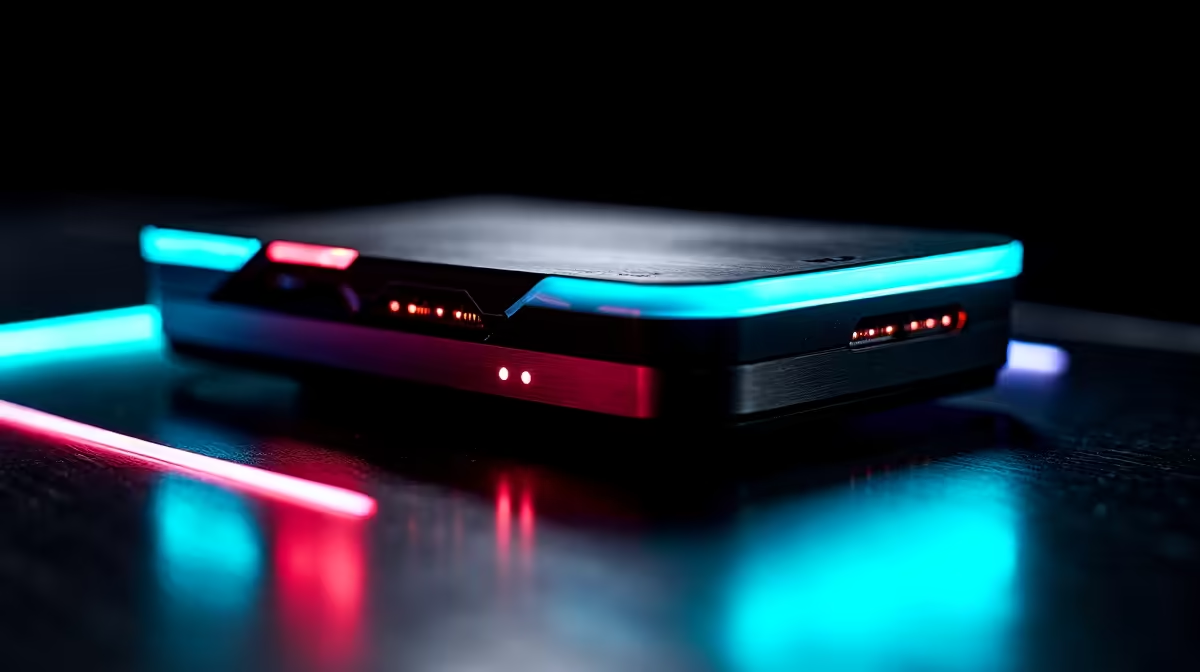
- External USB-C Capture Devices: These are portable, plug-and-play boxes that connect via a USB-C cable.
Let's dive into which one suits your ambitions.
The Case for Internal PCIe Capture Cards
For the dedicated streamer aiming for the highest possible quality with the lowest latency, an internal PCIe card is often the top choice. Because it connects directly to the motherboard's PCIe bus, it can handle massive amounts of data with almost zero delay. This is crucial for pro-level streaming where every millisecond counts. ✨
An internal card creates a powerful, dedicated streaming machine. It's a "set it and forget it" solution that becomes a core part of your rig. Pairing it with a quality microphone turns your PC into a full-blown production studio. If you're building a beastly PC for streaming and never plan to move it, this is your champion. The main drawback? It's not portable and requires a free PCIe slot in your desktop.
Audio is Half the Battle! 🎧
A common headache for new streamers is audio sync. When setting up your capture card, use software like OBS Studio to add a small 'Render Delay' filter to your webcam and mic sources. Start with a 20ms delay and adjust until your voice and face perfectly match the gameplay audio. It makes a world of difference!
The Flexibility of USB-C Capture
What if you game on a PS5, an Xbox, or even a laptop? This is where external USB-C capture devices shine. Their plug-and-play nature makes them incredibly versatile. You can be streaming from your console one day and capturing footage from a gaming laptop the next, all with the same little box. 🚀
Modern USB-C (and Thunderbolt) technology offers fantastic speeds, meaning the latency gap in the capture card vs USB-C capture battle has narrowed significantly. For most streamers, the tiny delay is completely unnoticeable. It's the perfect solution for console gamers who want to capture gameplay without needing a PC right next to their TV; just plug in your console, your favourite gaming controller, and you're good to go. Plus, ensuring you have a good gaming headset means you can capture your party chat audio seamlessly.
Capture Card vs USB-C Capture: The Final Verdict
So, how do you choose? Your decision in the capture card vs USB-C capture showdown comes down to your primary use case.
Choose an Internal PCIe Card if:
- You have a dedicated desktop streaming PC.
- You demand the absolute lowest possible latency.
- You want a clean, permanent installation inside your rig.
- You stream high-refresh-rate PC gameplay (e.g., 1080p at 240Hz).
Choose an External USB-C Device if:
- You need portability and flexibility.
- You stream from multiple sources like a PC, PS5, Xbox, or Nintendo Switch.
- You use a laptop for streaming.
- You want a simpler setup process without opening your PC case.
Ultimately, both options can produce incredible-looking streams. The technology has advanced so much that you can’t really make a "wrong" choice, only one that’s better suited to your specific needs and budget. Before you decide, it's always a good idea to check out our full range of streaming essentials to see what fits your setup.
Ready to Start Your Streaming Journey?
Whether you need the raw power of an internal card or the flexibility of a USB-C device, the right gear makes all the difference. Explore our massive range of streaming essentials and find the perfect capture solution to share your gameplay with the world.