


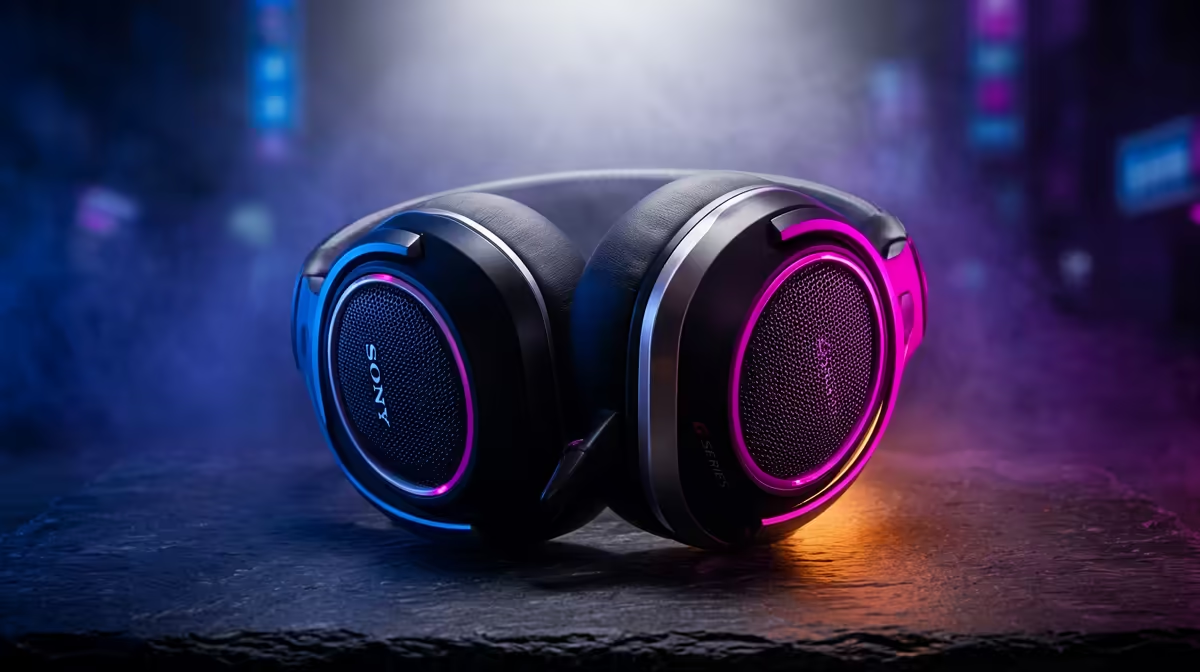
So, you’re ready to jump into the vibrant world of South African streaming? Lekker! But between outage schedules and finding a decent internet connection, the last thing you need is gear that lets you down. Finding the best streaming gear South Africa has to offer isn't just about the flashiest toys; it's about building a reliable, professional setup that keeps your audience hooked. This guide cuts through the noise with performance-tested advice for every budget. 🚀
Your Foundation: Crystal-Clear Audio 🎤
Before you even think about a 4K camera, let's talk about sound. Viewers will forgive grainy video, but they will click away instantly for crackly, muffled, or echoey audio. It’s the single most important part of your stream. For anyone starting out, a high-quality USB microphone is the perfect balance of plug-and-play simplicity and broadcast-level clarity.
Investing in good audio is the first step in creating a professional setup for streaming in South Africa. Look for mics with a cardioid pickup pattern, as this pattern focuses on sound directly in front of the mic, helping to isolate your voice from keyboard clicks and other background noise. A pop filter is also a non-negotiable, cheap accessory that smooths out those harsh 'P' and 'B' sounds, making you much easier to listen to.
The Visuals: Cameras That Make You Look Pro
Once your audio is sorted, it's time to focus on video. Your laptop's built-in webcam just won't cut it if you want to look professional. A dedicated external webcam is a massive leap forward, offering better low-light performance, sharper focus, and more accurate colours.
A 1080p camera running at 60 frames per second (FPS) is the sweet spot for most streamers, delivering a smooth, crisp image without demanding too much from your PC or internet connection. Don't fall for the 4K marketing hype unless you have a top-tier machine and a rock-solid fibre line to support it. For most platforms like Twitch and YouTube, 1080p is more than enough. You can browse our range of high-definition webcams to find a model that fits your budget and needs perfectly.
OBS Pro Tip ⚡
Use Profiles and Scene Collections in OBS Studio to save different setups. Create a 'Just Chatting' profile with one scene layout and a 'Gaming' profile with another. This lets you switch between completely different stream configurations (like overlays, alerts, and audio sources) with a single click, saving you tons of time before you go live.
Lighting & Ambience: Setting the Scene 💡
Great audio and video can still fall flat in a poorly lit room. Good lighting is what separates amateur streams from professional broadcasts. You don't need a Hollywood budget, but you do need to understand the basics. The most common setup is three-point lighting: a key light (your main light), a fill light (a softer light to reduce shadows), and a backlight to separate you from your background.
A simple ring light can serve as an excellent key light to start. For more advanced setups, consider an LED panel like an Elgato Key Light. And don't forget the background! Adding some personality with RGB strips or smart panels can make your stream visually interesting and memorable. You can find amazing creative lighting solutions from Cololight to give your space that unique glow. For an integrated ecosystem, it's hard to look past premium Corsair streaming gear, which often syncs lighting effects across multiple devices.
Control & Workflow: Streamlining Your Broadcast
The final piece of the puzzle is making your stream easy to manage while you're live. Juggling games, chat, and alerts can be overwhelming. This is where control surfaces and capture cards come in. A stream deck, like the popular Elgato models, gives you physical buttons to trigger scene changes, mute your mic, play sound effects, and launch applications without ever having to Alt-Tab out of your game.
If you plan on streaming console gameplay (PS5, Xbox, or Switch), a capture card is essential. It takes the video feed from your console and sends it to your PC, allowing you to add your overlays, webcam, and alerts before sending the final broadcast to your platform of choice. Having the right equipment to manage your broadcast is a key part of the best streaming gear South Africa has available, and you can find a full suite of streaming essentials to build the perfect command centre. ✨
Ready to Go Live? Building the perfect streaming setup is a journey, but it starts with the right foundation. For the best streaming gear in South Africa, tested for performance and reliability, you're in the right place. Explore our comprehensive range of streaming essentials and start building your audience today.











