


Article (MDX)
So, you're live. The chat is popping, you’re about to clutch the final round, and then it happens... your stream stutters. Your game lags. Your audience sees a pixelated mess. For South African streamers, this nightmare is all too common. The big question is how to fix it for good. Is a simple capture card enough, or is it time to invest in a dedicated streaming PC for true reliability? Let's break it down.
The Single PC Struggle: Why Your Rig is Crying for Help
Gaming is demanding. Streaming is demanding. Doing both on one machine is like asking your PC to sprint a marathon. Your CPU and GPU are juggling rendering hyper-realistic graphics, running Discord, and simultaneously encoding your gameplay into a high-quality video stream for Twitch or YouTube.
This intense workload often leads to:
- In-Game FPS Drops: Your PC prioritises the stream, so your game performance suffers.
- Dropped Stream Frames: Your PC prioritises the game, so your viewers get a choppy experience.
- Input Lag: A general system slowdown that can cost you the match.
The core of the capture card vs dedicated streaming PC debate is about isolating these tasks to guarantee smooth performance for both you and your audience.
The Capture Card Solution: A Smart First Step 🚀
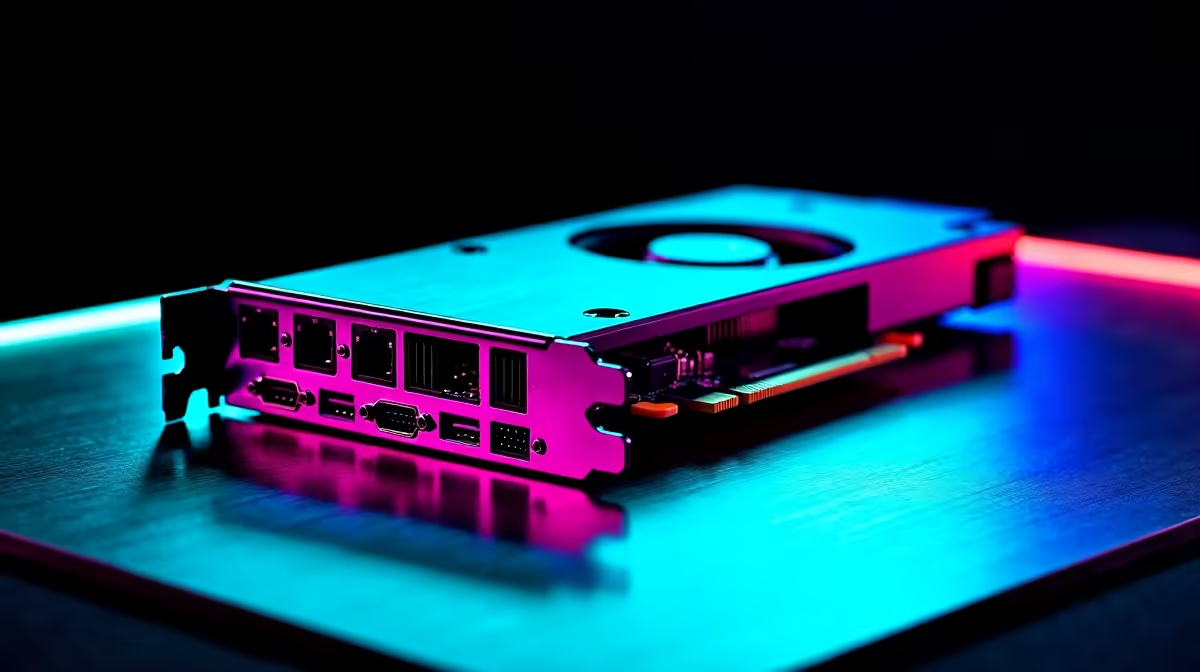
A capture card is a device that captures your gameplay footage and feeds it to your streaming software (like OBS or Streamlabs) more efficiently. It offloads some of the initial video capture work, but your gaming PC's processor still handles the heavy lifting of encoding—compressing your gameplay into a format suitable for streaming.
When a Capture Card Makes Sense
For many streamers, this is the perfect starting point. It's a significant upgrade over using software capture alone. If you have a powerful, modern gaming rig, a capture card can be all you need to produce a high-quality stream without major performance hits. It's a cost-effective way to improve your production value. Even a solid budget PC, like some of the excellent gaming PCs available for under R20k, can become a streaming powerhouse with the right capture card.
Pros:
- Affordable: Cheaper than building a second PC.
- Simple Setup: Relatively easy to install and configure.
- Reduced Load: Takes some strain off your GPU/CPU compared to software capture.
Cons:
- Doesn't Eliminate Encoding Load: Your CPU is still doing the hard work of encoding.
- Not a Silver Bullet: A high-bitrate 1080p60 stream can still tax even a powerful single-PC setup.
The Dedicated Streaming PC: The Ultimate Reliability Play ✨
This is the professional's choice. A two-PC setup completely separates your gaming and streaming workloads. Your main rig does one thing: play games at the highest possible frame rate. A second, dedicated streaming PC handles everything else: encoding the video feed from your gaming PC (via a capture card), running OBS, managing alerts, and interacting with chat.
This setup offers unparalleled stability. Your game's performance is completely untouched. Your stream's quality is consistent, regardless of how intense the in-game action gets. For a dedicated streaming PC, you don't need a beastly graphics card; the focus is on a capable CPU. Both powerful Intel PCs with Quick Sync video technology and multi-core AMD Ryzen builds are fantastic options for handling the x264 encoding workload smoothly.
Stream Health Pro Tip 🔧
In OBS, always keep the 'Stats' dock open (View > Docks > Stats). The most important number to watch is 'Frames Missed Due to Rendering Lag' and 'Skipped Frames Due to Encoding Lag'. If these numbers are climbing, your PC is struggling. A dedicated streaming PC setup aims to keep both of these counters at a beautiful, stable zero.
Is a Second PC Overkill?
For a casual streamer, maybe. But if you're serious about growing your channel, competing in esports, or simply demand a flawless broadcast every single time you go live, a dedicated streaming PC is the gold standard for reliability. It removes the single point of failure and ensures your content is always delivered at the highest quality. For a plug-and-play solution, exploring custom pre-built PC deals can give you a perfectly optimised streaming rig right out of the box.
The Verdict: What's Right for Your SA Stream?
The choice between a capture card vs a dedicated streaming PC comes down to your budget and ambition.
- Go for a Capture Card if: You're starting your streaming journey, have a powerful gaming PC already, and want a significant quality boost without breaking the bank.
- Invest in a Dedicated Streaming PC if: You're a full-time creator or aspiring pro, stream demanding competitive games, and cannot afford any technical issues, lag, or dropped frames. It's the ultimate investment in your channel's quality and reliability.
Ultimately, a stable stream builds a loyal audience. Choose the path that lets you focus on what truly matters… creating amazing content.
Ready to Build Your Unstoppable Streaming Setup? Whether you're upgrading your main rig or building a dedicated streaming PC, having the right hardware is key. Explore our massive range of gaming PCs and find the perfect machine to take your stream to the next level.











