


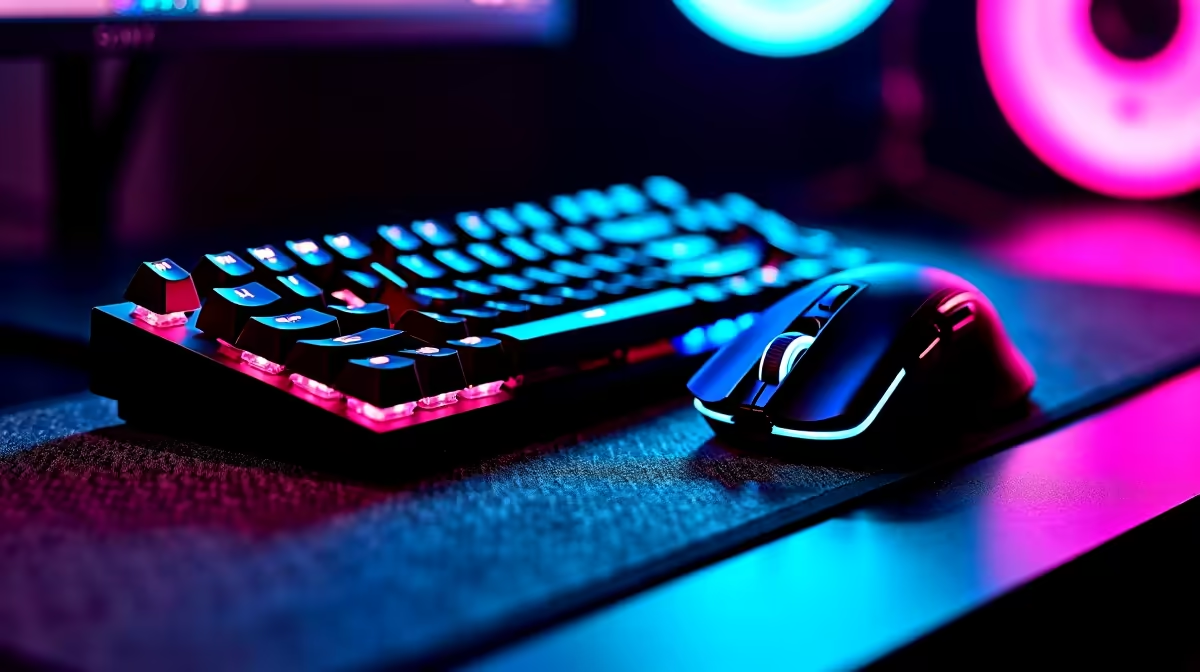
Howzit, fellow gamers! You know the feeling... that heart-pounding 1v1 clutch in Valorant. You flick your mouse, click to fire, but the enemy’s shot lands a millisecond before yours. Was it skill, or something else? Often, the invisible enemy is gaming keyboard and mouse latency—the tiny delay between your action and the game's reaction. In South Africa, where every ping point counts, mastering your hardware's response time is non-negotiable for a real competitive edge.
Understanding Input Latency
So, what is this "latency" we're talking about? Simply put, it's the time it takes for your click or keypress to register on-screen. This delay is measured in milliseconds (ms), and while it seems tiny, it's the difference between landing a headshot and staring at a respawn screen. High gaming keyboard and mouse latency creates a frustrating disconnect, making your aim feel "floaty" or unresponsive. For competitive titles, minimising this input lag is just as crucial as having a high refresh rate monitor.
Wired vs. Wireless: The 2024 Verdict ⚡
For years, the rule was simple: serious gamers use wired peripherals. Wireless was seen as laggy and unreliable. But that's old news. Modern wireless tech, like Razer's HyperSpeed and Logitech's LIGHTSPEED, delivers performance that is virtually indistinguishable from a wired connection. These 2.4GHz dongle-based systems are engineered for ultra-low latency. While Bluetooth is great for convenience, it's not ideal for intense gaming. So, if you want a clean, cable-free setup without sacrificing speed, pro-grade wireless is a lekker option, even for those running high-end rigs over R20k.
Key Specs That Actually Make a Difference
When hunting for low-latency gear, marketing terms can be confusing. Let's cut through the noise and focus on what truly impacts your gaming keyboard and mouse latency.
Polling Rate (Hz)
Think of polling rate as how many times per second your mouse or keyboard reports its status to your PC. A 1000Hz polling rate means it's reporting 1,000 times per second, or once every millisecond. This is the gold standard for competitive gaming. While some newer mice boast 4000Hz or even 8000Hz, the real-world benefit diminishes for most players and requires a powerful CPU to handle the load. For the vast majority of gamers using anything from budget gaming PCs to mid-range machines, 1000Hz is the sweet spot.
Switch Type (Keyboards)
For keyboards, the type of switch is critical. Mechanical switches are popular for their tactile feedback and durability. However, for pure speed, optical switches are king. They use a beam of light to register a keypress, resulting in near-instantaneous actuation. This reduces physical delay and improves the overall responsiveness, a feature you'll appreciate whether you're on a custom build or one of our powerful pre-built PC deals.
Optimisation Tip 🔧
To get the most out of a high-polling-rate mouse (1000Hz+), make sure you plug it into a high-speed USB port directly on your motherboard's rear I O panel, not a front-panel port or a USB hub. This ensures a stable connection and consistent power, preventing data bottlenecks that could compromise your mouse's low latency performance.
Your PC's Role in the Latency Chain
Here's a crucial fact many gamers overlook: your peripherals are only one part of the equation. The fastest mouse in the world won't help if your PC is the bottleneck. System latency—the time it takes your PC to process frames and display them—can completely overshadow your peripheral latency. A powerful CPU and a capable graphics card are essential for processing your inputs and rendering the results quickly. This is why pairing responsive peripherals with one of Evetech's best gaming PC deals is the ultimate combo for reducing total input lag from click to screen. You don't need to break the bank either; many modern gaming PCs under R20k are more than capable of delivering a smooth, responsive experience.
Ultimately, understanding and minimising gaming keyboard and mouse latency is about giving your skills the best possible chance to shine. It’s about ensuring your hardware keeps up with your reflexes, so you can focus on the win. 🚀
Ready to Eliminate Lag for Good? Don't let slow peripherals hold you back. Upgrading your gear is one of the fastest ways to gain a competitive edge. Explore our range of gaming keyboard and mouse combos and find the perfect low-latency setup to dominate the server.










